Cinematic Camera
⚪ Last updated 2020Preview
🔍 Analysis
- 👍 0.0% endorsement rate
📋 About This Mod
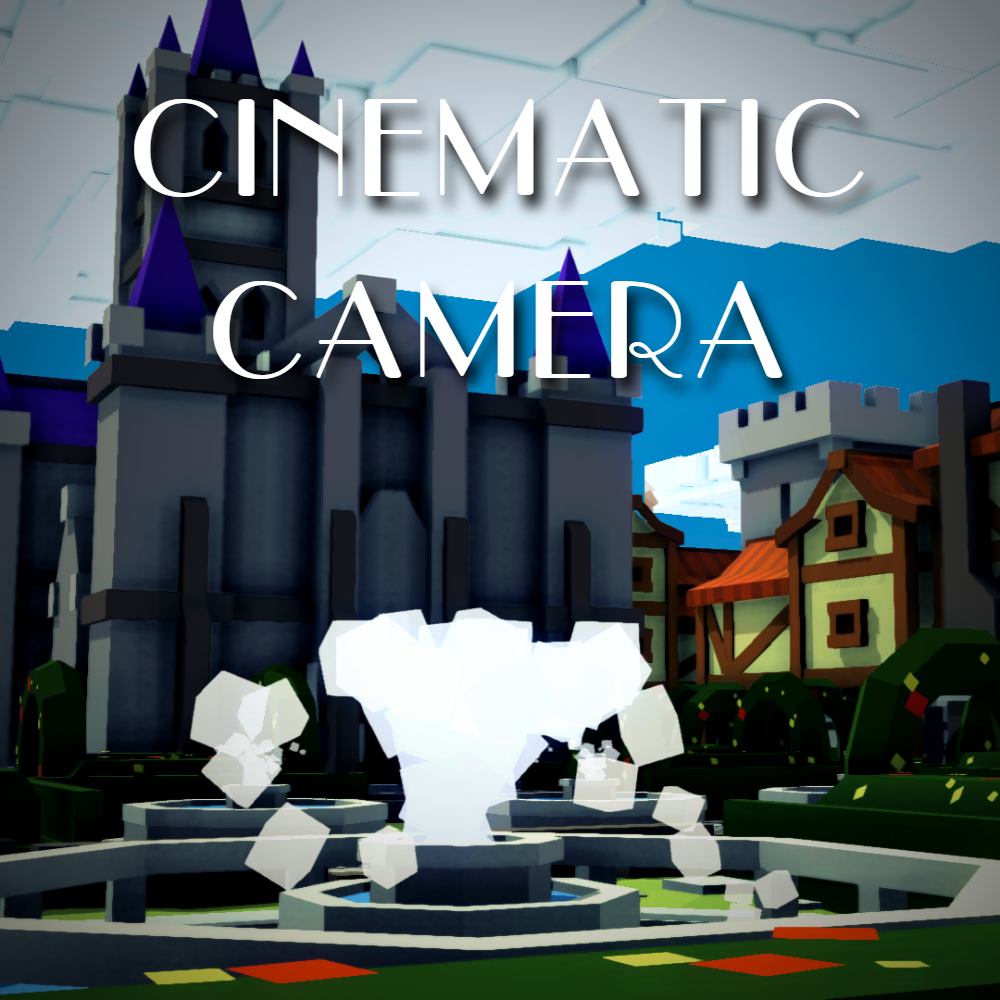
Add a Free Camera and a Cinematic Camera mode to K&C. https://www.youtube.com/watch?v=wkE_awfDiEw Press F5 to enter Default Camera (original one) Press F6 to enter Free Camera Press F7 to enter Cinematic Camera (smooth controls) Control the camera with your mouse W/S to move forward/backward, A/D to move left/right Space/X to move up/down While moving, Use Left Shift to move faster Use Left Ctrl to move slower
📊 Mod Details
- Game
- Kingdoms And Castles Mods
- Author
- 76561198020269981
- Version
- N/A
- Downloads
- 15,228
- Endorsements
- 0
- Category
- mod, kcmod, mods, Free, Cinematic, FPS, Camera, Visual
- Created
- 1/12/2020
- Updated
- 4/23/2020
🔧 How to Install Kingdoms and Castles Mods
Subscribe on Steam Workshop. Mods auto-download and install. Launch the game to activate.
📖 Full step-by-step install guide for Kingdoms and Castles →
Visit the official mod page for specific installation instructions for this mod.
🎮 Need cheat codes or console commands? Check ur gaming wiki for Kingdoms and Castles commands, item IDs, and more.
Keep browsing — more Kingdoms and Castles mods await