Unbelievable Reshade
⚪ Last updated 2018Preview
🔍 Analysis
- 👍 3.2% endorsement rate — high engagement, a strong quality signal
- 🏆 #31 of 72 Visuals and Graphics mods in this game by downloads
📋 About This Mod
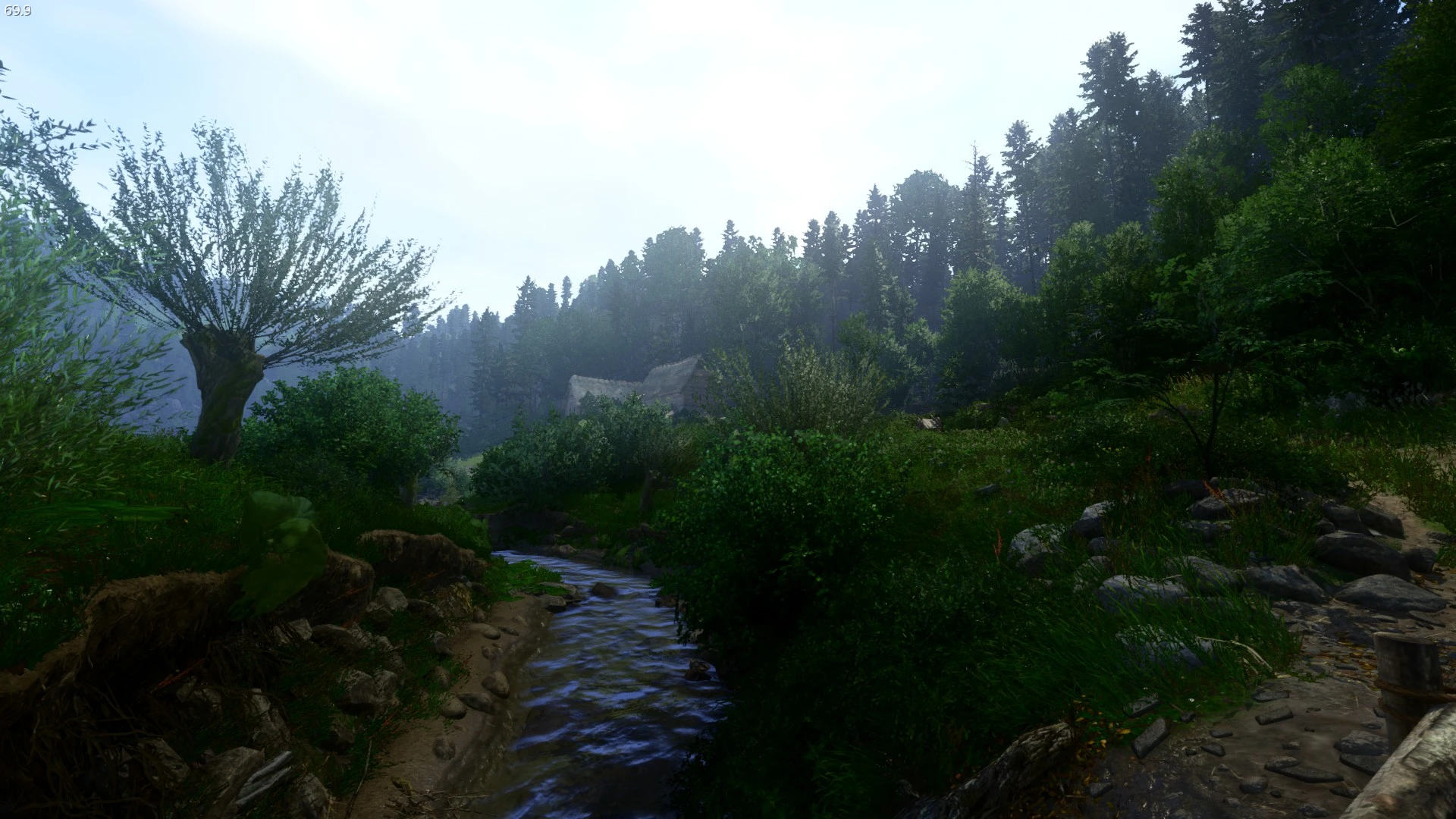
More vibrant colors, defined shadows, contrast and warmer interiors.
★★ This is the final form of my own made Reshade preset. ★★
It took me a while to get it to look how I wanted, but here it is.
-Cozy, warm interiors
-Vibrant, fantasy style colors
-Beautiful bloom and lighting effect
-Increased sharpness without any grain
I can't play without it anymore, it really makes KCD's already beautiful graphics a whole lot better.
I recommend the Volumetric fog enabler in addition, it looks great together.
Note you will get around 3-6 fps loss when using this preset.
KGky9_s5VIU
-------------------------------------------------------------------------------------------------------------------------------------------------------------------------------------------------------------------------------------------------------------
Installation:
Just drag the bin folder in the downloaded .rar file into the main game folder located at \Steam\steamapps\common\KingdomComeDeliverance\
To uninstall, just remove the following files from the Steam\steamapps\common\KingdomComeDeliverance\Bin\Win64 folder:
reshade-shaders
UnbelievableReshadeKCD.ini
--------------------------------------------------------------------------------------------------------------------------------------------------------------------------------------
To toggle reshade, press the Print key, to reconfigure it, press shift and f2 at the same time.
---------------------------------------------------------------------------------------------------------------------------------------------------------------------------------------
In case it isn't working, first check if you have the newest version.
If it still doesn't work, open the menu with shift+f2 and check these things first:
-Check if the paths for the textures and shaders folders are correct
-Check if the preset is selected in the preset dropdown menu (arrow pointing down on the top right of the menu)
-Check if the effects are enabled (checkmarks beside the effect)
One user pointed out that renaming dxgi.dll to d3d11.dll and dxgi.ini to d3d11.ini fixed the mod for him, try that as well.
If that doesn't help, feel free to tell me in the comments and I will gladly help.
-------------------------------------------------------------------------------------------------------------------------------------------------------------------------------------
If you like this mod, please consider endorsing it :)
Hope you like it as much as I do,
Woulve
📊 Mod Details
- Game
- Kingdomcomedeliverance Mods
- Author
- Woulve
- Version
- 1
- Downloads
- 14,378
- Endorsements
- 462
- Category
- Visuals and Graphics
- Created
- 2/15/2018
- Updated
- 2/18/2018
🔧 How to Install Kingdomcomedeliverance Mods
Download from Nexus Mods.
📖 Full step-by-step install guide for Kingdomcomedeliverance →
Visit the official mod page for specific installation instructions for this mod.
🎮 Need cheat codes or console commands? Check ur gaming wiki for Kingdomcomedeliverance commands, item IDs, and more.
Keep browsing — more Kingdomcomedeliverance mods await