No Mo' Slow Mo - Configurable Perfect Block Slow Motion and AI Master Strike frequency
⚪ Last updated 2022Preview
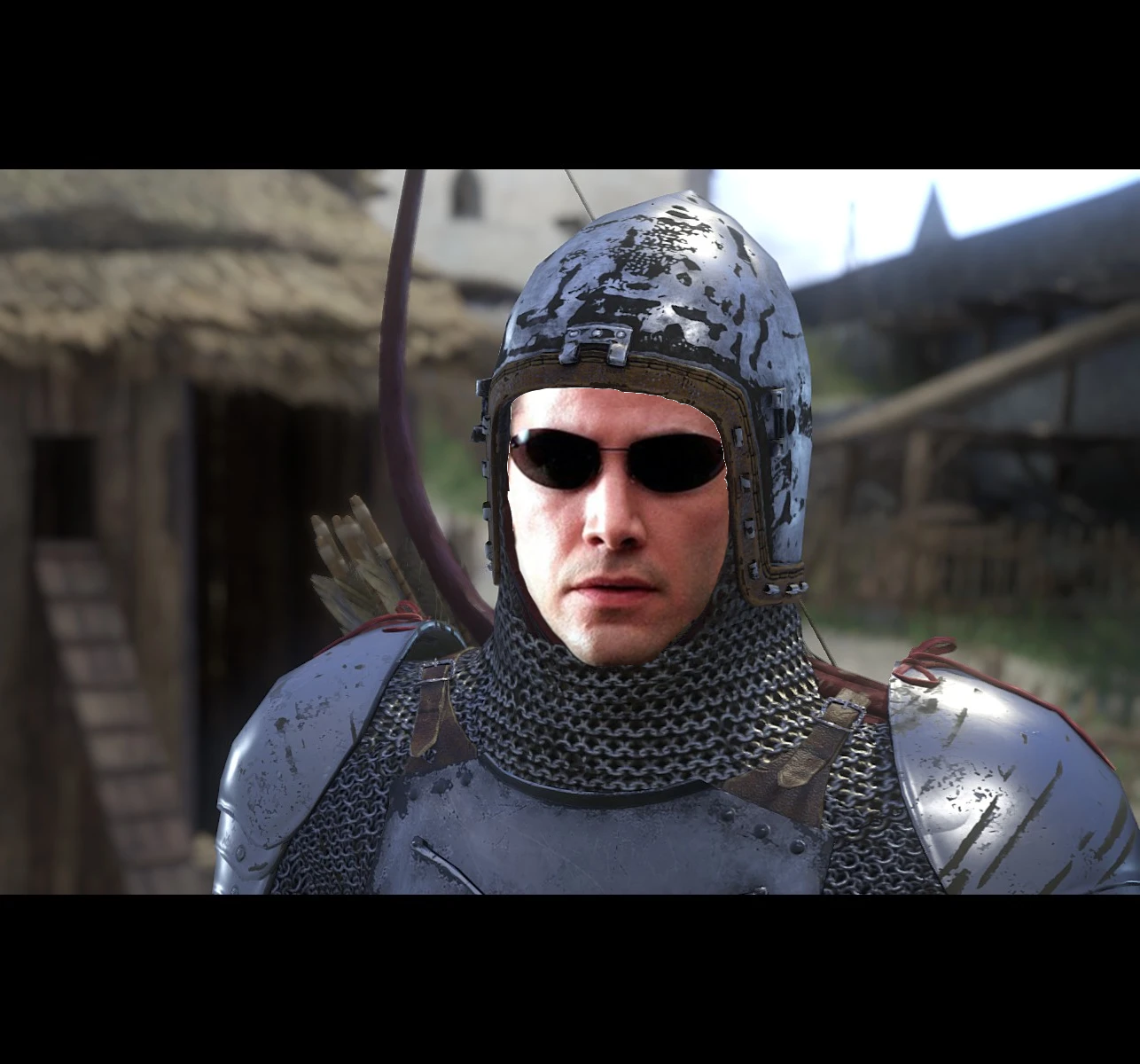
🔍 Analysis
- 👍 1.7% endorsement rate — high engagement, a strong quality signal
- 🏆 #14 of 219 Gameplay mods in this game by downloads
📋 About This Mod
This mod adds a console command "sys_spec_twtoggle" that controls the length of the slow-motion effect when perfect blocking and master striking.
FILE CONTENTS:
Main - Only adds the console command to control slow-motion. Must be manually installed.
Options - additional mods to control AI Master Strike frequency as well as disable the slow motion sound that happens when you PB/Master Strike. Can be
manually installed or installed using a mod manager.
Installation instructions are included in both files. For the love of Henry, read them.
SLOW-MO CONFIGURATION:
sys_spec_twtoggle has 7 options that can be changed by either adding the line to your user.cfg, or using the console in-game.
1: Default slow motion effect
2: Completely disabled slow motion
3 - 7: Keep the slow motion effect, but speed it up. 3 is fastest, 7 is slowest
The animations the game uses are made for slow motion, so they look a bit strange if you use option 2. I recommend 3 or 4.
No Mo' Slow Mo adds a console command to control the length of slow-motion effects during perfect blocks and master strikes in Kingdom Come: Deliverance. It includes optional mods to adjust AI Master Strike frequency and disable the slow-mo sound. With 2,955 endorsements and 175,734 downloads, it's a popular gameplay tweak for players who want more control over combat pacing.
✨ Key Features
📊 Pros & Cons
✅ Pros
- Huge community trust with 2,955 endorsements and 175k downloads.
- Flexible configuration: 7 slow-mo options plus AI frequency and sound toggles.
- Author includes clear install instructions and even recommends best settings.
⚠️ Cons
- Main file requires manual installation—no mod manager support for the core command.
- Disabling slow-mo entirely (option 2) makes animations look weird, so you're stuck with some slow-mo.
- Last updated in 2022—might not be compatible with future game patches.
For Kingdom Come: Deliverance players who find the slow-mo on perfect blocks and master strikes too long or annoying. Also great for those who want to tweak AI Master Strike frequency for a more balanced challenge. Skip if you're fine with the default combat feel or want a full overhaul.
💡 Beginner Tips
- Read the included installation instructions carefully—the author emphasizes this for a reason.
- If using the optional mods, a mod manager makes installation easier, but the main file must be placed manually.
- Test different sys_spec_twtoggle values in-game via console to find your preferred slow-mo length before editing user.cfg.
📊 Mod Details
- Game
- Kingdom Come Mods
- Author
- Raok
- Version
- 2.0b
- Downloads
- 175,734
- Endorsements
- 2,955
- Category
- Gameplay
- Created
- 2/27/2018
- Updated
- 12/30/2022
🧩 Commonly Used Together
Users add these mods to the same collections — a real compatibility signal, not an AI guess.
🔧 How to Install Kingdom Come Mods
Create /Mods/ folder in Data directory. Use Vortex for complex mods.
📖 Full step-by-step install guide for Kingdom Come →
Visit the official mod page for specific installation instructions for this mod.
🎮 Need cheat codes or console commands? Check ur gaming wiki for Kingdom Come commands, item IDs, and more.
Keep browsing — more Kingdom Come mods await