HUD On off binding
⚪ Last updated 2018Preview
🔍 Analysis
- 👍 4.2% endorsement rate — high engagement, a strong quality signal
- 🏆 #35 of 44 User Interface mods in this game by downloads
📋 About This Mod
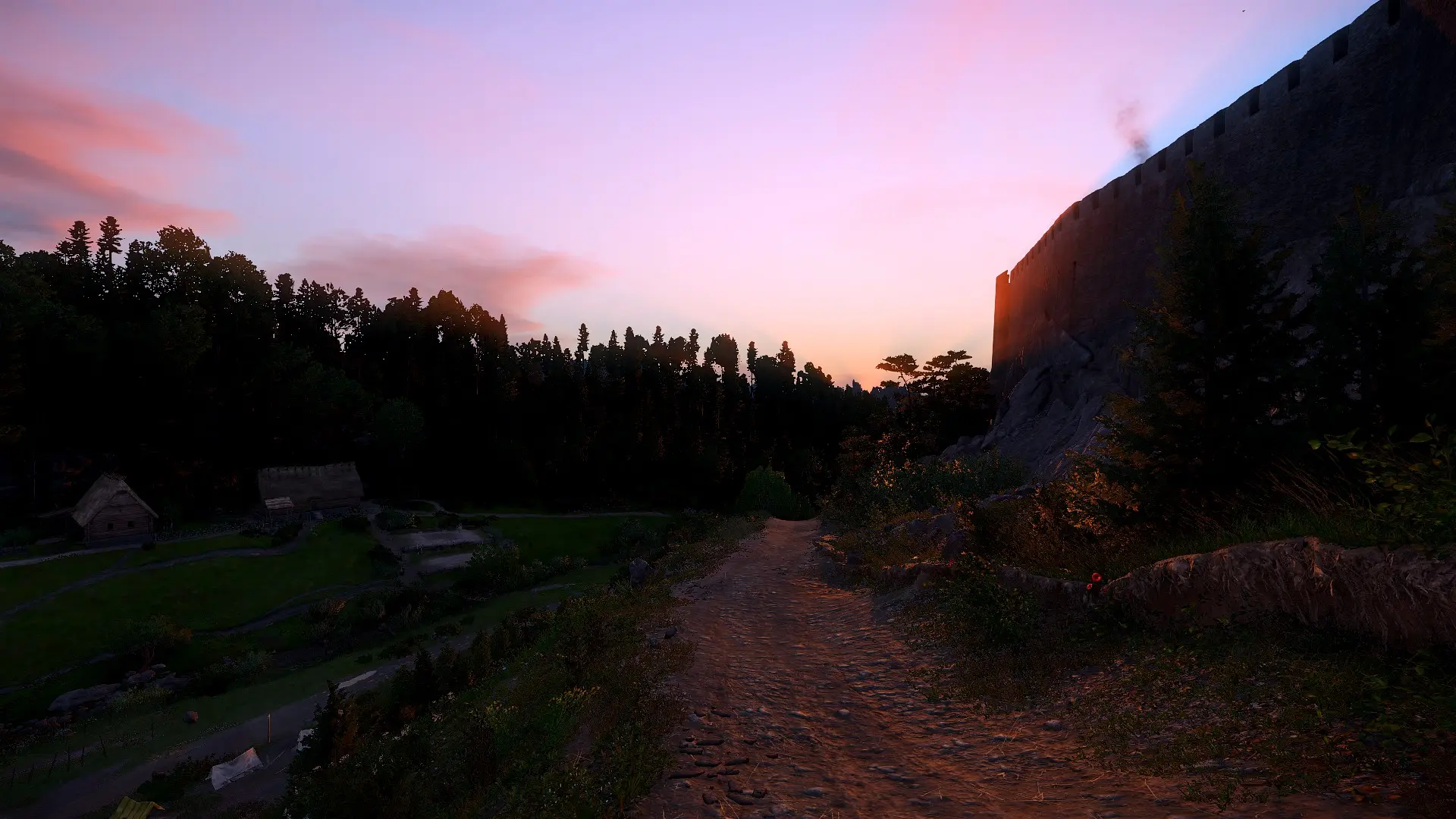
This simple .cfg file is for binding keys to hide, or show the HUD for epic screenshots ;) You can change the keys in the .cfg file.
To install just put the user.cfg file into the main Kingdom Come: Deliverance directory (e.g Program Files (x86)\Steam\steamapps\common\KingdomComeDeliverance)
Standardly i have bind the keys 8 (off) and 9(on).
You can also type the code in the console. Open the console and type:
Bind "key" g_ShowHud 0 (off)
Bind "key" g_ShowHud 1 (on)
Sorry all i've forgot something important. (thanks to Martimius for remembering me)
You have to add "+exec user.cfg" command under the steam launch options. this will load the .cfg and its works.
Right-click on the game title under the Library in Steam and select Properties.
Under the General tab click the Set launch options button.
Enter the launch options "+exec user.cfg" (without quotes) and click OK
Close the game's Properties window and launch the game.
A simple .cfg file that binds keys to toggle the HUD in Kingdom Come: Deliverance for screenshots. Install by placing user.cfg in the main directory and adding +exec user.cfg to Steam launch options. Keys 8 and 9 are default, but can be changed. 208 endorsements, last updated in 2018.
✨ Key Features
📊 Pros & Cons
✅ Pros
- Simple and effective for its purpose (208 endorsements)
- Lightweight .cfg file, no mod manager needed
- Customizable key bindings via editing the file
⚠️ Cons
- Last updated in 2018 — may not work with current game patches
- Requires manual Steam launch option setup, which can confuse newcomers
- No in-game menu integration; you must edit files or use console
For Kingdom Come: Deliverance players who take screenshots and want a quick way to hide the HUD. Also for modders who want a simple example of config-based keybinding. Skip if you prefer a full UI overhaul or in-game settings.
💡 Beginner Tips
- Make sure to add +exec user.cfg to Steam launch options, otherwise the bindings won't load.
- If you change the keys, use the same format as the default (e.g., bind "8" g_ShowHud 0).
- Test the bindings in-game by pressing 8 and 9; if they don't work, double-check the file placement.
📊 Mod Details
- Game
- Kingdom Come Mods
- Author
- Alexander Senge
- Version
- 1.0
- Downloads
- 4,987
- Endorsements
- 208
- Category
- User Interface
- Created
- 2/16/2018
- Updated
- 2/16/2018
🔧 How to Install Kingdom Come Mods
Create /Mods/ folder in Data directory. Use Vortex for complex mods.
📖 Full step-by-step install guide for Kingdom Come →
Visit the official mod page for specific installation instructions for this mod.
🎮 Need cheat codes or console commands? Check ur gaming wiki for Kingdom Come commands, item IDs, and more.
Keep browsing — more Kingdom Come mods await