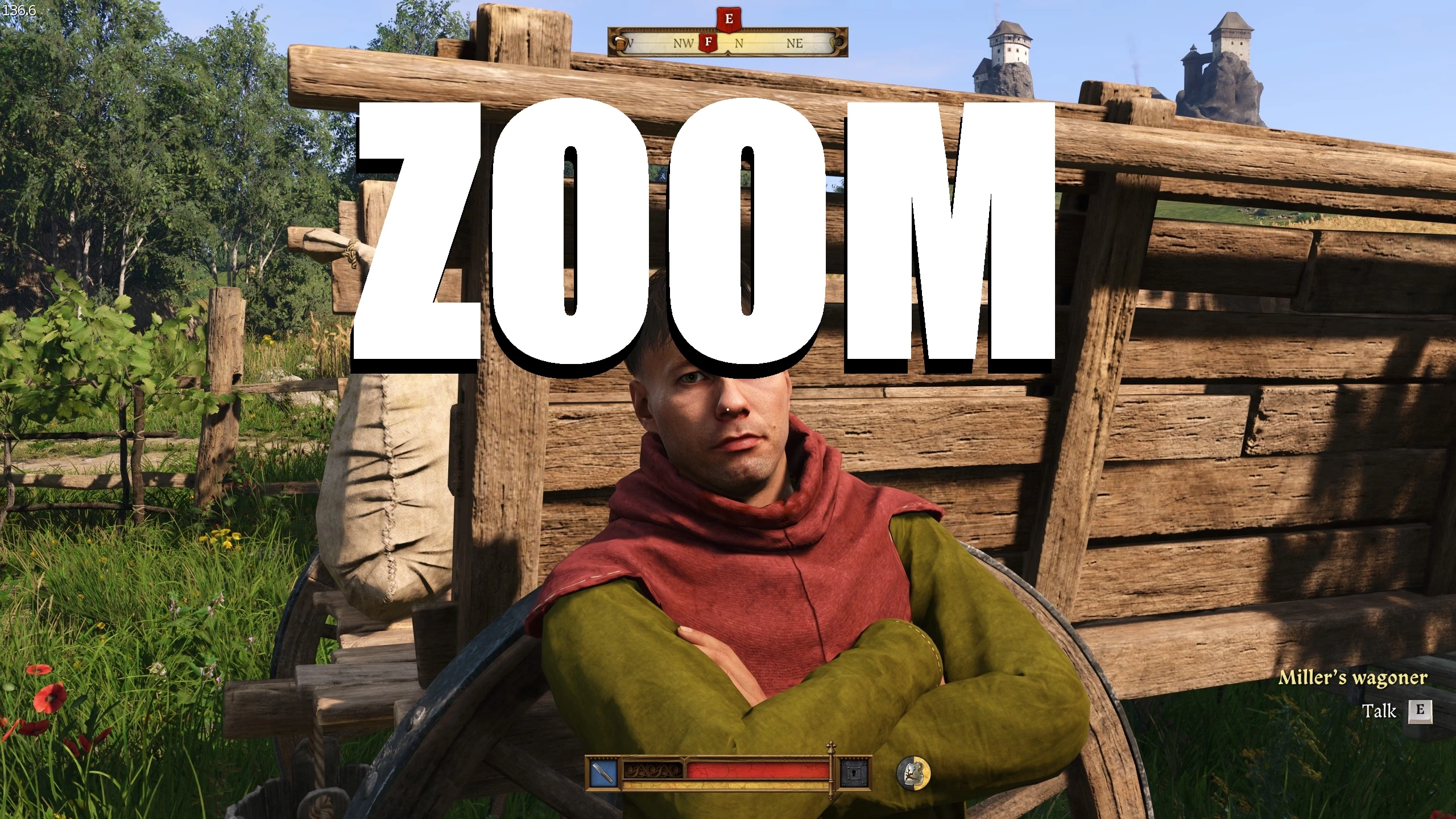
Kingdom Come Deliverance 2 Zoom
🟠 Updated over a year agoPreview
🔍 Analysis
- 👍 3.3% endorsement rate — high engagement, a strong quality signal
- 🏆 #427 of 758 Gameplay mods in this game by downloads
📋 About This Mod
Adds zoom feature like in Arma or DayZ game. The zoom in is binded to mouse5 and zoom out to mouse4.
Installation
-
[]Extract the file and place it game folder `/Steam/steamapps/common/KingdomComeDeliverance2`
[
]If you already had the user.cfg file, you can just copy these values there:
Bind mouse5 cl_Fov 40; zoom in
Bind mouse4 cl_fov 80; zoom out, add your own fov here
3. Add this to Steam launch options. (Steam > right click on KCD2 > Properties > General > Launch options):
-devmode +exec user.cfg
Customization
-
[]FOV Settings: The `cl_Fov`
values (set to 40 and 80 in the example) can be adjusted to your preferred FOV. Change them to values that best suit your gameplay.[
]Key Bindings: If you like to use different keys for zooming, simply rebind the commands to your chosen buttons. - Zoom Speed: The `cl_fovBlendTime`
parameter controls how quickly the zoom transition occurs. The default setting is 1 second. This reduces it to 0. 24s.
Unfortunately I couldn't get the toggle or hold one button to use zoom to work.
📊 Mod Details
- Game
- Kingdom Come 2 Mods
- Author
- Mixuu
- Version
- 1.0
- Downloads
- 1,088
- Endorsements
- 36
- Category
- Gameplay
- Created
- 2/8/2025
- Updated
- 2/8/2025
🔧 How to Install KCD2 Mods
Use Vortex or manual.
📖 Full step-by-step install guide for KCD2 →
Visit the official mod page for specific installation instructions for this mod.
🎮 Need cheat codes or console commands? Check ur gaming wiki for KCD2 commands, item IDs, and more.
Keep browsing — more KCD2 mods await