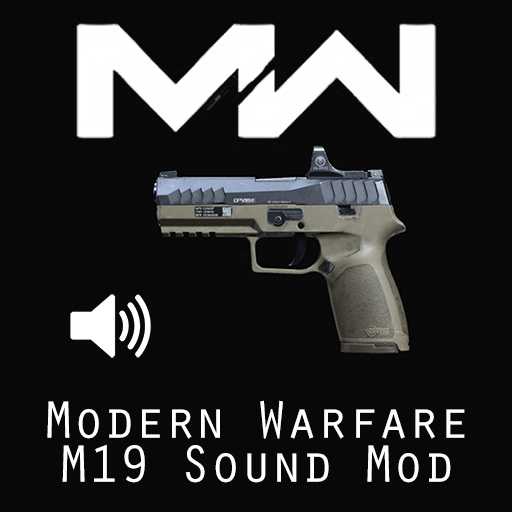
MW2019 M19 Sound Mod
⚪ Last updated 2021Preview
🔍 Analysis
- 👍 0.0% endorsement rate
- 🏆 #46 of 164 Weapons mods in this game by downloads
📋 About This Mod
Replaces the audio of HMTech-101 Pistol with M19 from Modern Warfare. Installing 1. Subscribe to download the file. You may have to start KF2 to begin the download. 2. Locate the file in SteamLibrary\steamapps\workshop\content\232090\2626347796 3. Copy the ‘BrewedPC’ folder inside and paste it into: \Documents\my games\KillingFloor2\KFGame\Published\ Or grab the bnk file inside the folder, copy paste it into: \Documents\my games\KillingFloor2\KFGame\Published\BrewedPC\WWiseAudio\Windows If you don’t have the path just create the exact folders yourself.
📊 Mod Details
- Game
- Killing Floor 2 Mods
- Author
- 76561198029032707
- Version
- N/A
- Downloads
- 952
- Endorsements
- 0
- Category
- Weapons
- Created
- 10/12/2021
- Updated
- 10/12/2021
🔧 How to Install Killing Floor 2 Mods
Subscribe on Steam Workshop. Mods auto-download and install. Launch the game to activate.
📖 Full step-by-step install guide for Killing Floor 2 →
Visit the official mod page for specific installation instructions for this mod.
🎮 Need cheat codes or console commands? Check ur gaming wiki for Killing Floor 2 commands, item IDs, and more.
Keep browsing — more Killing Floor 2 mods await