Warmth - ReShade Preset
⚪ Last updated 2021⚠️ Install Order · 1 step
Install in this order, then this mod last — most mods fail to load without their framework and dependencies in place.
Preview
🔍 Analysis
- 👍 6.5% endorsement rate — high engagement, a strong quality signal
- 🏆 #91 of 120 Visuals and Graphics mods in this game by downloads
📋 About This Mod
- ABOUT -
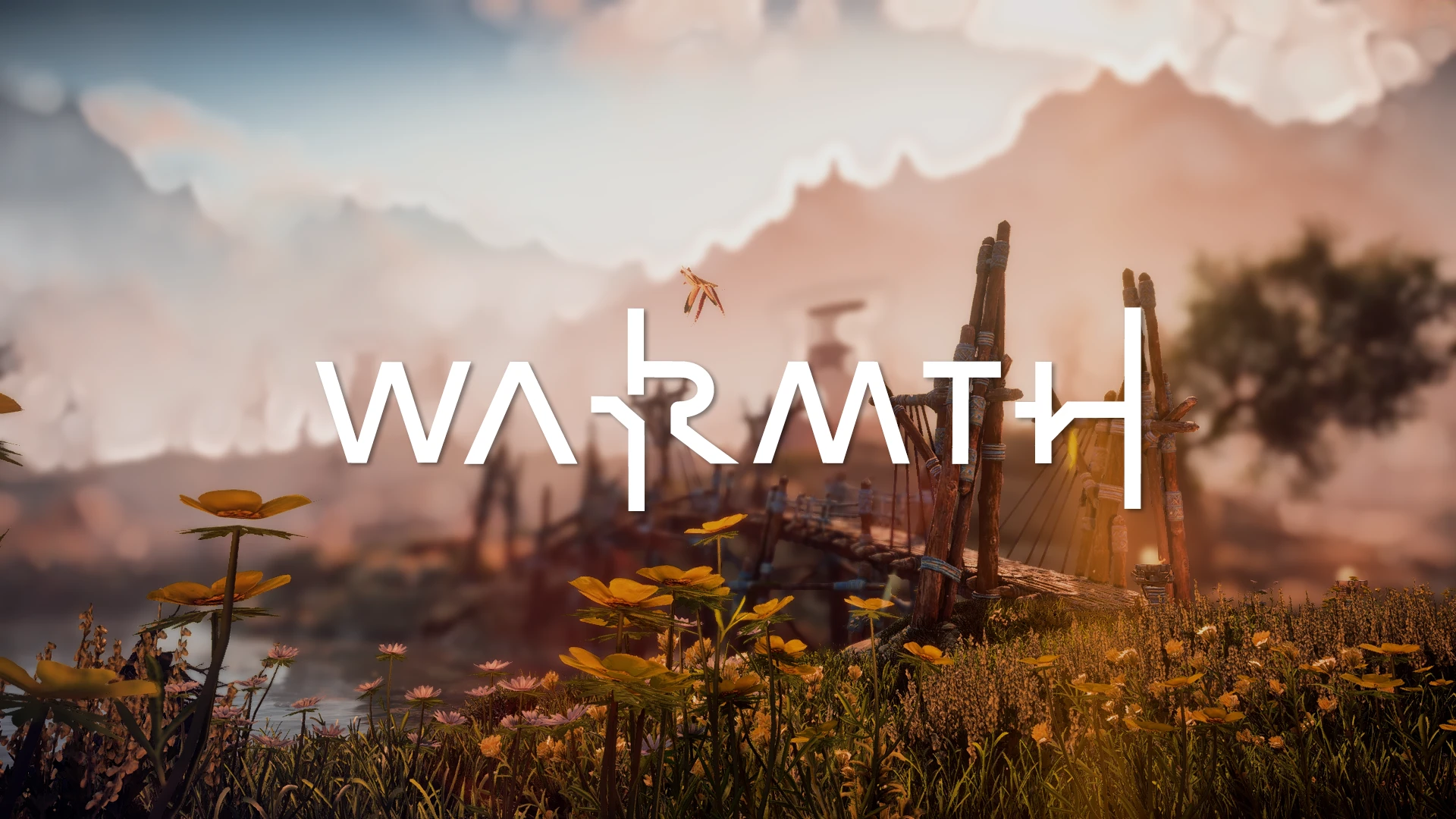
This preset will give your game more warmth and deeper colors. I made it for myself, but hopefully someone else enjoys it as well :)
- INSTALLATION - (if you don't have reshade yet)
Step 1 - Download the latest version of ReShade at https://reshade.me/
Step 2 - Open the Reshade in staller and select Horizon Zero Dawn from the list.
Step 3 - Select "Direct3D 10/11/12" as the rendering API.
Step 4 - Check all the boxes in the effects list.
Step 5 - Once it has finished installing, you can close the ReShade menu.
Step 6 - Download my preset(s) and drop the .ini files into the game folder.
Step 7 - Launch the game!
Step 8 - Once you're in the game, press on your keyboard to open the ReShade menu.
Step 9 - Press at the bottom of the menu and set to 0.
Step 10 - Select the preset at the dropdown menu at the top of the ReShade menu and enjoy!
- INSTALLATION - (if you already have reshade)
Step 1 - Drop this file into your game folder and that's it :D
Warmth is a ReShade preset for Horizon Zero Dawn that enhances visuals with warmer tones and includes two versions: a full version with depth of field for screenshots and cinematics, and a lite version without DOF for smoother gameplay. With 84 endorsements and over 1,200 downloads, it's a niche but appreciated visual upgrade for players seeking a prettier game.
✨ Key Features
📊 Pros & Cons
✅ Pros
- Two versions give you flexibility: use DOF for pretty screenshots, lite for smooth gameplay.
- Decent community traction with 84 endorsements and over 1,200 downloads.
- Simple ReShade preset—just drop it in and tweak to your liking.
⚠️ Cons
- Last updated in February 2021—might not be tested with the latest game patches or ReShade versions.
- No before/after screenshots or detailed settings breakdown in the description.
- Requires ReShade installed separately, which adds setup steps for newcomers.
For Horizon Zero Dawn players who want a warmer, more cinematic look without heavy performance hits—especially if you enjoy taking screenshots. The lite version is great for those who want visual polish while keeping frame rates up. Skip if you prefer vanilla colors or don't want to fiddle with ReShade.
💡 Beginner Tips
- Make sure you have ReShade installed and working before adding this preset—it's a separate download from Nexus.
- Use the lite version for regular gameplay and switch to the DOF version only when you're taking screenshots or recording cinematics.
- If the preset looks too strong or too weak, tweak the intensity sliders in ReShade's in-game overlay to match your taste.
📊 Mod Details
- Game
- Horizonzerodawn Mods
- Author
- DaisyBunnii
- Version
- 1.0
- Downloads
- 1,284
- Endorsements
- 84
- Category
- Visuals and Graphics
- Created
- 2/24/2021
- Updated
- 2/24/2021
🔧 How to Install Horizon Zero Dawn Mods
Download from Nexus Mods.
📖 Full step-by-step install guide for Horizon Zero Dawn →
Visit the official mod page for specific installation instructions for this mod.
🎮 Need cheat codes or console commands? Check ur gaming wiki for Horizon Zero Dawn commands, item IDs, and more.
Keep browsing — more Horizon Zero Dawn mods await