Endless Horizons Reshade
⚪ Last updated 2021⚠️ Install Order · 1 step
Install in this order, then this mod last — most mods fail to load without their framework and dependencies in place.
Preview
🔍 Analysis
- 👍 6.4% endorsement rate — high engagement, a strong quality signal
- 🏆 #67 of 120 Visuals and Graphics mods in this game by downloads
📋 About This Mod
ENDLESS HORIZONS
My Mod List | Buy me a coffee
|
My Patreon
DESCRIPTION
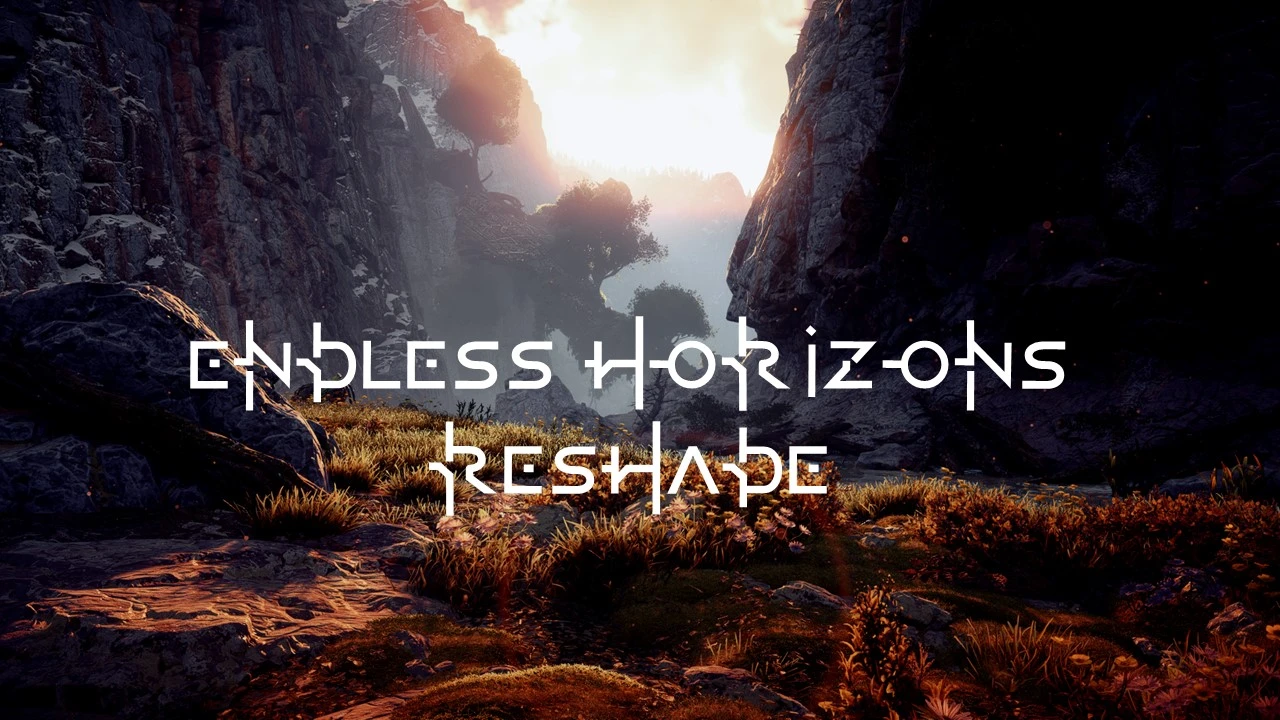
Endless Horizons is a Reshade preset which aims to do a few things:
- minimize the yellowish tinit in game. Yellow is present but only in the right places.
- improve the overall color palette to a more vibrant sci-fi fantasy feel.
- enhance colors, vibrance, color balance, shadows and lighting effects.
- make the game feel crisper and sharper without over-sharpening
INSTALLATION
1. Download latest version of Reshade in your game's .exe folder.
2. When you run Reshade setup choose the DirectX 10/11/12 option and hit the big Install button.
3. When prompted to download shaders, download them all.
4. Download my Reshade preset and paste it into the above location where you installed Reshade.
Endless Horizons is a Reshade preset for Horizon Zero Dawn that aims to make the game more colorful yet realistic, vibrant yet visceral, enhancing an immersive sci-fi fantasy feel. With 158 endorsements and 2,468 downloads, it's a niche visual enhancement for players seeking a more vivid look.
✨ Key Features
📊 Pros & Cons
✅ Pros
- Community-tested with 158 endorsements and 2,468 downloads—people are using it.
- Delivers a specific visual style: more colorful and vibrant without losing realism.
- Easy to install if you already use Reshade—just drop the preset file in.
⚠️ Cons
- Last updated in 2021—might not work with the latest game patches or Reshade versions.
- Requires Reshade to be installed separately, which adds an extra step.
- No before/after screenshots or detailed setup instructions in the description, so you're flying blind until you try it.
For Horizon Zero Dawn players who want a more colorful and vibrant look without going full fantasy. If you're into tweaking visuals and already use Reshade, this is a quick way to change the mood. Skip if you prefer the original color grading or don't want to mess with Reshade.
💡 Beginner Tips
- Make sure you have Reshade installed and set up for Horizon Zero Dawn before adding this preset.
- After installing, tweak the preset's intensity settings in-game to match your monitor and taste.
- If the game updates, check if the preset still works—if not, you may need to adjust or wait for an update.
📊 Mod Details
- Game
- Horizonzerodawn Mods
- Author
- XONextGenXO
- Version
- 1.0
- Downloads
- 2,468
- Endorsements
- 158
- Category
- Visuals and Graphics
- Created
- 2/4/2021
- Updated
- 2/4/2021
🔧 How to Install Horizon Zero Dawn Mods
Download from Nexus Mods.
📖 Full step-by-step install guide for Horizon Zero Dawn →
Visit the official mod page for specific installation instructions for this mod.
🎮 Need cheat codes or console commands? Check ur gaming wiki for Horizon Zero Dawn commands, item IDs, and more.
Keep browsing — more Horizon Zero Dawn mods await