Performance boost for potato PC
⚪ Last updated 2023Preview
🔍 Analysis
- 👍 1.4% endorsement rate — high engagement, a strong quality signal
- 🏆 #14 of 180 Visuals mods in this game by downloads
📋 About This Mod
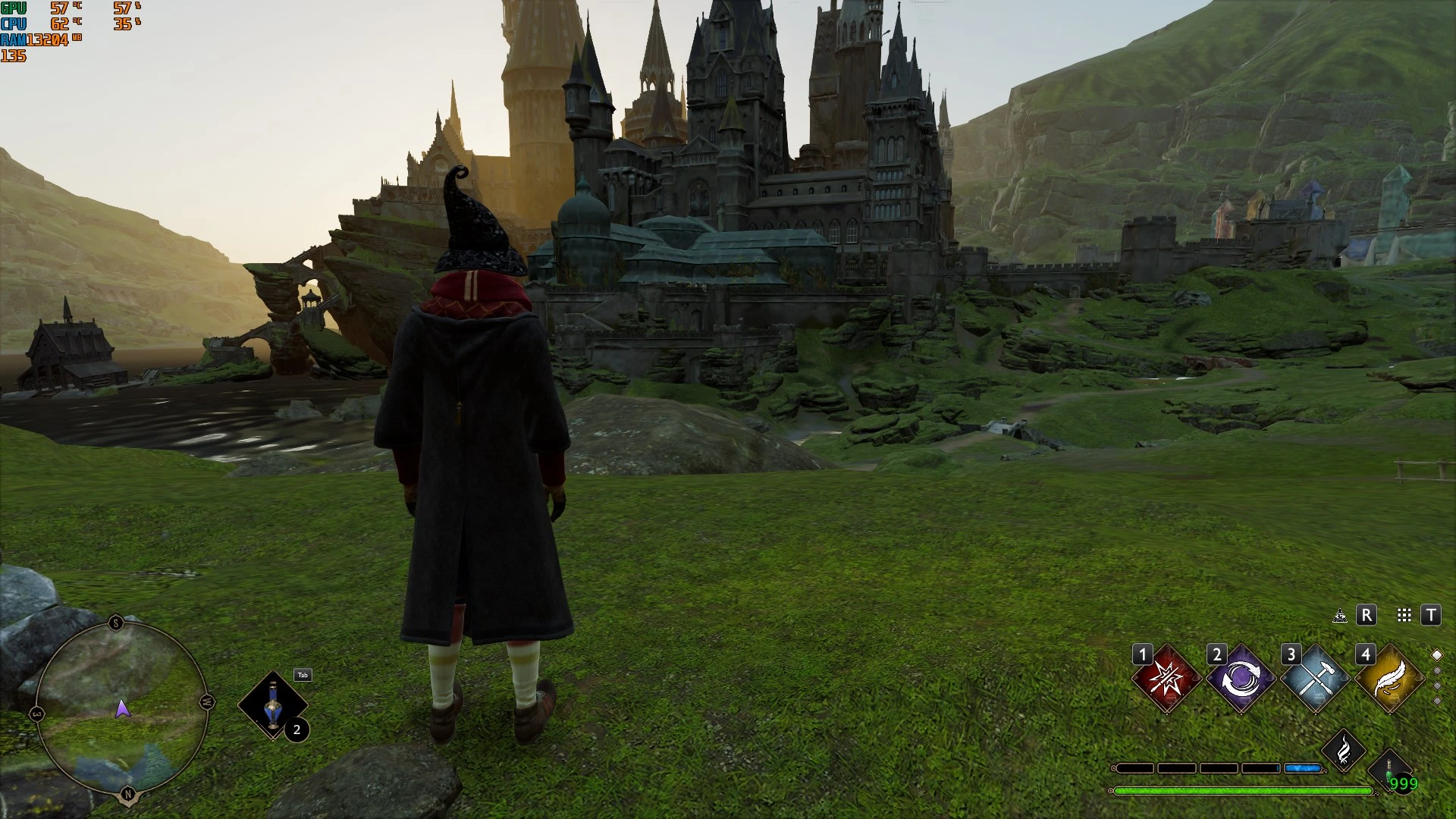
Made various changes to the graphic settings like low is now the lowest it could be and medium is optimized low. Can customize them form the settings menu like normal. More detailed info in the description.
View distance Quality:
Low settings is now the lowest without looking extreme potato.
Medium is vanilla low.
High is vanilla medium.
Ultra is vanilla high.
Shadows Quality:
Low shadows are now the lowest.
Medium is optimized low.
High is vanilla low.
Ultra is vanilla medium.
Post process Quality:
Low settings are the lowest.
Medium is optimized low.
High is vanilla low.
Ultra is vanilla medium.
Texture Quality:
Low is the lowest.
Medium is optimized low.
High is vanilla low.
Ultra is vanilla medium.
Effects Quality:
Low is lowest.
Medium is optimized low.
High is vanilla low.
Ultra is vanilla medium.
Foliage Quality:
Low is lowest.
Medium is optimized low.
High is vanilla low.
Ultra is vanilla medium.
Fog Quality:
Low is the lowest.
Medium is vanilla low.
High is vanilla medium.
Ultra is vanilla high.
Population Quality:
Low is optimized low.
Medium is vanilla low.
High is vanilla medium.
Ultra is vanilla high.
Sky Quality:
Low disables volumetric clouds.
Medium is vanilla low.
High is vanilla medium.
Ultra is vanilla High.
If you are having trouble with very bright indoor spaces try changing the shadow settings to medium or higher for enabled shadows. If you are having trouble with stars not shining bright enough in a mission try changing the post processing settings to medium or higher for enabled bloom.
Installation for .pak file:
[]Go to \Phoenix\Content\Paks
[]OPTIONAL Create a new folder there named "~mods".
[]Download the mod and drop its contents in either the Paks folder or the ~mods folder.
Installation for Scalability.ini file:
[]Go to %LOCALAPPDATA%\Hogwarts Legacy\Saved\Config\WindowsNoEditor
[]Replace your Scalability.ini with the mod's.
[]Make sure you set it to Read Only before launching the game or else it will be overwritten by the game and almost everything in it will be deleted. To set it to Read Only you need to Right Click it, click properties and check Read Only in there.
[*]If you want to edit it use Scalability Reference | Unreal Engine 4. 27 Documentation as a reference. To edit it uncheck Read Only, make whatever changes you want and set it back to Rea
📊 Mod Details
- Game
- Hogwartslegacy Mods
- Author
- yakuzadeso
- Version
- v1.06
- Downloads
- 16,826
- Endorsements
- 234
- Category
- Visuals
- Created
- 2/23/2023
- Updated
- 3/5/2023
🔧 How to Install Hogwarts Legacy Mods
Download from Nexus Mods.
📖 Full step-by-step install guide for Hogwarts Legacy →
Visit the official mod page for specific installation instructions for this mod.
🎮 Need cheat codes or console commands? Check ur gaming wiki for Hogwarts Legacy commands, item IDs, and more.
Keep browsing — more Hogwarts Legacy mods await