Hogwarts Legacy - Reshade368
⚪ Last updated 2023Preview
🔍 Analysis
- 🏆 #140 of 180 Visuals mods in this game by downloads
📋 About This Mod
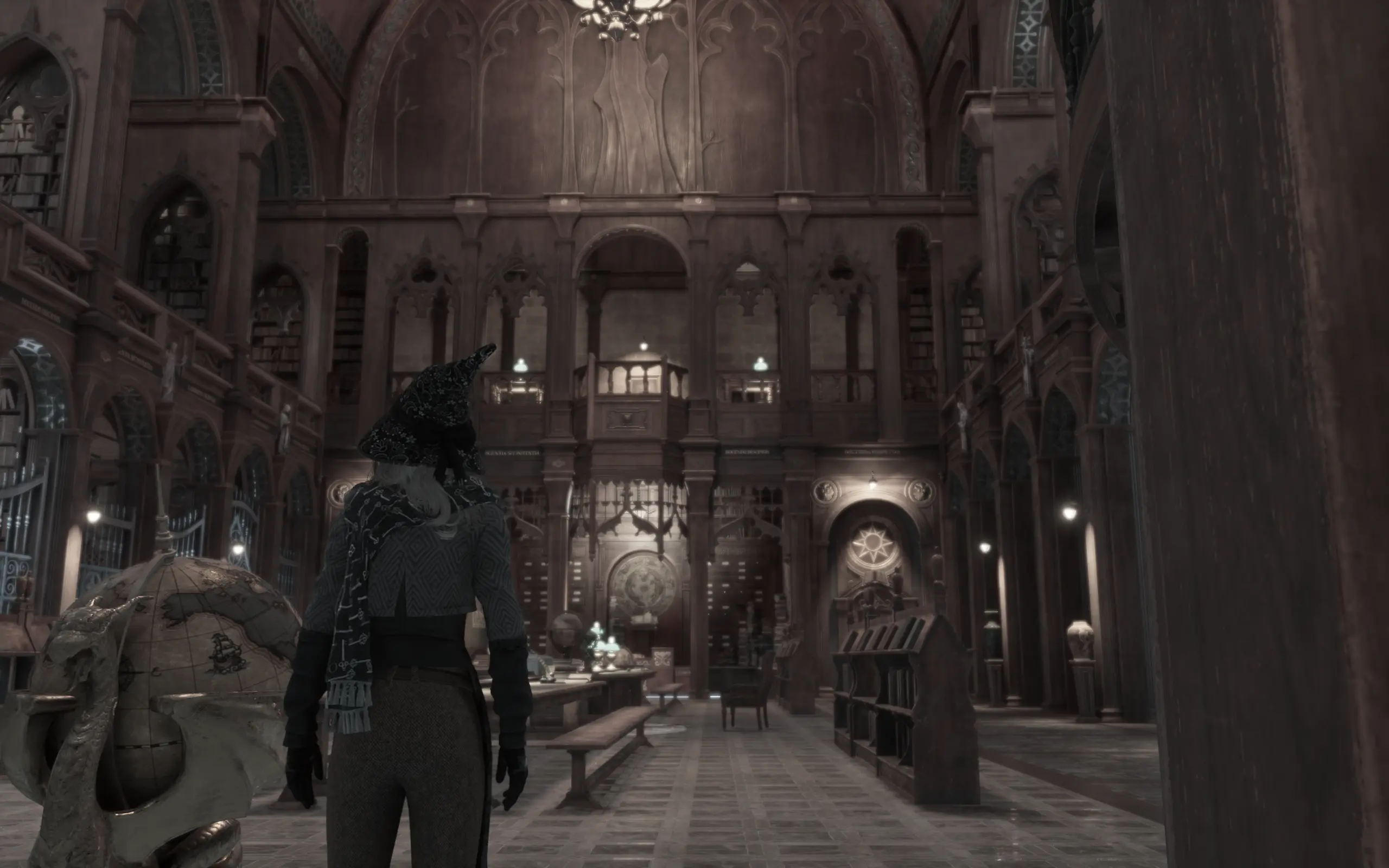
Sharing my reshade for Hogwarts Legacy. The aim here was ... to make it look as cinematic and realistic as possible based on the graphical limitations. From filmic colors to cinematic depth of field, this reshade will make the game look
INSTALLATION
Just load the configuration file (found by extracting the attached zip) from within the in-game Reshade menu.
SUGGESTIONS
I highly suggest you download and install the "NoHUD" mod and use it alongside this. For example (if you play with a gamepad), u can install "reWasd" and configure the CAPSLOCK shortcut key from the "NoHUD" mod with a button on your gamepad. Then u can seamlessly turn it on and off mid game with the gamepad.
Please note that because of the Depth of Field effect, your menus will be blurry. To fix you can 1) set a toggle for reshade and disable it when in the menus, 2) disable the Depth of Field effect in my reshade, or 3) play with the blurry menus, I don't mind it rly.
📊 Mod Details
- Game
- Hogwartslegacy Mods
- Author
- nmods368
- Version
- 1
- Downloads
- 376
- Endorsements
- 13
- Category
- Visuals
- Created
- 2/14/2023
- Updated
- 3/3/2023
🔧 How to Install Hogwarts Legacy Mods
Download from Nexus Mods.
📖 Full step-by-step install guide for Hogwarts Legacy →
Visit the official mod page for specific installation instructions for this mod.
🎮 Need cheat codes or console commands? Check ur gaming wiki for Hogwarts Legacy commands, item IDs, and more.
Keep browsing — more Hogwarts Legacy mods await