Free Look Camera
⚪ Last updated 2023Preview
🔍 Analysis
- 👍 0.7% endorsement rate
- 🏆 #36 of 260 Gameplay mods in this game by downloads
📋 About This Mod
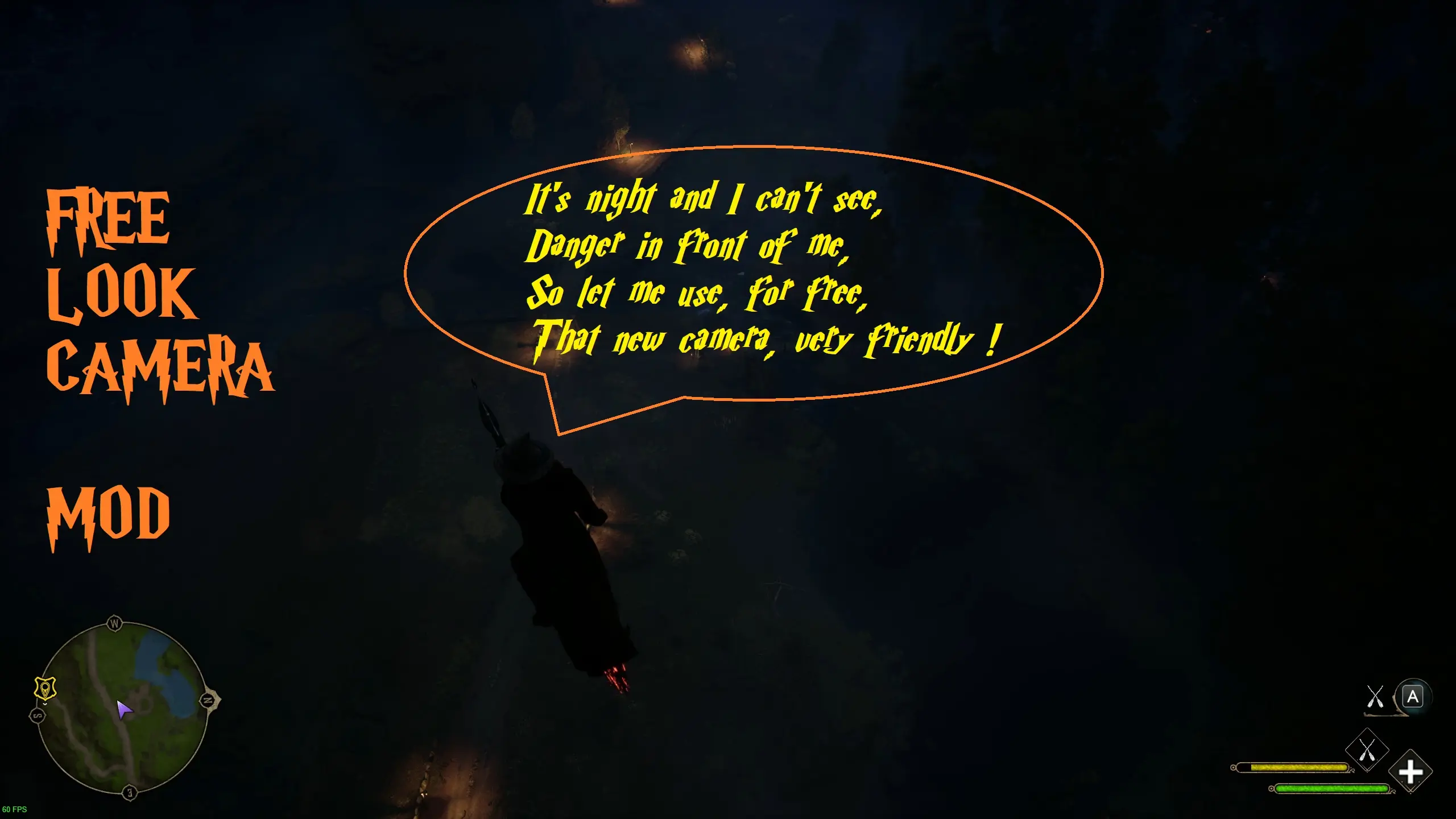
Enables free looking with a hotkey when flying.
The mod adds a custom camera you can switch to and look around freely while flying.
Chose from two versions:
1. FreeLookCamHold - enables the free look camera when holding a hotkey and disables character movement. Best for using together with Mouse Controls for Broom mod - make sure to download a new version updated for Free Look Camera mod compatibility! If you're not using Mouse Controls for Broom mod and you're a controller player or you like vanilla controls, download zBroomFreeLookControls_P package to enable the new hotkey (Left Alt / Left Bumper) - everything else will stay vanilla, the new key will be configurable from the in-game keyboard settings menu, mounts section.
2. FreeLookCamToggle - allows you to switch the free look camera on and off with a hotkey. Not compatible with Mouse Controls for Broom mod for obvious reasons. Not compatible with vanilla controls for controllers for the same reason. For both keyboard and controller users download zBroomFreeLookControlsRemap_P - it will add the new hotkey for camera switch (Left Alt / Y controller button) and will remap left/right/up/down movement for left stick and forward/backward/sprint/boost for triggers and bumpers freeing up the right stick, for KB&M controls will stay vanilla, the new key will be configurable from the in-game keyboard settings menu, mounts section.
Requires Blueprint Apparate Modloader.
To install unpack the 7z you downloaded, then copy all the three mod files (pak, ucas, utoc) to where your game is installed and your ~mods folder is:
"\steamapps\common\Hogwarts Legacy\Phoenix\Content\Paks\~mods". If you're using the Mouse Controls for Broom mod, make sure you've updated it to the latest version. If you're not using it - make sure to pick either zBroomFreeLookControls_P or zBroomFreeLookControlsRemap_P, unpack the 7z you downloaded and copy the resulting pak into the same ~mods folder.
Run the game, load a save, press F8 for Apparate window, type FreeLookCamMod, press enter. FreeLookCamMod should appear in the list. You need to only do it once.
To uninstall remove all the three mod files from
"\steamapps\common\Hogwarts Legacy\Phoenix\Content\Paks\~mods" as well as the corresponding controls pak.
Notes:
- There are different controller mappings provided with the mod - be
📊 Mod Details
- Game
- Hogwartslegacy Mods
- Author
- R457
- Version
- 0.9.2
- Downloads
- 35,934
- Endorsements
- 253
- Category
- Gameplay
- Created
- 3/11/2023
- Updated
- 3/12/2023
🔧 How to Install Hogwarts Legacy Mods
Download from Nexus Mods.
📖 Full step-by-step install guide for Hogwarts Legacy →
Visit the official mod page for specific installation instructions for this mod.
🎮 Need cheat codes or console commands? Check ur gaming wiki for Hogwarts Legacy commands, item IDs, and more.
Keep browsing — more Hogwarts Legacy mods await