Toggle HUD for Halo 4
⚪ Last updated 2020Preview
🔍 Analysis
- 👍 5.1% endorsement rate — high engagement, a strong quality signal
- 🏆 #37 of 200 User Interface mods in this game by downloads
📋 About This Mod
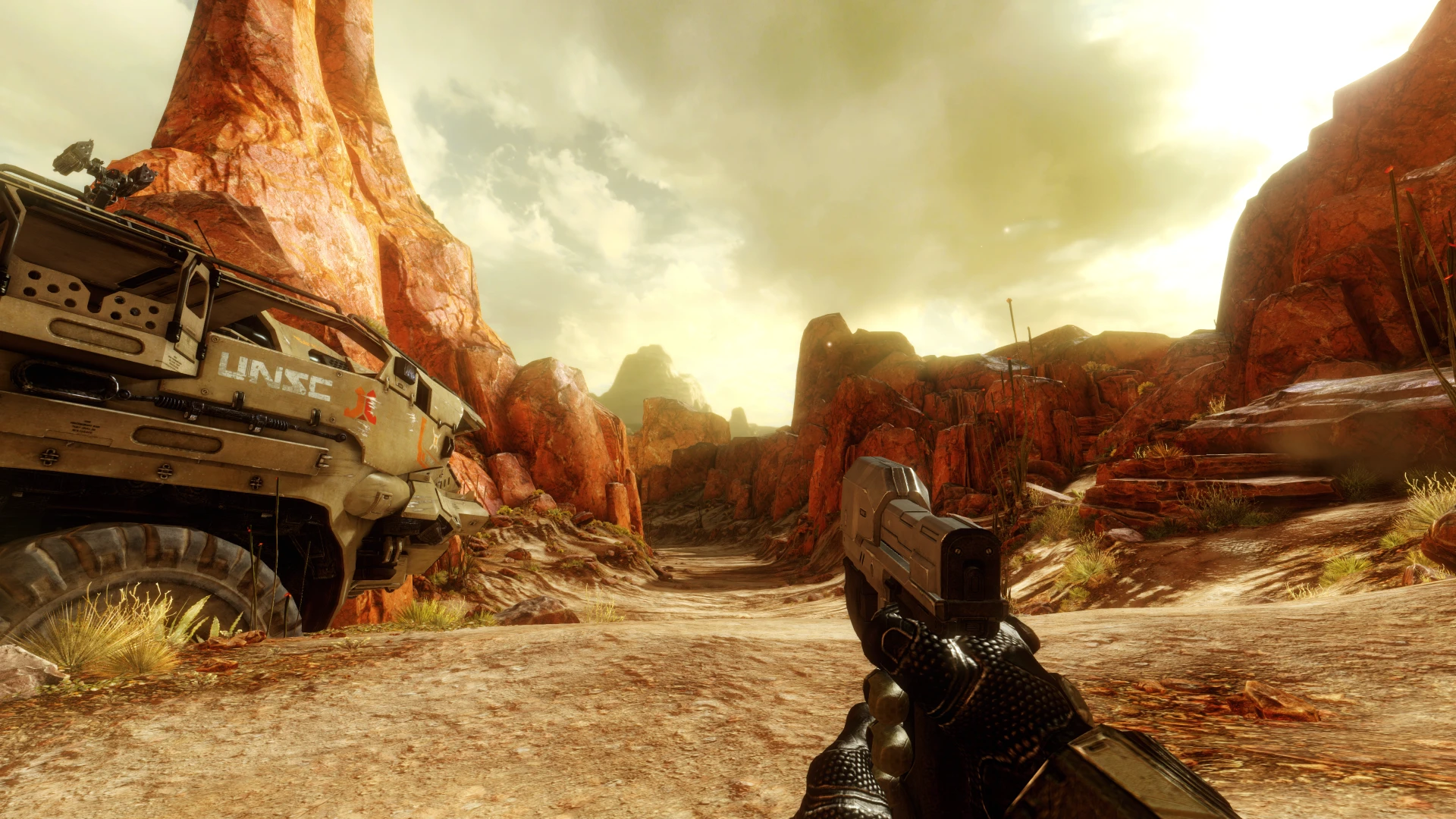
This let's you toggle the HUD, crosshair and helmet visor off independently with a hotkey or Xbox button.
Disclaimer:
This mod can only be run with anti-cheat disabled.
Installation:
Simply drop all files in:
Halo The Master Chief Collection\MCC\Binaries\Win64
Press caps lock to toggle HUD on/off.
Press F1 to toggle helmet visor on/off. If you want the visor to be off permanently, open d3dx.ini and search for y = 1 then change it to y = 0.
Press F2 to toggle crosshair and ammo on/off.
Press down on the D-pad to toggle the HUD off with an Xbox controller.
In order to make scopes usable the HUD is bound to show when zooming with the mouse. It's recommended to rebind vehicle function 1 in the controls to avoid the HUD showing when using that vehicle function.
If you're using an Xbox controller, it's recommended to change the button layout to universal zoom & shoot.
This is because it's the only button layout that allows for holding the left trigger to zoom, which makes scopes visible when holding to zoom.
Unfortunately you can't rebind vehicle function 1 on controller so the HUD will show when holding left trigger in vehicles.
All of these bindings can be changed of course, explained in the section below.
If you are switching between keyboard and Xbox pad and the bindings stop working, just press F10 to refresh and they should work again.
Changing keybinds:
To customize keybinds open d3dx.ini and search for ;Keybinds
Below you will find all the bindings with a description at the top.
For example if you don't want the HUD to show when zooming with the left trigger you need to delete or change this section:
; Shows HUD show when holding left trigger
Key = XB_LEFT_TRIGGER
type = hold
A list of all available Xbox binds can be found here
Reshade compatibility:
Make sure your Reshade file is called dxgi.dll and not d3d11.dll. I can't guarantee this will work for every system and configuration out there, certain laptops may be incompatible with dxgi.dll files.
📊 Mod Details
- Game
- Halothemasterchiefcollection Mods
- Author
- TheJanitor
- Version
- 1.0
- Downloads
- 768
- Endorsements
- 39
- Category
- User Interface
- Created
- 11/17/2020
- Updated
- 11/20/2020
🔧 How to Install Halo: The Master Chief Co Mods
Download from Nexus Mods.
📖 Full step-by-step install guide for Halo: The Master Chief Co →
Visit the official mod page for specific installation instructions for this mod.
🎮 Need cheat codes or console commands? Check ur gaming wiki for Halo: The Master Chief Co commands, item IDs, and more.
Keep browsing — more Halo: The Master Chief Co mods await