Halo 2 - Invincible Allies
⚪ Last updated 2023Preview
🔍 Analysis
- 👍 4.3% endorsement rate — high engagement, a strong quality signal
- 🏆 #14 of 255 Maps mods in this game by downloads
📋 About This Mod
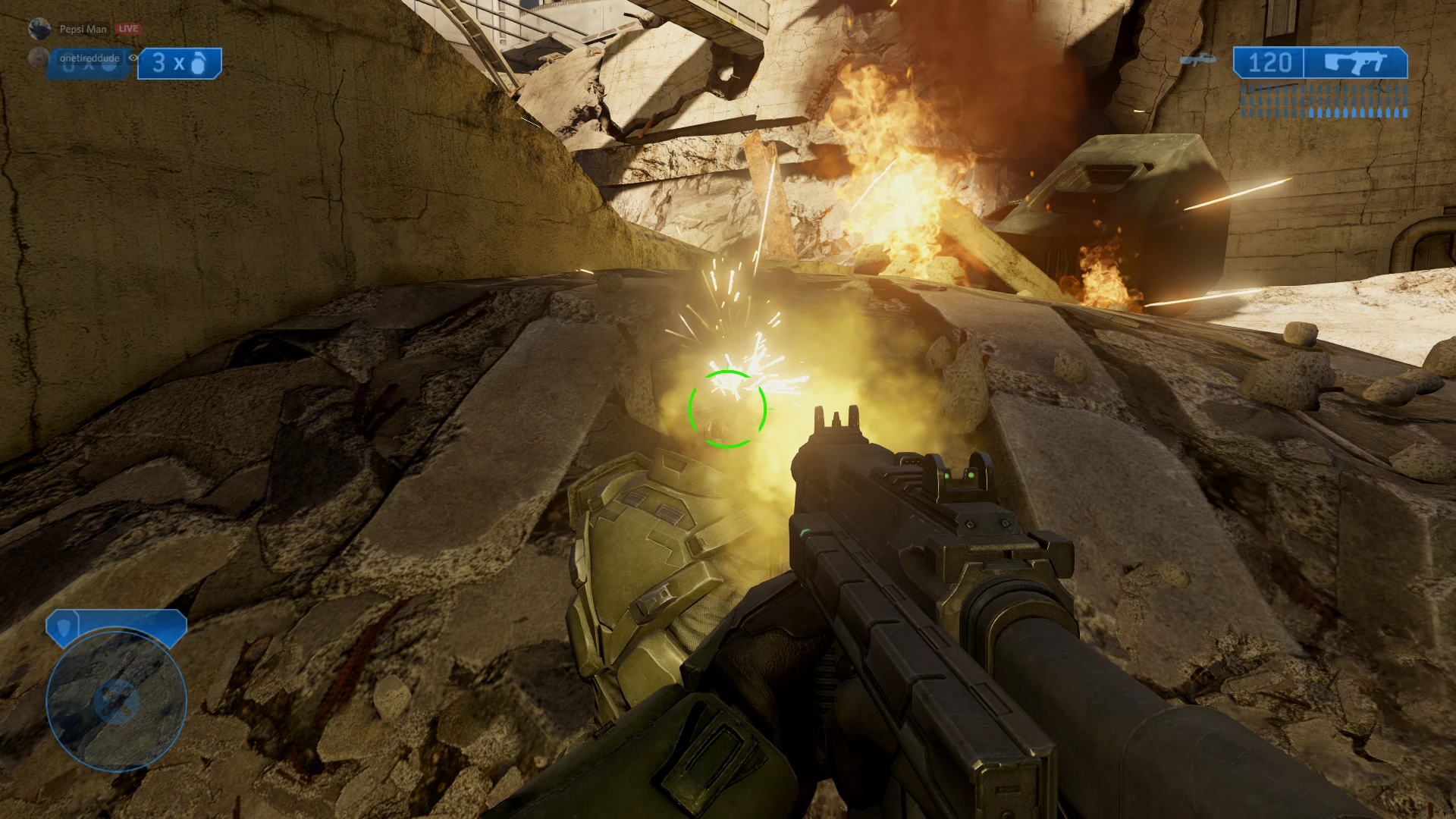
Simple mod that makes allied NPCs unable to die by taking damage.
This is a simple mod that makes allied NPCs in the Halo 2 campaign invincible. Nothing else has been changed.
Check the Related Mods section for mods that do the same thing in other Halo games.
Installation
It is highly recommended that you backup the original 13 map files that are being replaced by this mod:
-
[]01b_spacestation.map (Cairo Station)
[
]03a_oldmombasa.map (Outskirts)[]03b_newmombasa.map (Metropolis)
[]04a_gasgiant.map (The Arbiter)
[]04b_floodlab.map (The Oracle)
[]05a_deltaapproach.map (Delta Halo)
[]05b_deltatowers.map (Regret)
[]06a_sentinelwalls.map (Sacred Icon)
[]06b_floodzone.map (Quarantine Zone)
[]07a_highcharity.map (Gravemind)
[]07b_forerunnership.map (High Charity)
[]08a_deltacliffs.map (Uprising)
[]08b_deltacontrol.map (Great Journey)
Installation Steps
"Normal" Install
-
[]Navigate to your Halo 2 MCC installation's map folder (for Steam version, default is C:/Program Files (x86)/Steam/steamapps/common/Halo The Master Chief Collection/halo2/h2_maps_win64_dx11).
[]Extract the contents of the mod directly into the h2_maps_win61_dx11 folder and overwrite existing files (or place them in a backup folder if you wish to return to the vanilla maps in the future).
These instructions are for the Assembly Patches downloads of this mod. It requires you to have the Assembly modding tool. These instructions must be repeated for each map you want to patch.
[]Rename the map file(s) you want to patch to something else so the original ones aren't overwritten (for example add "_old" to the name).
[]Open Assembly and go to "Tools" > "Map Compressor". Select the map file you want to patch and select "De/Compress Map" to decompress it. NOTE: if you want to decompress multiple files at once, place them into a folder and then select that folder to decompress files in. If you select the "h2_maps_win64_dx11" folder, Assembly will attempt to decompress every file inside the folder.
[]After decompressing the map file(s), go to "Tools" > "Map Patcher", then go to the "Apply Patch" section.
[*]Select the patch corresponding to the map you want to patch (e.g., the Cairo Station patch for the Cairo Station map) in the "Patch to Apply" f
-
[]Navigate to your Halo 2 MCC installation's map folder (for Steam version, default is C:/Program Files (x86)/Steam/steamapps/common/Halo The Master Chief Collection/halo2/h2_maps_win64_dx11).
📊 Mod Details
- Game
- Halothemasterchiefcollection Mods
- Author
- RazePhalanx
- Version
- 1.7.1
- Downloads
- 1,082
- Endorsements
- 47
- Category
- Maps
- Created
- 7/8/2021
- Updated
- 7/13/2023
🔧 How to Install Halo: The Master Chief Co Mods
Download from Nexus Mods.
📖 Full step-by-step install guide for Halo: The Master Chief Co →
Visit the official mod page for specific installation instructions for this mod.
🎮 Need cheat codes or console commands? Check ur gaming wiki for Halo: The Master Chief Co commands, item IDs, and more.
Keep browsing — more Halo: The Master Chief Co mods await