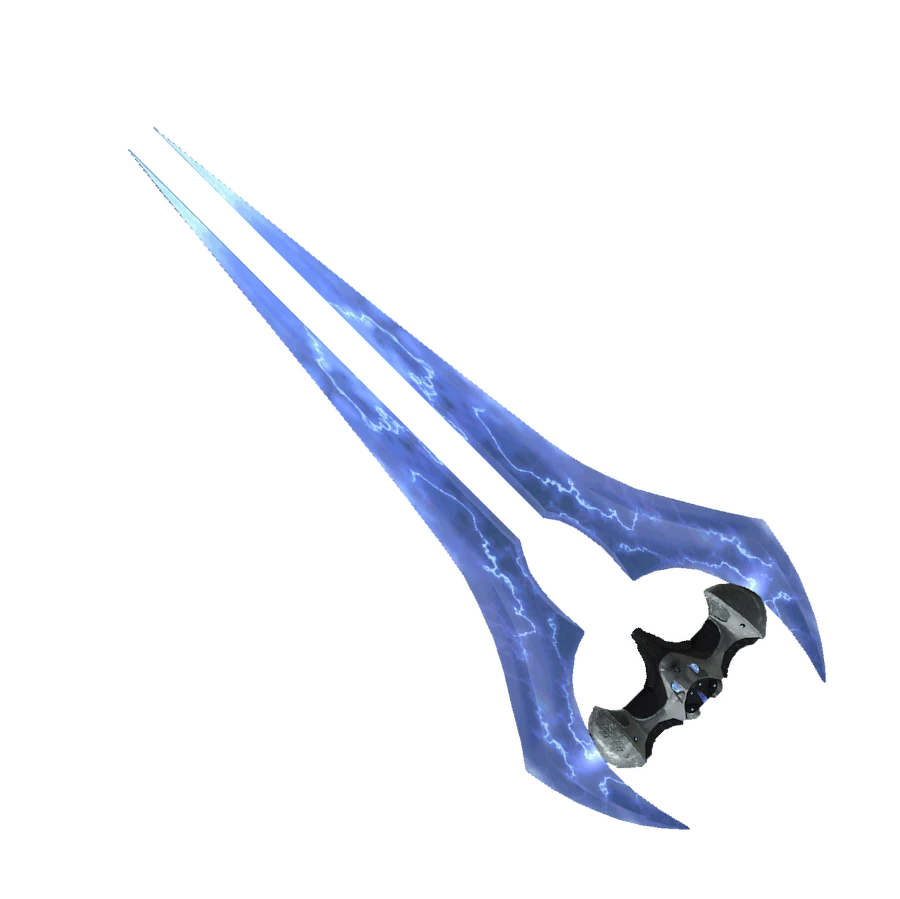
Energy Sword Cursors
⚪ Last updated 2019Preview
🔍 Analysis
- 🏆 #59 of 200 User Interface mods in this game by downloads
📋 About This Mod
Changes the default cursor to an energy sword.
1. BACKUP YOUR DEFAULT CURSORS FIRST!
Depending on your Steam game install location settings, they can usually be found in:
C:\Program Files (x86)\Steam\steamapps\common\Halo The Master Chief Collection\MCC\Content\UI\Shared\Textures\Cursor
2. Unzip and drop the MCC folder to main install folder where mcclauncher.exe is located and let it overwrite everything.
(C:\Program Files (x86)\Steam\steamapps\common\Halo The Master Chief Collection)
3. LAUNCH YOUR GAME WITHOUT ANTI-CHEAT OR YOU WON'T BE ABLE TO PLAY MULTIPLAYER!
To do this open Steam and from your game library launch MCC. Then select the second option without EAC.
📊 Mod Details
- Game
- Halothemasterchiefcollection Mods
- Author
- Vilperi15
- Version
- 1.0
- Downloads
- 446
- Endorsements
- 34
- Category
- User Interface
- Created
- 12/7/2019
- Updated
- 12/7/2019
🔧 How to Install Halo: The Master Chief Co Mods
Download from Nexus Mods.
📖 Full step-by-step install guide for Halo: The Master Chief Co →
Visit the official mod page for specific installation instructions for this mod.
🎮 Need cheat codes or console commands? Check ur gaming wiki for Halo: The Master Chief Co commands, item IDs, and more.
Keep browsing — more Halo: The Master Chief Co mods await