Reach Remastered
⚪ Last updated 2020Preview
🔍 Analysis
- 👍 3.0% endorsement rate — high engagement, a strong quality signal
- 🏆 #3 of 81 Visuals and Graphics mods in this game by downloads
📋 About This Mod
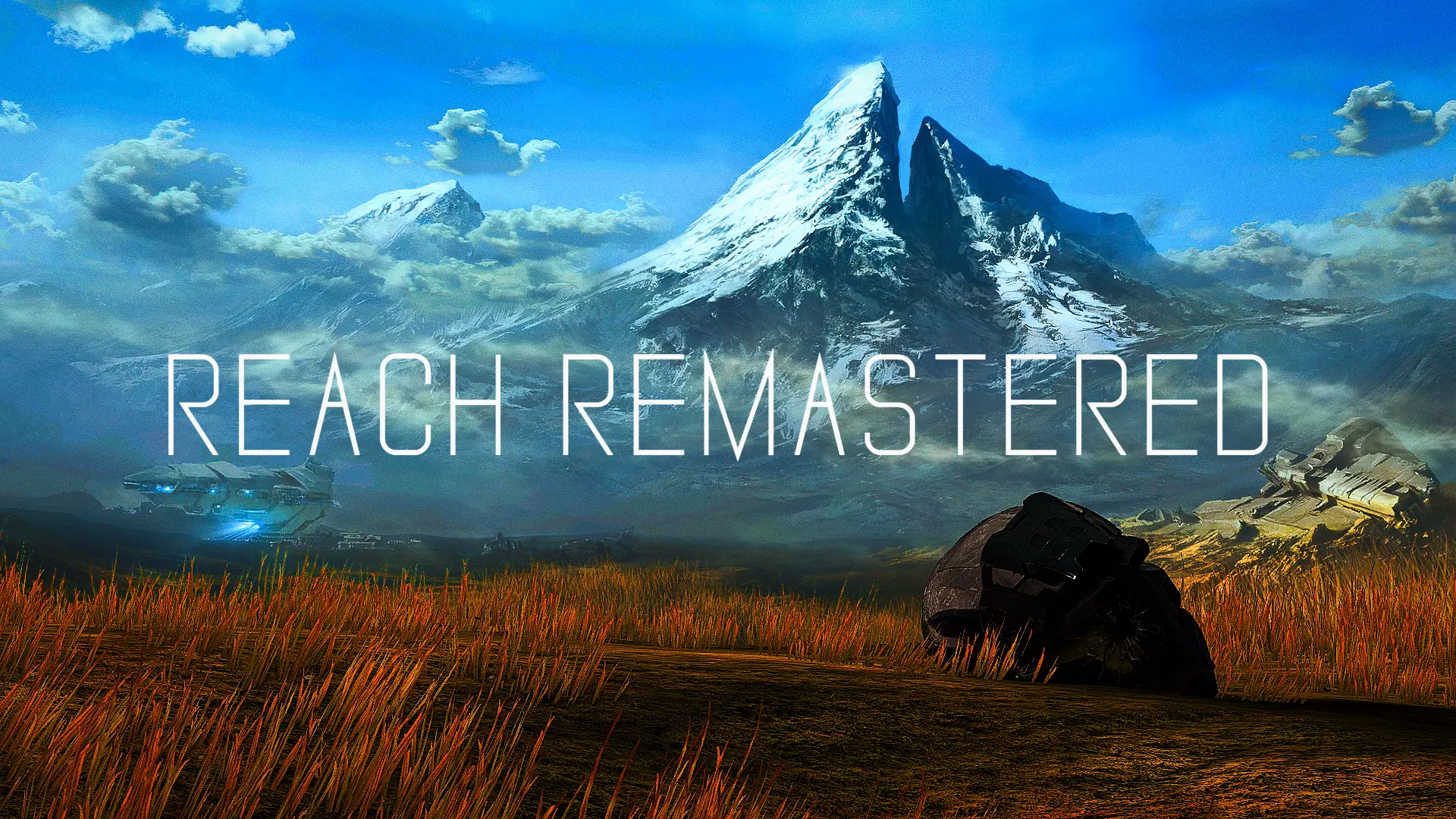
A fine-tuned and highly customizable ReShade for Halo: Reach that remasters the game to a new graphical and visual intensity. With the addition of enhancing the original art style while keeping it intact.
Reach Remastered is the closest successor to a remaster that we may never get, so if you get any problems, please tell me in the "Posts" section.
Reach Remastered comes with 9 configurable effects, a custom integrated watermark and more.
(Note: I can't embed GIFS, so the photos are of the effect at its best)
Border/Letterbox (with custom watermark)
Godrays
HSL Shift
(this image has HSL Shift off)
GP65J042 DOF
Other effects include:
SSDO
DepthHaze (turn this off for darker environments)
EyeAdaptation
Technicolor 2
Gameplay with RR shouldn't be a problem, but if you use DOF, SSDO, or Godrays, your game will suffer in framerate.
If you choose to play multiplayer with this preset, keep in mind that the DOF, DepthHaze, Adaptive Fog, and Clarity shaders will be disabled (due to EAC). Also, I advise using the "Performance Mode" option at the bottom of your Reshade Overlay to fix most performance issues.
My average Framerate on a 1050ti is 58-60, with very small dips in taxing parts of the campaign (like TOTS, and small parts of OSB)
📊 Mod Details
- Game
- Halo Mcc Mods
- Author
- ultracasio
- Version
- 1.1
- Downloads
- 3,250
- Endorsements
- 98
- Category
- Visuals and Graphics
- Created
- 1/26/2020
- Updated
- 2/5/2020
🔧 How to Install Halo MCC Mods
Use Vortex or manual.
📖 Full step-by-step install guide for Halo MCC →
Visit the official mod page for specific installation instructions for this mod.
🎮 Need cheat codes or console commands? Check ur gaming wiki for Halo MCC commands, item IDs, and more.
Keep browsing — more Halo MCC mods await