🧩 Half-Life 2 Mod Load Order
Recommended install order for Half Life 2 Mods mods. Install foundations first, overhauls next, visuals last — this minimizes conflicts and crashes. Order derived from mod category + community endorsements, not opinion.
🔧 Foundations & Frameworks
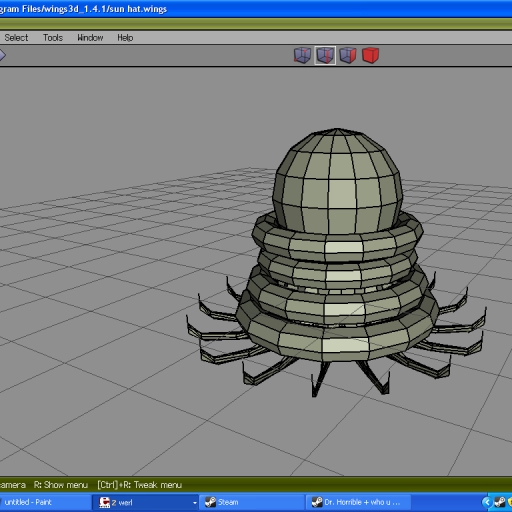
Sniper, Pyro, Headgear, Spy, Scout, Soldier, Demoman, Engineer, Medic, Heavy · 0 dl · ⭐ 0
📜 Quests, NPCs & Characters
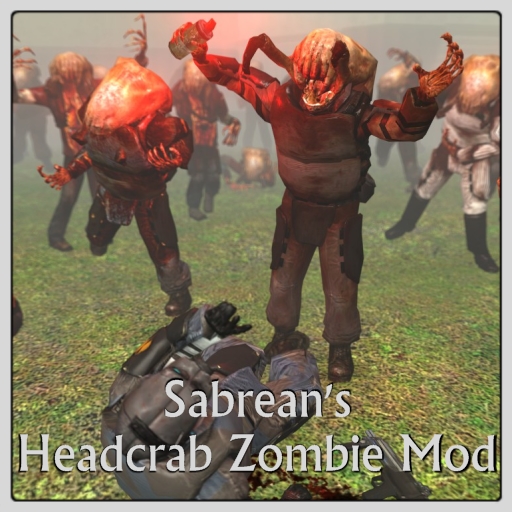

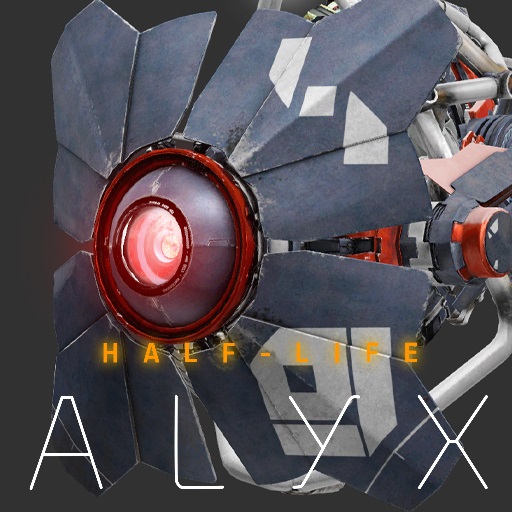
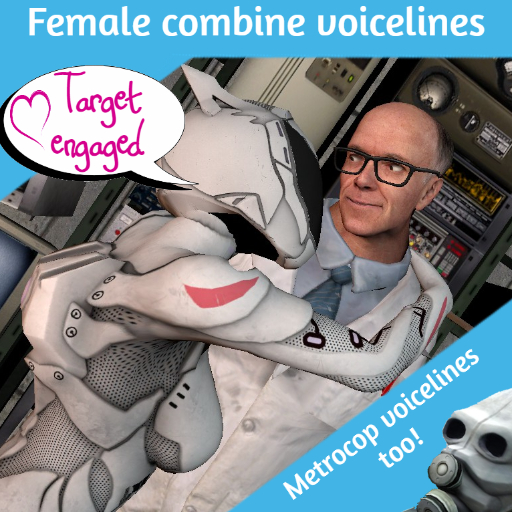
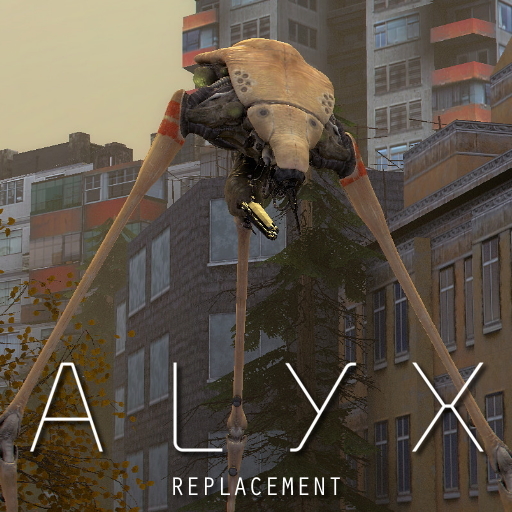
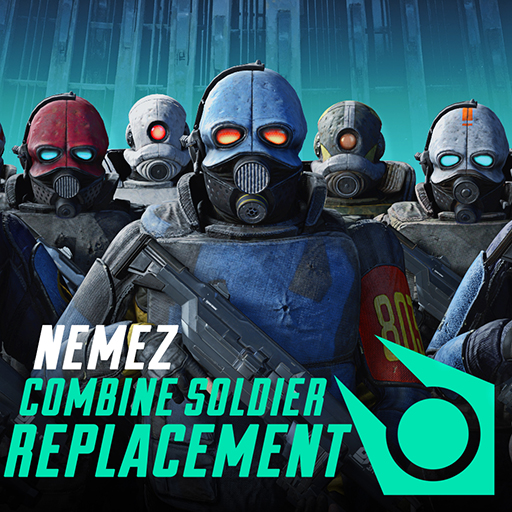
Addon, NPC, Roleplay, Realism · 5,976 dl · ⭐ 0

Addon, NPC, Scenic, movie, Realism · 5,380 dl · ⭐ 0
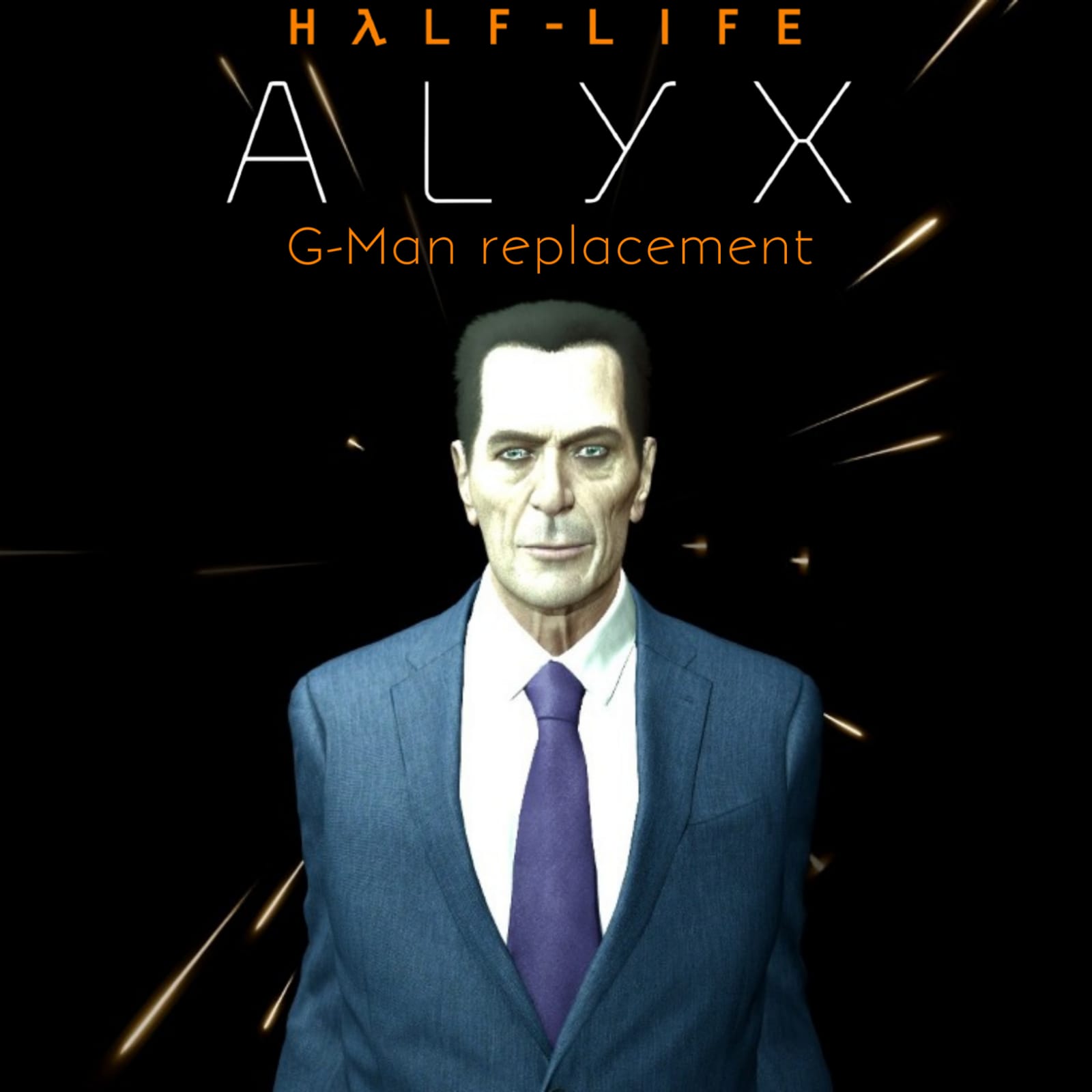
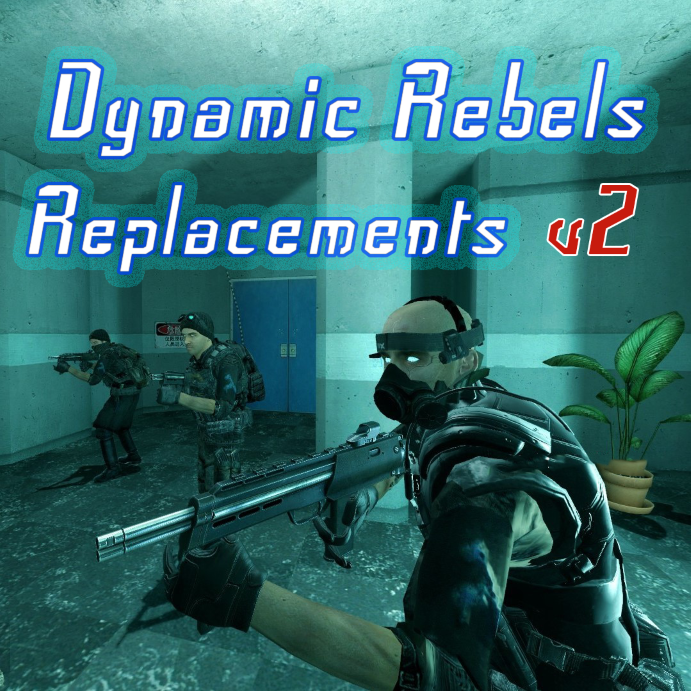
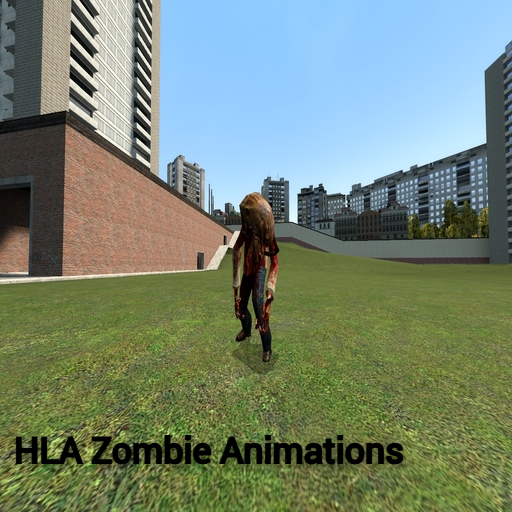
Addon, NPC, Roleplay, Scenic, movie · 2,955 dl · ⭐ 0

Fun, Cartoon, Addon, NPC · 2,599 dl · ⭐ 0
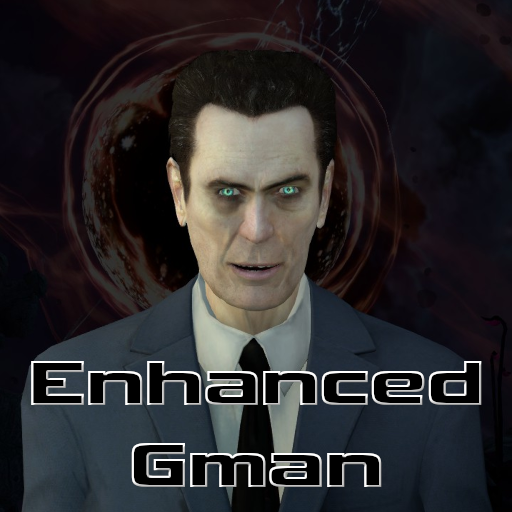
🎨 Visuals, Graphics & Audio

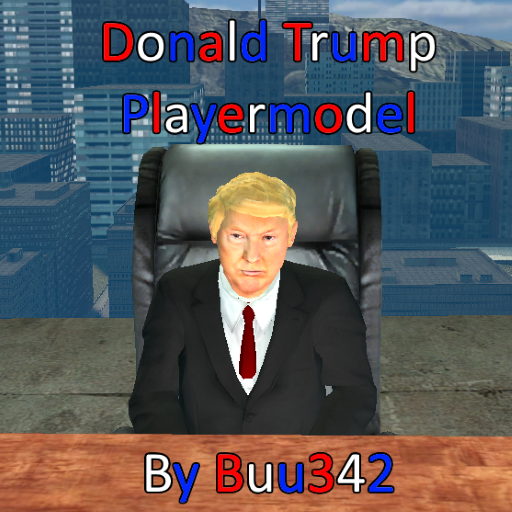




Models, assets, materials, sounds, crowbar, pistol, smg1, ar2, 357, bugbait, crossbow, frag, physcannon, rpg, shotgun · 206,998 dl · ⭐ 0
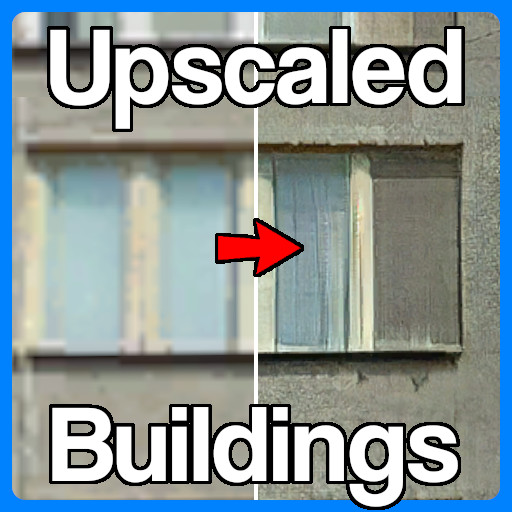





Models, assets, zombie, fast_zombie, poison_zombie · 111,233 dl · ⭐ 0
📦 Other Mods
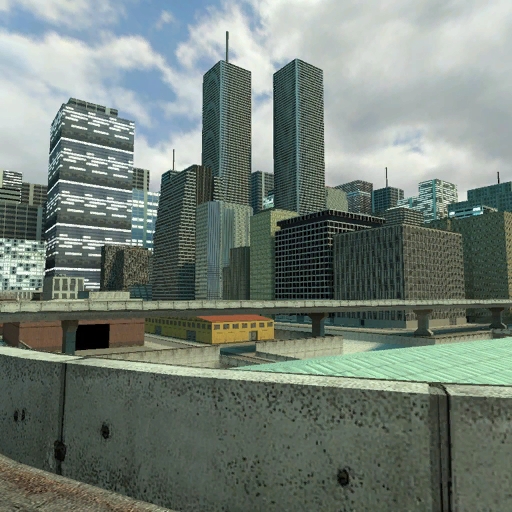

Addon, map, Fun, Roleplay, Scenic, Realism, Comic, misc, coop · 256,945 dl · ⭐ 0






❓ Load Order FAQ
What is a mod load order?
The sequence in which your mods load. Foundations (SKSE, patches) must load first; visual mods last. Wrong order = crashes, missing textures, broken quests.
Should I use a mod manager?
Yes. Subscribe on Steam Workshop. Mods auto-download and install. Launch the game to activate. A mod manager sorts your load order automatically and flags conflicts.
How many mods should I install?
Start with the foundations above, then add gameplay and visuals gradually. Test after each batch so you can identify what breaks.