Simple Metric Imperial Speedometer
⚪ Last updated 2016Preview
🔍 Analysis
- 👍 3.2% endorsement rate — high engagement, a strong quality signal
- 🏆 #12 of 68 Scripts mods in this game by downloads
📋 About This Mod
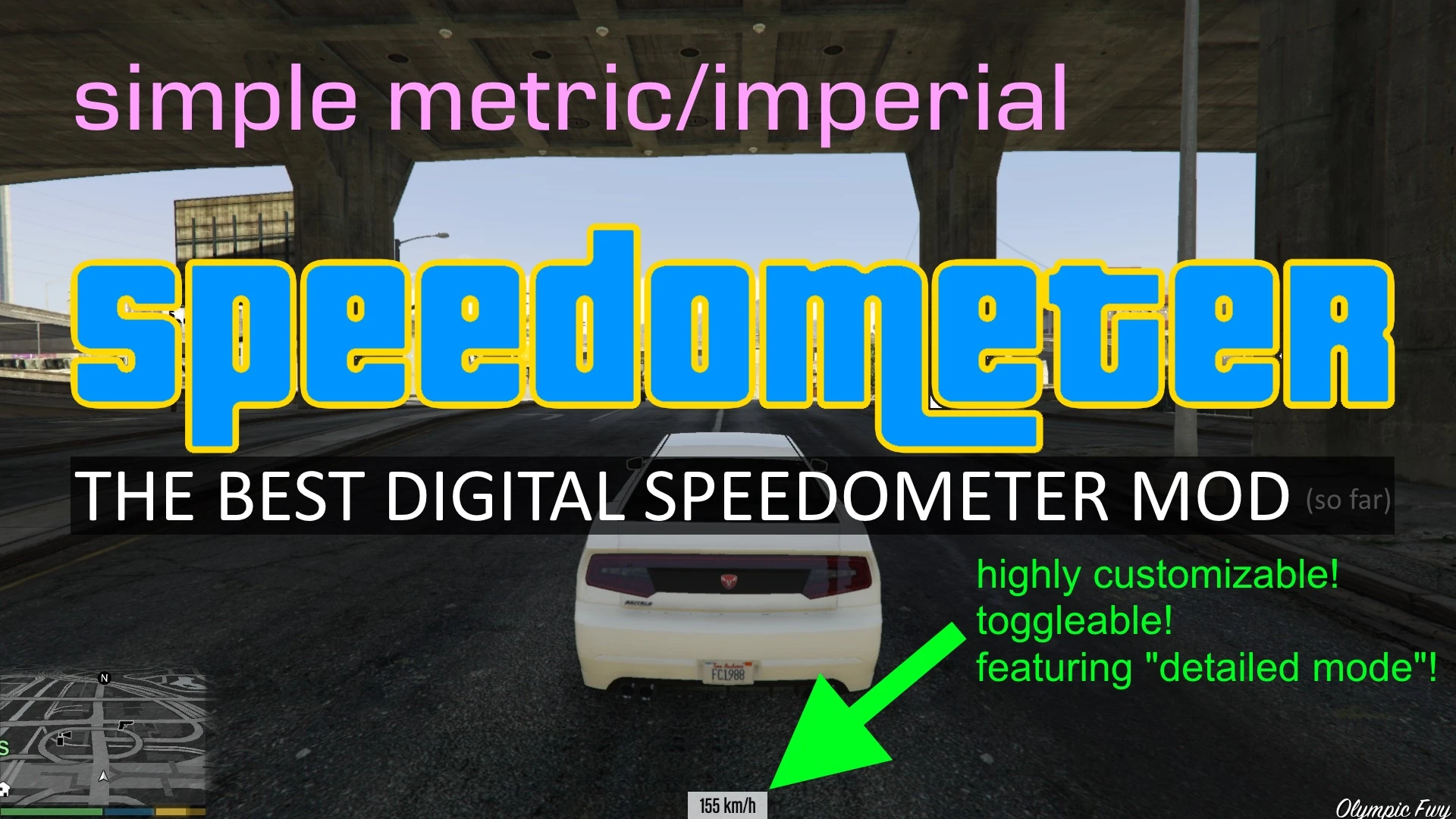
A .NET script that shows your vehicle speed in KM/H or MPH, along with some other features. Highly customizable!
v2. 0: IT'S FINALLY HERE! Added ingame menu to adjust settings! No more tweaking with INI! HAVE FUN customizing your speedometer!
FEATURES: 1. Functional speedometer 2. Configurable interface (position, font, color, opacity, etc) 3. Ingame menu to visually adjust settings. Keybind editable (default F7) 4. (Optional) Resettable odometer 5. Includes 0-100kph(62mph) timer, max speed recorder 6. Shows speed when riding deer with Ride A Deer
REQUIREMENTS: 1. ScriptHookV 2. ScriptHookV DotNet
INSTALLATION: 1. Put "Metric_Speedometer.cs" and "Metric_Speedometer.ini" in "scripts" folder. Create "scripts" folder if it does not exist. 2. Open "Metric_Speedometer.ini" and change the keybind for speedometer menu if F7 is already bound to other scripts. 3. Run GTA V, press the key you've set in the INI to bring up the menu. Use NumPad 8 4 6 2 to navigate, NumPad 5 to confirm, NumPad 0 to go back. 4. (Optional) When you are done configuring, you can un-bind the key by setting "EnableMenu" to false in the INI file.
TROUBLESHOOTING: 1. Make sure you have the latest ScriptHookV and ScriptHookVDotNet (find their release builds on GitHub, NOT the nightly ones on AppVeyor!), and they are placed in game root directory. 2. Make sure you have all the required redists for ScriptHookVDotNet installed (Microsoft . NET Framework 4. 5. 2 and Microsoft Visual C++ Redistributable for Visual Studio 2013 (x64)) 3. Check the INI config file and make sure all values are valid. Re-download the file if necessary. 4. The speedometer still won't show up? Check the ScriptHookVDotNet.log in game root directory and paste me the related logs.
CHANGELOG SINCE 2. 0: v2. 1. 3: Added onfoot speed option v2. 1. 2: Updated for Script Hook V . NET v1. 0 v2. 1. 1: Fixed issues with some nightly builds of Script Hook V . NET v2. 1. 0: Added 0-100kph(62mph) timer and max speed recorder v2. 0. 3: Fixed "Reload" and "Restore to Default" buttons. v2. 0. 2: Added "Font Style" to display settings. v2. 0. 1: Fixed incorrect text for opacity. Fixed config saving with certain parameters.
Photosensitive Seizure Warning: don't turn on Rainbow Mode if you have seizure!
Special thanks to: Alexander Blade, XBLToothPik, and the wonderful modding community! GitHub repo
📊 Mod Details
- Game
- GTA5 Mods
- Author
- deleted18755174
- Version
- 2.2.0
- Downloads
- 6,288
- Endorsements
- 202
- Category
- Scripts
- Created
- 5/22/2015
- Updated
- 3/8/2016
🔧 How to Install Gta5 Mods
Download from Nexus Mods.
📖 Full step-by-step install guide for Gta5 →
Visit the official mod page for specific installation instructions for this mod.
🎮 Need cheat codes or console commands? Check ur gaming wiki for Gta5 commands, item IDs, and more.
Keep browsing — more Gta5 mods await