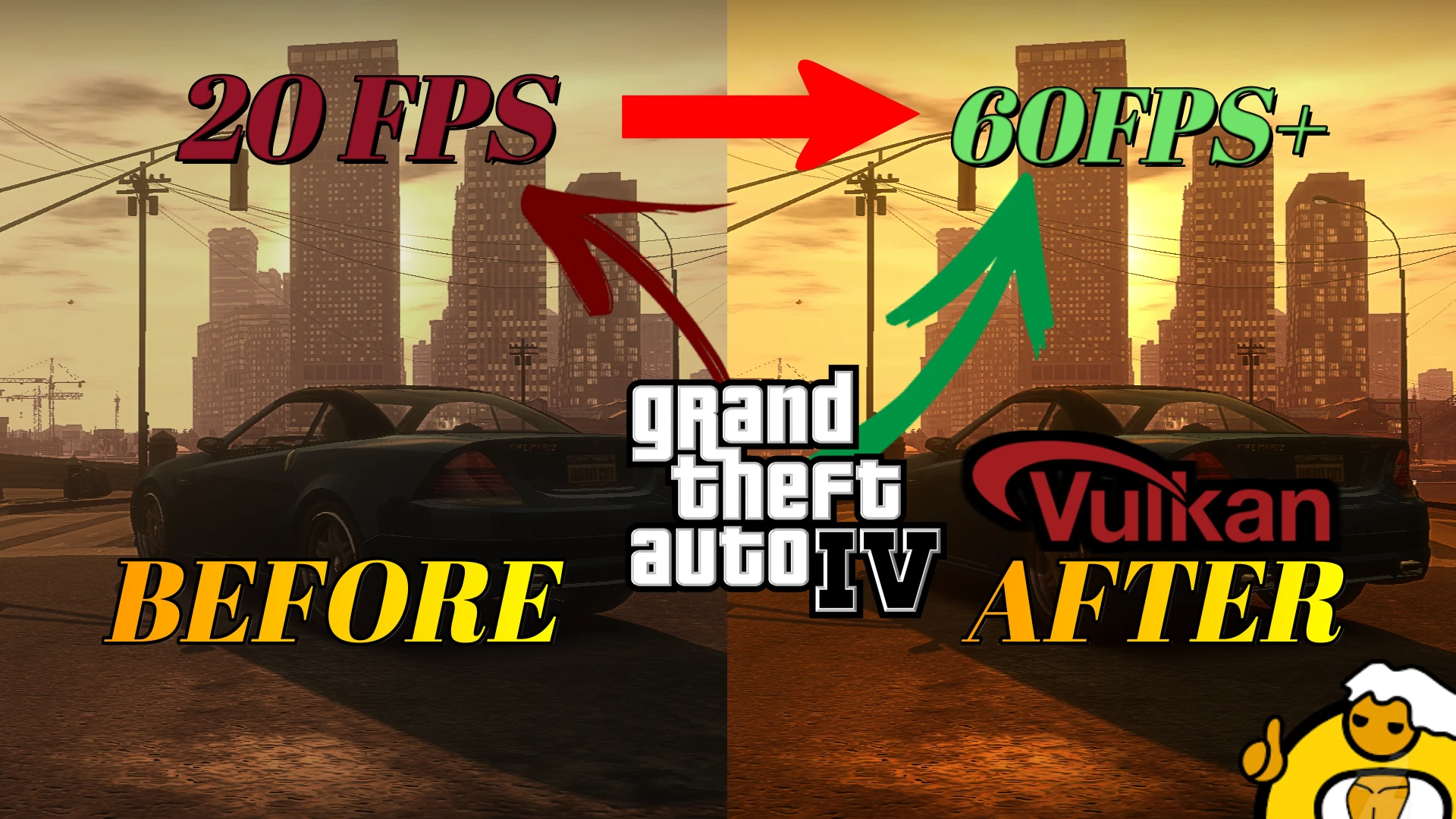
GTA4 DXVK (stutter and low performance fix for GTA IV and EFLC)
🟡 Updated this yearPreview
🔍 Analysis
- 👍 1.3% endorsement rate — high engagement, a strong quality signal
- 🏆 #1 of 35 Miscellaneous mods in this game by downloads
📋 About This Mod
This is probably the best mod you are going to use to fix gta iv and SOLVE optimization problems, enb mods and reshade compatible!
MUST READ!!!
DXVK recently got updated to version 2. 4, which includes some small improvements as well, thus, upgrading to it might be preferred.
l9B2Fucf8tk
"512 MB Vram Bug" "Commandline Not Working" Fix;
For Steam
You will need to put the commandline commands in your game proprieties, like show in the images;
the commands that i use;
-availablevidmem 4096 -fullspecaudio -forcehighqualitymirrors -nomemrestrict -norestrictions -forcer2vb -fullspecaudio -frameLimit 1
For Non-Launcher Version
The commandline is suposed to work with no problems, but if you have some problems, you will need to put the commands in the game shortcutRight click the shortcut, go to properties and copy this in to the end of the target arealike what shows in steam version
If you Want to Know more what of any commands do, you can check the full list in List of all commandline arguments(LINK)
To install DXVK:
1. Once inside the archive, head into the folder, select all the files and extract it to the main directory of GTAIV, next to GTAIV.exe;
2. We're done here.
------------------------------------------------------------------------------------------------------------------------------------------------------------
!! Important !!
You'll have to make sure that your GPU supports the Vulkan API first and if it supports Vulkan 1. 3 ! (Check)
If it supports an earlier version such as 1. 2 or lower, use DXVK 1. 10. 3: Release: GTA4 DXVK 1. 10. 3 Legacy
For AMD users:
Go into AMD Adrenalin --> Settings --> System --> Hardware & Drivers Panels --> Expand Software & Driver Details and there it will show you "Vulkan API Version". If it starts with 1. 3 then follow the guide as is, if it's something lower, just download the 1. 10. 3 release and follow the same steps.
For Nvidia users it's probably something similar, look through their drivers.
------------------------------------------------------------------------------------------------------------------------------------------------------------
Next up, the configuration files:
Head into the main directory of the game, next to the .exe, and create a file named commandline.txt. Open it and put the following commands in it:
-availablevidmem xxxx
-nomemrestrict
For -availablevidmem, you have to specify the amount of VRAM that your GPU has in place of those x's I've put next to it. Some examples below:
10gb - 10240
Some additional notes about it:
1. On patches lower than 1. 0. 8. 0, it is recommended to put a . 0 at the end of the value, if it shows 2047 mb in-game, then it's correct;
2. The game won't actually be able to utilize anything more than 2gb for what it's worth, so any value higher than 2048 would only be so the amount actually displays properly in the menus on patches 1. 0. 8. 0 or later - that does not mean the game would ever use 4gb for example, even on the highest settings, it's just aesthetic
📊 Mod Details
- Game
- GTA4 Mods
- Author
- DIRECREEP
- Version
- 1
- Downloads
- 234,673
- Endorsements
- 3,026
- Category
- Miscellaneous
- Created
- 6/15/2022
- Updated
- 7/17/2026
🔧 How to Install Gta4 Mods
Download from Nexus Mods.
📖 Full step-by-step install guide for Gta4 →
Visit the official mod page for specific installation instructions for this mod.
🎮 Need cheat codes or console commands? Check ur gaming wiki for Gta4 commands, item IDs, and more.
Keep browsing — more Gta4 mods await