Odin - Reshade
⚪ Last updated 2022⚠️ Install Order · 1 step
Install in this order, then this mod last — most mods fail to load without their framework and dependencies in place.
Preview
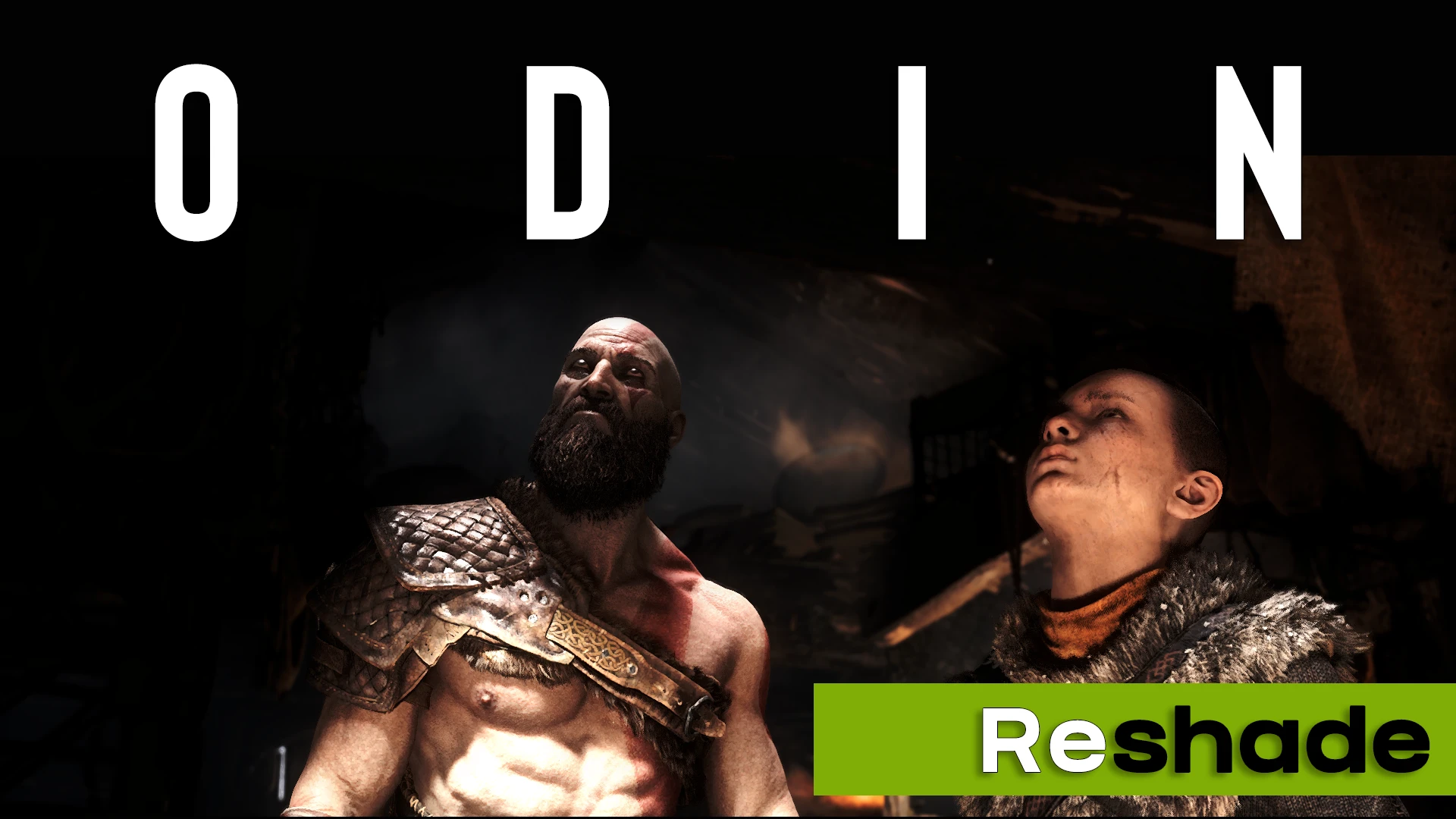
🔍 Analysis
- 👍 3.2% endorsement rate — high engagement, a strong quality signal
- 🏆 #4 of 57 Visuals mods in this game by downloads
📋 About This Mod
-- INSTALLATION --
-
[] Download and Install version
(4. 9. 1)
of Reshade (on https://reshade.me/) on your GoW.exe in /GodOfWar/[
] Select ALL PACKAGES (very important) when installing reshade in your game directory withDirectx10/11/12
[] Download, then UNRAR my . RAR
[]Place my "Reshade-shaders folder" Pack with my presets in your game directory (where you have GoW_.exe /GodOfWar/). You need to confirm "Yes" when it ask if you want to replace files (overwrite Reshade-Shaders folder)
[]Launch the game
[]Press and finish the installation
- Select one of 4 presets - Reshade
Odin - Reshade is a visual enhancement mod for Skyrim that applies a Reshade preset focused on improving color, contrast, and sharpening. With 342 endorsements and over 10,000 downloads, it offers a straightforward way to boost visual clarity without altering gameplay. Last updated in January 2022, it remains a popular choice for players seeking a subtle visual upgrade.
✨ Key Features
📊 Pros & Cons
✅ Pros
- Community-trusted with 342 endorsements and over 10k downloads.
- Simple one-file install—just drop the preset into your Reshade folder.
- Boosts image clarity without the performance hit of heavy ENBs.
⚠️ Cons
- Last updated in January 2022—may not be optimized for the latest Skyrim patches or Reshade versions.
- No screenshots or detailed previews provided, so you can't see the effect before installing.
- Requires Reshade to be installed separately, which adds an extra step for newcomers.
For Skyrim players who want a quick visual boost without the complexity of full ENB presets. If you're comfortable installing Reshade and want better color and sharpness, this is a solid pick. Skip if you're looking for major graphical overhauls or gameplay changes.
💡 Beginner Tips
- Make sure you have Reshade installed and set up before adding this preset.
- After installing, launch Skyrim and use the Reshade in-game menu to toggle the preset on and off to see the difference.
- If the game crashes or looks off, double-check that your Reshade version is compatible with the preset's settings.
📊 Mod Details
- Game
- Godofwar Mods
- Author
- kyOuZz_-
- Version
- 1.0
- Downloads
- 10,719
- Endorsements
- 342
- Category
- Visuals
- Created
- 1/15/2022
- Updated
- 1/31/2022
🔧 How to Install God of War Mods
Download from Nexus Mods.
📖 Full step-by-step install guide for God of War →
Visit the official mod page for specific installation instructions for this mod.
🎮 Need cheat codes or console commands? Check ur gaming wiki for God of War commands, item IDs, and more.
Keep browsing — more God of War mods await