Ghost Night REshade
⚪ Last updated 2024Preview
🔍 Analysis
- 🏆 #621 of 726 Miscellaneous mods in this game by downloads
📋 About This Mod
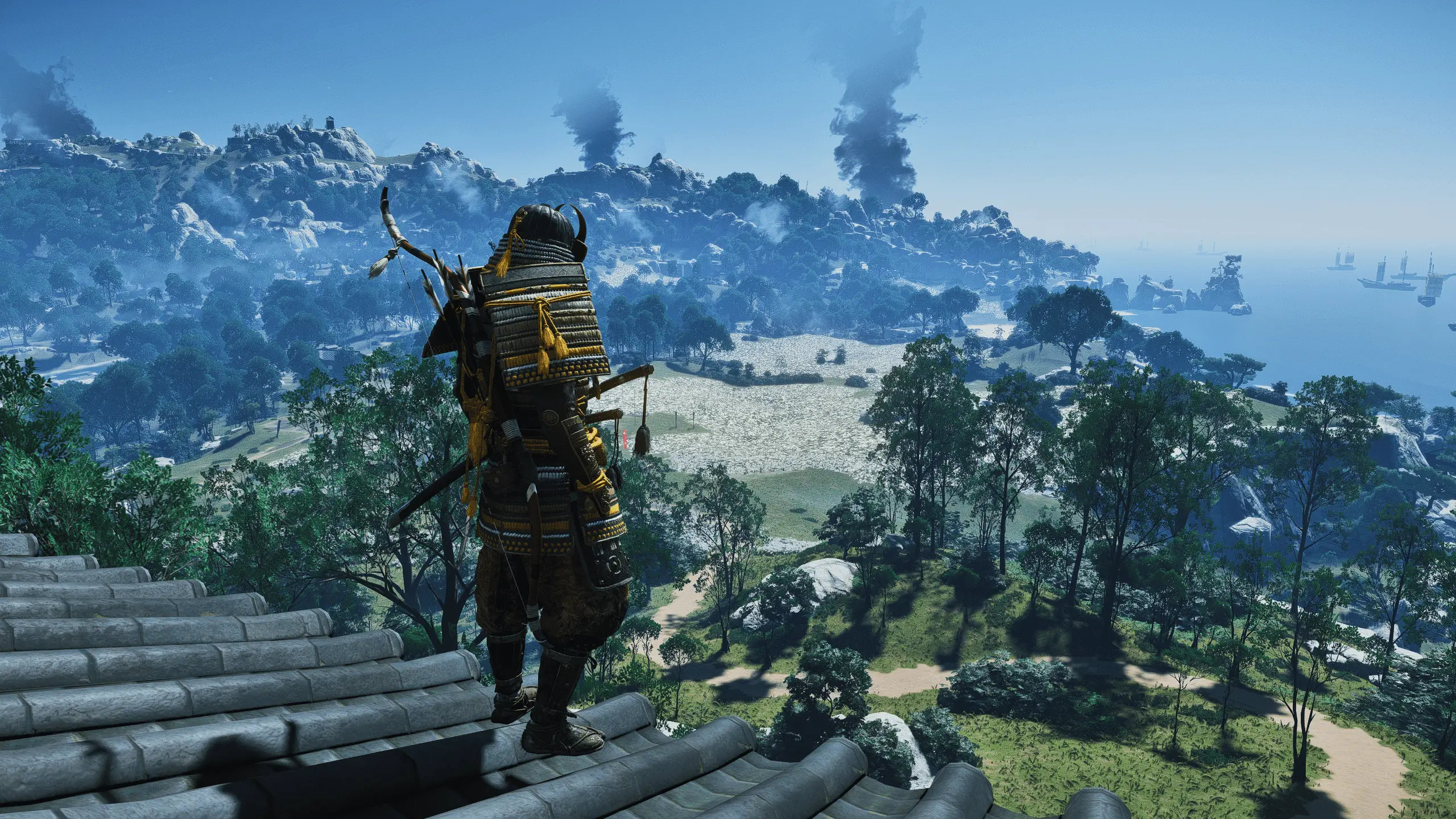
Reshade preset for added clarity, color, sharpening and lightening up darker scenes, Keeping it inline with the devs original image of the game. I've tried to balance the reshader for the best image/ experience for all times of day. So some
Installation Instructions:
1. Download the reshade installer at https://reshade.me
2. Install reshade with your GhostofTsushima.exe selected (when the prompt with a list of shaders appears with checkboxes, I recommend checking them all - but I have included the reshade folder to drag and drop into the game directory)
3. Download the file and unrar it
4. Place the reshade-shaders folder and ini file into the same directory that your Ghost of Tsushima.exe is in
5. After starting the game and waiting for the shaders to load, press the Home key to set a toggle key in the Settings menu (I use F10) and to select the preset from the dropdown menu in the main reshade screen
📊 Mod Details
- Game
- Ghostoftsushima Mods
- Author
- IDB87
- Version
- 1.0
- Downloads
- 270
- Endorsements
- 5
- Category
- Miscellaneous
- Created
- 5/27/2024
- Updated
- 5/27/2024
🔧 How to Install Ghost of Tsushima Directo Mods
Download from Nexus Mods.
📖 Full step-by-step install guide for Ghost of Tsushima Directo →
Visit the official mod page for specific installation instructions for this mod.
🎮 Need cheat codes or console commands? Check ur gaming wiki for Ghost of Tsushima Directo commands, item IDs, and more.
Keep browsing — more Ghost of Tsushima Directo mods await