Mega Slopes Pack
⚪ Last updated 2022Preview
🔍 Analysis
- 👍 0.0% endorsement rate
📋 About This Mod
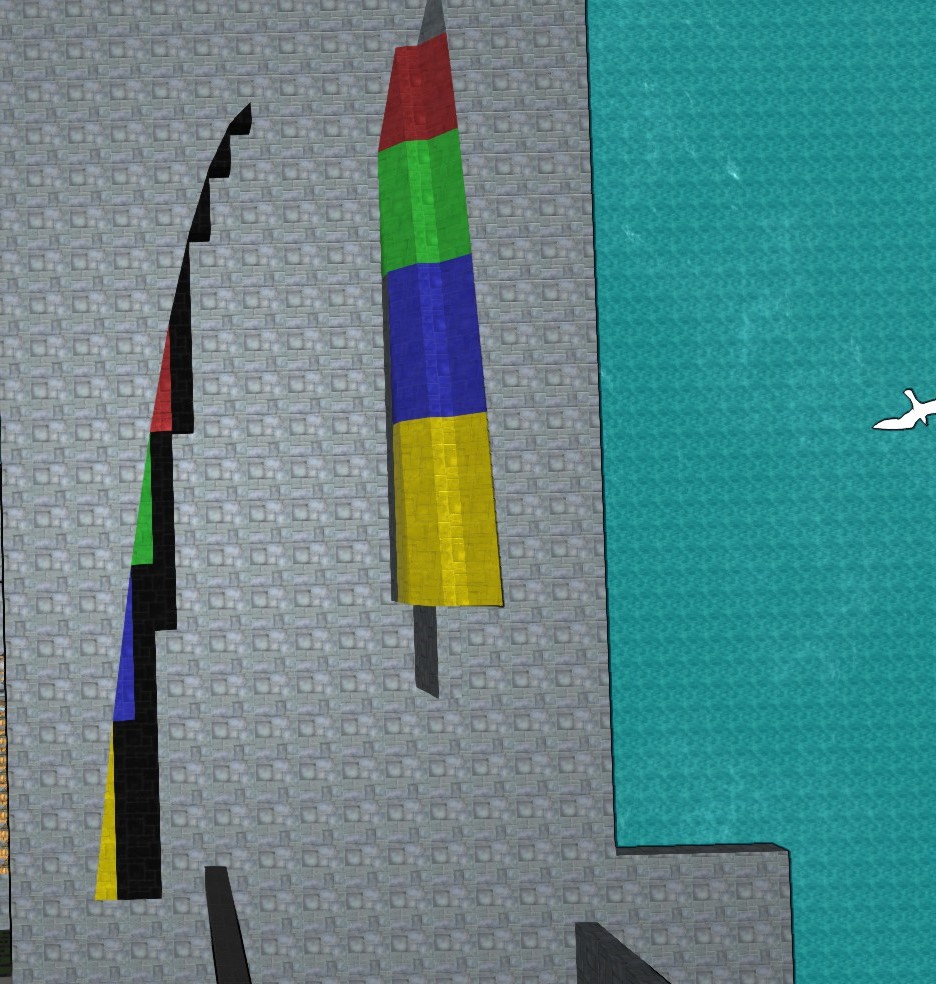
A huge assortment of new block shapes for building - 5-8m slope and beam blocks - "combination" triangle and inverted triangle corners 2x2, 2x3, 3x4 etc. up to 8x8m sizes - Transition pieces for the new slope sizes - Greatly expanded wedge block shapes 5-8m, with sloped versions up to 4m slope in the other direction - A selection of round corner blocks, and elliptical curve blocks, with inside and outside corners - Rounded corner to slope and square back trasnsitions in 1-3m lengths. - Circle and semicircle disk blocks, in 3-11m odd number diameters - Some nose and tail shapes - pyramids, ogives, and boat tails with round-to-square transition pieces Update 2/22/22 -Fixed some minor bugs: 5x4m Left Triangle Corners are labelled properly Fixed drag issues on 3m beam slopes 3x3x1 curve-to-square transitions should have the correct hitbox size now Alloy, Metal, Heavy Armor, Glass, Stone, and Rubber are all included in this mod. There are 513 unique shapes in total (including left/right versions) for a total of 3,591 new blocks added in this mod. They blocks are arranged in nested menus added to each standard block type. Look for the mega slopes pack button the the very top right corner of each block type. An array of blocks, and the submenus are located there. Although I have spent countless hours on this mod, I have not been able to go over every single face of the 513 block types in all of the materials, so be on the lookout for errors, and comment here to let me know, thanks. TO INSTALL: 1. From the main starting menu, hit the "content" tab at the top. 2. In the "mods" section of that menu, hit the "download" button. A list of subscribed mods should appear there. 3. Click the button for Mega Slopes Pack, and a new window should appear. 4. Scroll to the bottom of that window, and hit the "save mod in (new) folder MegaSlopesPack" button. 5. You will likely need to restart the game, and then the new menus should show up. The blocks are placed in additional menus at the
📊 Mod Details
- Game
- From The Depths Mods
- Author
- 76561198046523172
- Version
- N/A
- Downloads
- 2,772
- Endorsements
- 0
- Category
- #mod, Blocks, Meshes
- Created
- 11/14/2020
- Updated
- 2/23/2022
🔧 How to Install From the Depths Mods
Subscribe on Steam Workshop. Mods auto-download and install. Launch the game to activate.
📖 Full step-by-step install guide for From the Depths →
Visit the official mod page for specific installation instructions for this mod.
🎮 Need cheat codes or console commands? Check ur gaming wiki for From the Depths commands, item IDs, and more.
Keep browsing — more From the Depths mods await