Transfer Tree
⚪ Last updated 2024Preview
🔍 Analysis
- 👍 0.0% endorsement rate
- 🏆 #18 of 21 Mod, Misc, High Seas mods in this game by downloads
📋 About This Mod
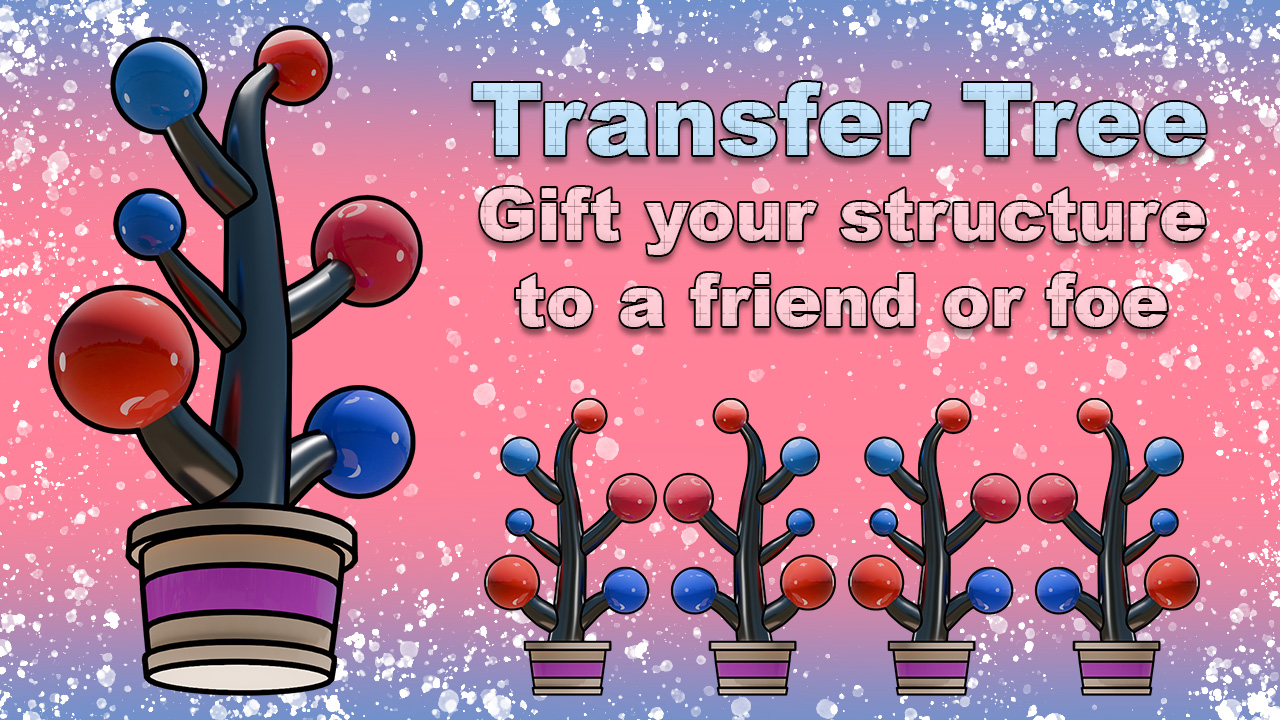
Change your structure team via device context menu (right click). Can also change structure to be neutral and not connectable. Single use. Custom effects. You can also give structures to your teammates if playing team deathmatch. Join my discord server for more mods and to play together: https://discord.com/invite/2gtjNeWcQZ If you want to use any part of this or any other of my mods please contact me in a discord I want to give my fort to player "CoolDude10863" how do I do that? Press F8 to open player list on the top left. There's 2 numbers to the left from the nickname separated by a slash (/). First number stands for the side the player is on (1 - blue, 2 - red) second number stands for player index. Select the button with the corresponding color and player index number on it. (The actual team ID is structured in reverse and represents a single number like 401 or 302 where leftmost number stands for player index and rightmost number stands for side. Hover your mouse over info (i) button to check your team ID)
📊 Mod Details
- Game
- Forts Mods
- Author
- 76561198175807851
- Version
- N/A
- Downloads
- 1,571
- Endorsements
- 0
- Category
- Mod, Misc, High Seas
- Created
- 1/5/2024
- Updated
- 1/5/2024
🔧 How to Install Forts Mods
Subscribe on Steam Workshop. Mods auto-download and install. Launch the game to activate.
📖 Full step-by-step install guide for Forts →
Visit the official mod page for specific installation instructions for this mod.
🎮 Need cheat codes or console commands? Check ur gaming wiki for Forts commands, item IDs, and more.
Keep browsing — more Forts mods await