1v1 海战(合作)
⚪ Last updated 2022Preview
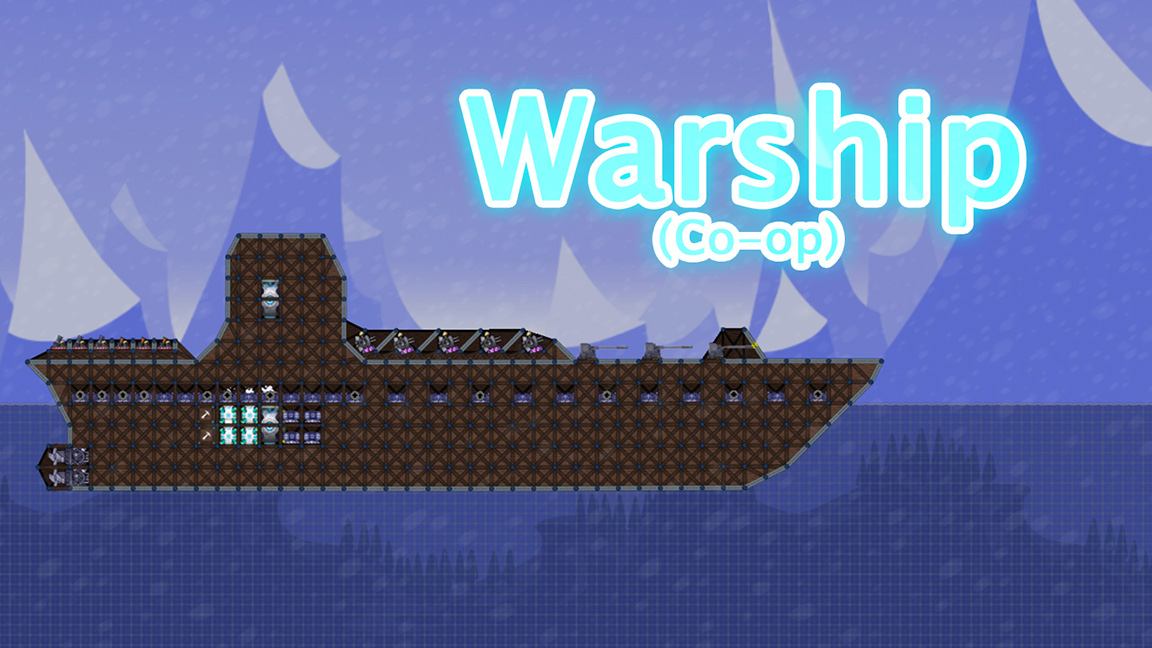
🔍 Analysis
- 👍 0.0% endorsement rate
- 🏆 #5 of 107 Map, 1v1, Asymmetric, Vanilla mods in this game by downloads
📋 About This Mod
How to make a warship map Used for game mechanics issues, making a warship map is very difficult. If you don't have a lot of map making experience, it is recommended not to try. To make a complete warship map you need to follow the following steps: Basics Build the basic elements of your map. If you need to build ships, make sure there aren't any fixed nodes on them. Sea Level Settings The default sea level height in OceanForts is 0. If you need to build a ship, make sure it has enough sections exposed above sea level. Please note: Most weapons cannot be used below sea level. If your map contains weapons, make sure they are in the correct location. In order to allow bullets to be switched correctly at sea level, OceanForts provides two materials that can only be used in the map editor: Sea Level (Air Layer) and Sea Level (Sea Layer) As their names say, the former controls bullet switching after exiting the water and the latter controls bullet switching after entering the water. Both materials can be used separately considering the special maps that are made. If you want to make a classic warship map, build both materials near the sea level. Make sure Sea Level (Air Layer) is above Sea Level (Sea Layer), and that they are horizontal and close to each other (a small grid is enough) It is recommended to set both ends of the two materials as fixed nodes (you can pre-build blocks and then delete them) and set the team to -2 team (ctrl+3). If the test works in sandbox mode, it means that the sea level setting is complete. Note: Nodes must be within visible range of the map, otherwise they may not load. Make It Float If you just build a ship, it won't float on its own. You need to make use of one of the devices in the mod - Floatbase. The placement of the Floatbase is an extremely complicated matter. If you put too little, your ship will sink to the bottom, and if you put too much, it will quickly fly out of the sea shortly after sinking and become difficult to control. Th
📊 Mod Details
- Game
- Forts Mods
- Author
- 76561198981563058
- Version
- N/A
- Downloads
- 30,955
- Endorsements
- 0
- Category
- Map, 1v1, Asymmetric, Vanilla
- Created
- 3/10/2021
- Updated
- 4/4/2022
🔧 How to Install Forts Mods
Subscribe on Steam Workshop. Mods auto-download and install. Launch the game to activate.
📖 Full step-by-step install guide for Forts →
Visit the official mod page for specific installation instructions for this mod.
🎮 Need cheat codes or console commands? Check ur gaming wiki for Forts commands, item IDs, and more.
Keep browsing — more Forts mods await