Gauss Weapon Full Charge Sound
⚪ Last updated 2021Preview
🔍 Analysis
- 👍 1.0% endorsement rate
- 🏆 #6 of 15 Audio - SFX mods in this game by downloads
📋 About This Mod
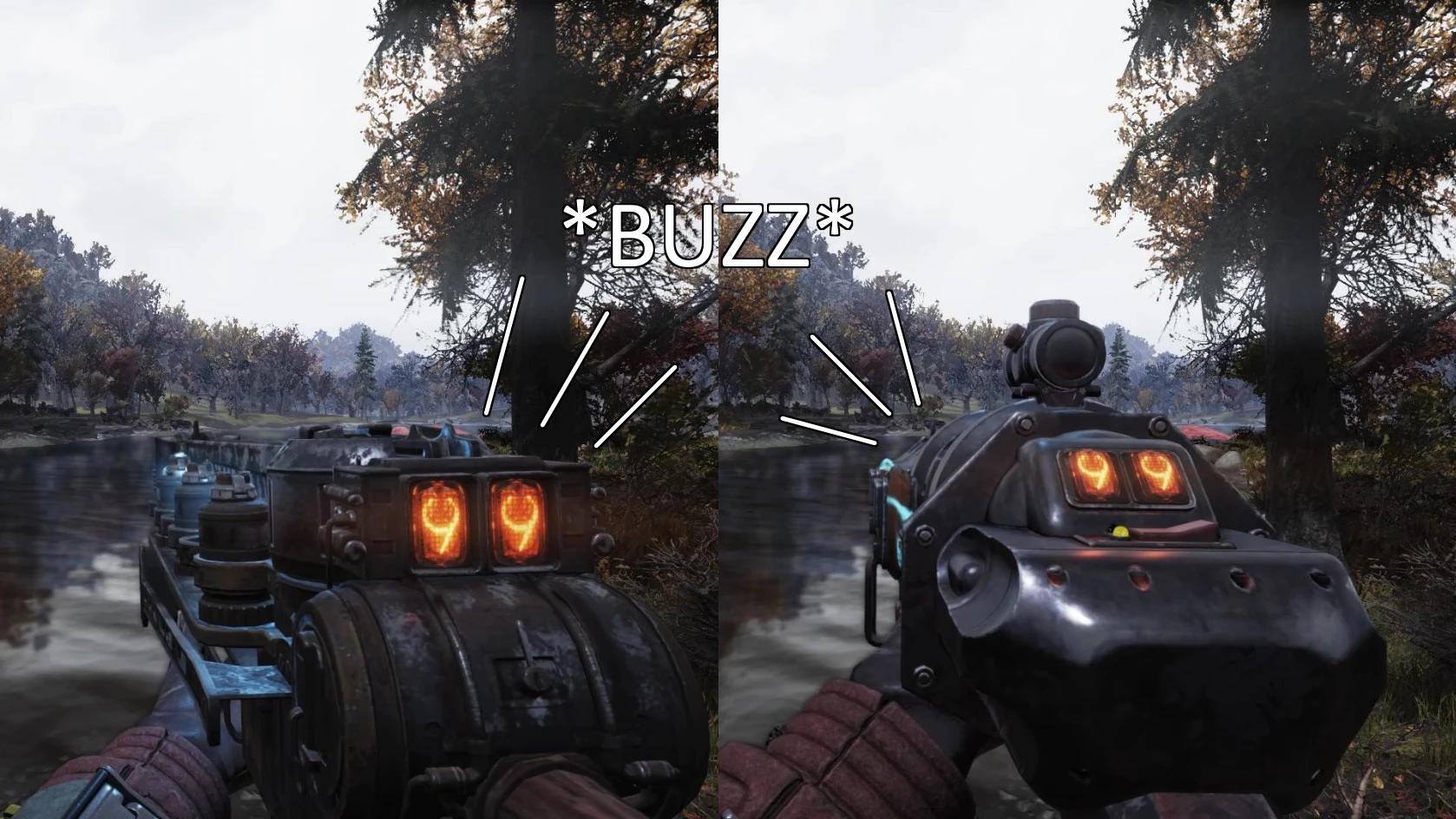
all gauss weapons make a buzz sound when fully charged, allowing you to know when to fire without having to keep an eye on the counter or charge your shots longer than you need to just to make sure you get the full damage
Surprised that this hadn't been done yet, I took it upon myself to make it.
This mod adds a little buzz sound to all gauss weapons when they're fully charged so you know when to fire without having to keep an eye on the counter or charge your shots longer than you need to just to make sure you get the full damage. I find this is very helpful when using scopes since you can't see the counter, and the vanilla click sound can be hard to hear over intense combat. It's a bit unnecessary for the gauss minigun since at that point it only indicates when it's about to begin firing, but it uses the same sound as every other gauss weapon, so it can't be helped.
The buzz sound itself is made from a heavily-edited version of an alarm from half-life 2, I wanted it to sound like it's actually coming from the gun, and it felt the most fitting.
A NOTE ABOUT THE TIMING: In the video below you may notice that the buzz doesn't happen when the counter reaches 99 exactly. This is because if the sound were to be there, it would bleed over into the looping sound of the charged capacitors, so you would hear the buzz every time it loops, which I didn't want. Ideally, you want to fire either as soon as you hear the buzz, or directly after the buzz.
To install, first create a "Fallout76Custom.ini" in the following directory (if you don't already have one):
C:\Users\Username\Documents\My Games\Fallout 76\
Then, put the following lines in the Fallout76Custom.ini:
sResourceArchive2List = GaussWeaponFullChargeSound.ba2,
or, if you have multiple mods:
sResourceArchive2List = ExampleMod1.ba2, ExampleMod2.ba2, GaussWeaponFullChargeSound.ba2,
then, simply place "GaussWeaponFullChargeSound.ba2" in your Fallout 76 data directory, which by default is:
C:\BethesdaDotNet\Bethesda.net Launcher\games\Fallout76\Data\
or, if you have the game on Steam:
C:\Steam\steamapps\common\Fallout76\Data\
Preview Video:
09Fso-BLF9o
📊 Mod Details
- Game
- Fallout76 Mods
- Author
- LolzMan1325
- Version
- 2.0
- Downloads
- 16,124
- Endorsements
- 159
- Category
- Audio - SFX
- Created
- 11/1/2021
- Updated
- 12/14/2021
🔧 How to Install Fallout76 Mods
Download from Nexus Mods.
📖 Full step-by-step install guide for Fallout76 →
Visit the official mod page for specific installation instructions for this mod.
🎮 Need cheat codes or console commands? Check ur gaming wiki for Fallout76 commands, item IDs, and more.
Keep browsing — more Fallout76 mods await