Ultrawide Black Rectangle and Menu Zoom Fix
⚪ Last updated 2020Preview
🔍 Analysis
- 👍 1.9% endorsement rate — high engagement, a strong quality signal
- 🏆 #21 of 35 Bug Fixes mods in this game by downloads
📋 About This Mod
Engine fix for the bug where the fade-to-black shader did not cover the whole screen when transitioning between cells. Additionally allows configuration of the FOV for rendered menus/scope to fix them being zoomed in too far.
Description
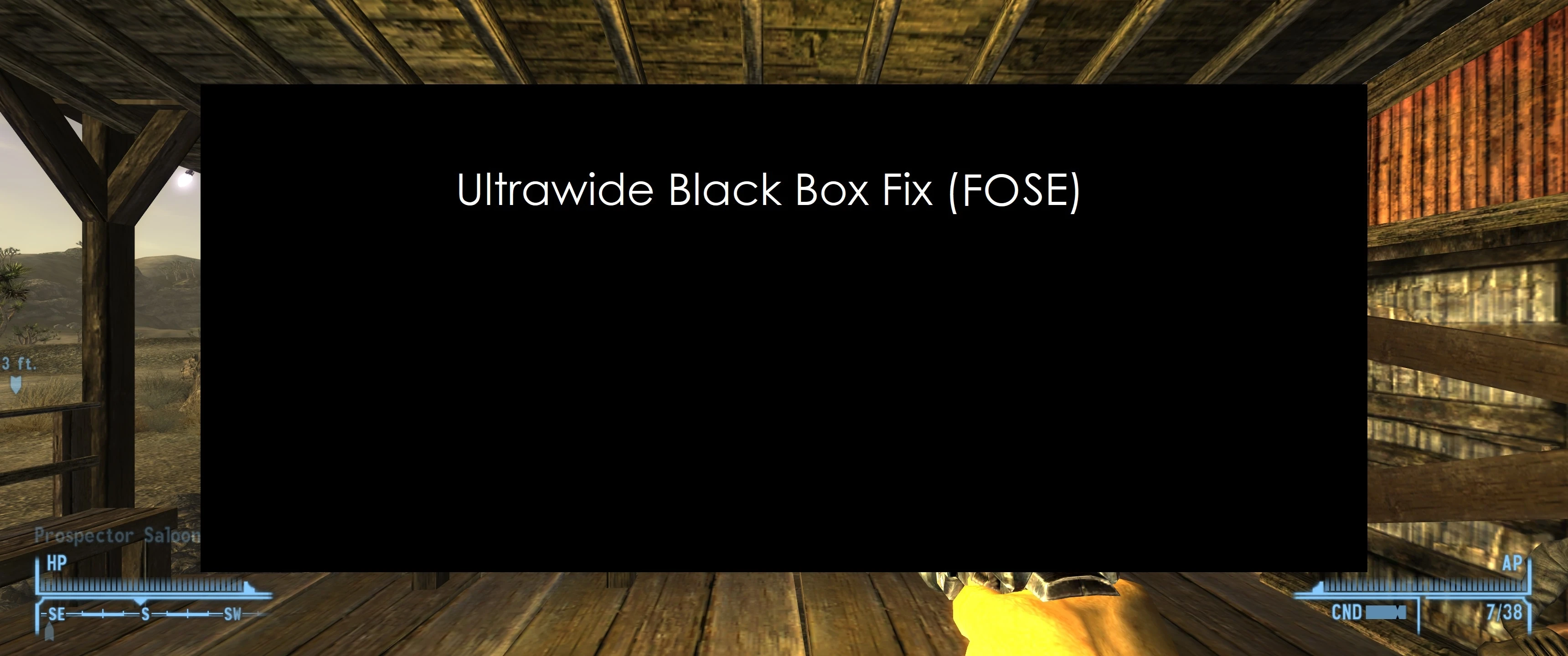
If you are playing with an ultra-wide (21:9) resolution, a black rectangle can be seen whenever any fade-to-black or fade-to-white effects occur (e.g. loading a cell or save). This is caused by the fade effect not being large enough to cover the entire screen.
This mod provides an engine fix for the bug, without breaking the fade-to-black and fade-to-white effects.
Additionally the mod fixes the FOV for the Scope, LockPick, and Terminal menus to fix them being too large.
An example of the bug (in New Vegas) can be seen here:
4cGqPTXgARo
For other engine fixes and improvements see lStewieAl's Tweaks.
Available in downloads.
Credits
Thanks H1ms3lf for bringing the bug to my attention.
Thanks trent1541 for the video example from their original mod page.
📊 Mod Details
- Game
- Fallout3 Mods
- Author
- lStewieAl
- Version
- 1.0
- Downloads
- 9,019
- Endorsements
- 172
- Category
- Bug Fixes
- Created
- 4/8/2020
- Updated
- 4/8/2020
🔧 How to Install Fallout 3 Mods
Download from Nexus Mods.
📖 Full step-by-step install guide for Fallout 3 →
Visit the official mod page for specific installation instructions for this mod.
🎮 Need cheat codes or console commands? Check ur gaming wiki for Fallout 3 commands, item IDs, and more.
Keep browsing — more Fallout 3 mods await