Treasure Maps_ A Fist Full of Caps
⚪ Last updated 2008Preview
🔍 Analysis
- 👍 4.6% endorsement rate — high engagement, a strong quality signal
- 🏆 #57 of 117 Quests and Adventures mods in this game by downloads
📋 About This Mod
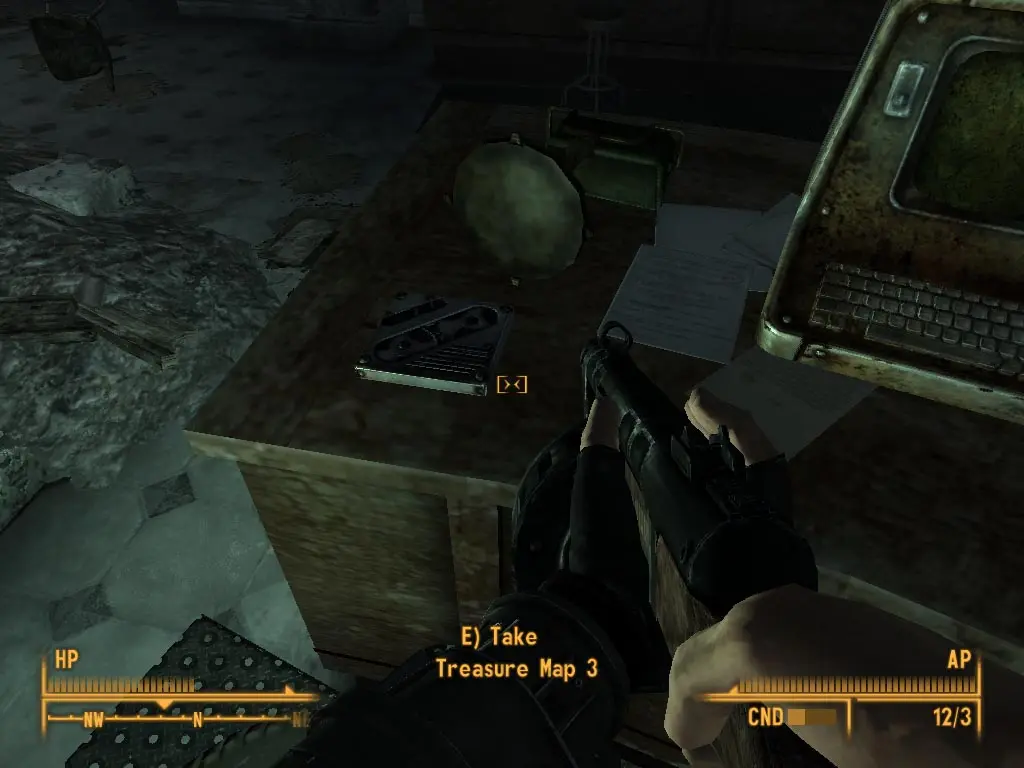
This mod adds treasure maps to FO3. Follow the clues on the maps to find buried treasure. Locations of the maps are on a seperate readme in the file. Treasure includes weapons, ammo, books, caps etc..
This mod is similar to my Treasure Maps mods for Oblivion. The idea is to give the player the ability to find buried treasure by following the clues on treasure maps. There are 18 treasure maps in this first version. On each of the maps is the location of buried treasure. Once you find a treasure map simply look at it in the notes section of your Pipboy. Follow the clues on the maps to locate the treasure. Look in the area indicated on the map for a disturbed patch of dirt. Search the dirt to find the treasure. The maps include many types of puzzles & riddles for the player to solve. Some are easy & some are more difficult. The treasures include caps, weapons, ammo, armor etc.. The items are useful but not overpowering. I have scattered the treasure maps throughout the game world for the player to find. I have also included a readme file with the locations of all the maps. So you can go after the treasures right away or you can find them on your own as you play the game. Although I have created many mods for Oblivion, this is my first mod for Fallout3. PLease be patient if there are any mistakes or problems let me know by adding a comment. INSTALLATION: Extract the zip file to your Fallout3/Data folder. Remember to check the esm in the data files menu. I assume you guys know about the ini thing. But if not, if this is your first mod installation on Fallout 3, you must do this before installing any mod, or they won\'t work : Go to \"My Documents\", you should find the \"My Games\" folder with \"Fallout3\" in. In this folder, open the \"FALLOUT. INI\" with the notepad and search for the line : \"bInvalidateOlderFiles=0\" you need to change the \"0\" to \"1\" and save.
📊 Mod Details
- Game
- Fallout3 Mods
- Author
- Kevin
- Version
- 1.0
- Downloads
- 14,232
- Endorsements
- 660
- Category
- Quests and Adventures
- Created
- 12/24/2008
- Updated
- 12/24/2008
🔧 How to Install Fallout 3 Mods
Download from Nexus Mods.
📖 Full step-by-step install guide for Fallout 3 →
Visit the official mod page for specific installation instructions for this mod.
🎮 Need cheat codes or console commands? Check ur gaming wiki for Fallout 3 commands, item IDs, and more.
Keep browsing — more Fallout 3 mods await