Extended Hotkeys
⚪ Last updated 2013Preview
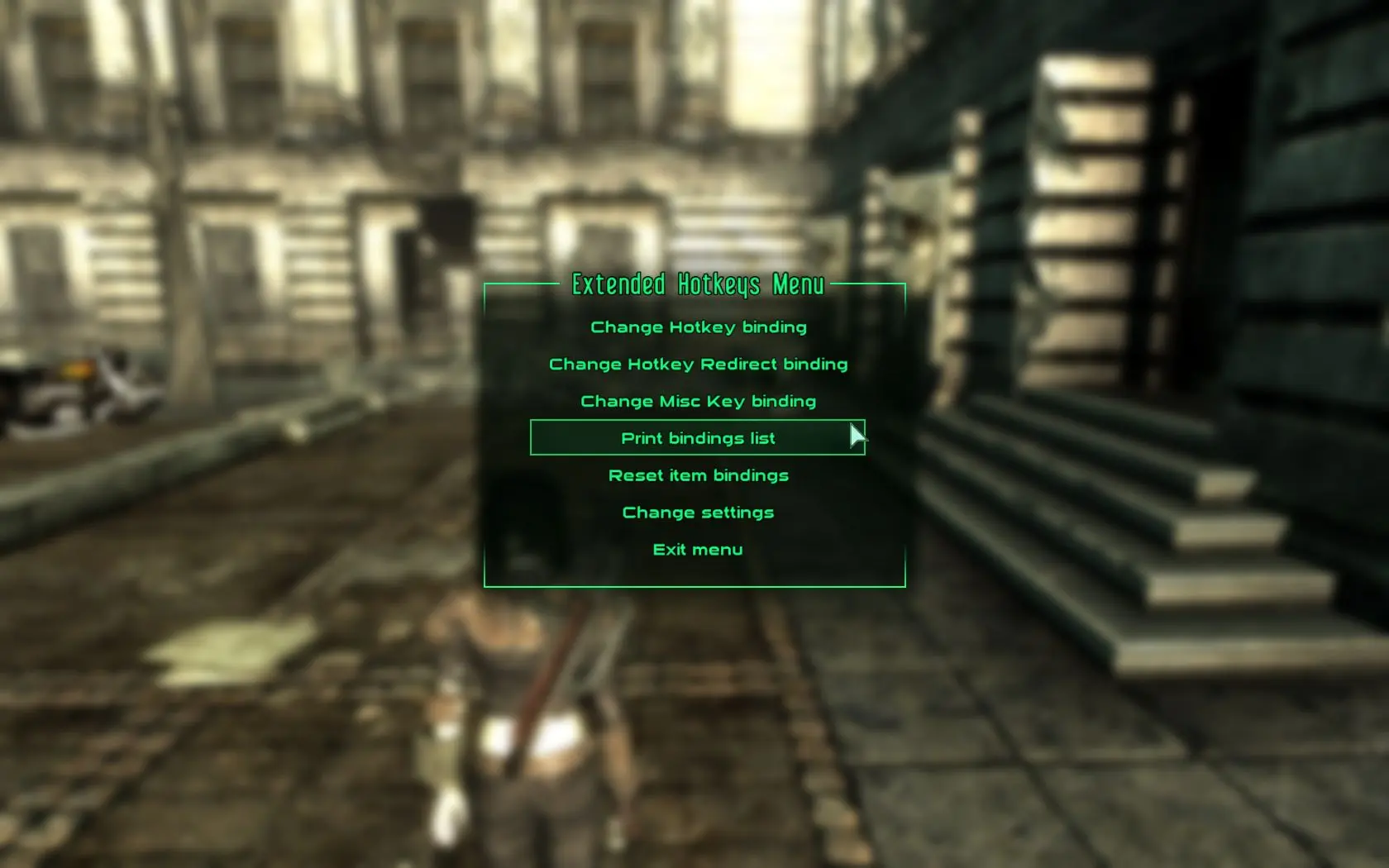
🔍 Analysis
- 👍 7.3% endorsement rate — high engagement, a strong quality signal
- 🏆 #10 of 61 User Interface mods in this game by downloads
📋 About This Mod
This mod adds 32 multi-item hotkey slots in addition to built-in hotkeys. Includes hotkey memory, item sets, last weapon toggling and multiple ingestibles assignment.
Based on Expanded Hotkeys mod by LangyMD. Generally simplified and item assignment completely rewritten (it uses Form Lists instead of cell with containers)
Key differences:
-
[]More straightforward item assignment mechanics
[
]Ability to view assignments[]Grenade/Mine equipping workaround (engine limitation: equipping those in a script equips only one item, leaving you unarmed after you throw it)
[]Unlimited number of weapons per slot
[]Retains order of weapons in a slot
[]Has "Toggle last weapon" key
[]Assignment of items to built-in hotkeys
-----------------
-----------------
Primary Features:
-
[]New hotkeys (32 new hotkey slots + 8 remapped built-in hotkeys (functionality is unaltered) )
[]Hotkeys have memory (if you have an item hotkeyed and then drop it, when you pick it back up it will retain its original hotkey)
[]Assign multiple items to the same hotkey
[]"Toggle last weapon" key
[]All keys used are user-definable
You can equip/use hotkeyed items by pressing any combination of the normal hotkey keys (1-8 by default) and the two modifier buttons (LeftShift and LeftAlt by default) which gives you four possible combinations per key (e.g. 2, LShift+2, LAlt+2, LShift+LAlt+2)
To replace all items in a slot (clear and assign new item) hold key combination of your choice and click on a hotkeyable item - exactly the same way as with built-in hotkeys just with possible modifiers.
To assign multiple items to the same hotkey (Weapons, Equipment Sets, or Aid items) hold Toggle Modifier (default: LCtrl) in addition to slot combination. If you assign new item it will be added to the slot, if it's already assigned it will be removed (hence Toggle Modifier name). So if you toggle the only item in a slot it will be cleared.
Depending on a first assigned item slot will be treated as weapon slot or generic slot. A weapon slot will cycle through all assigned weapons on consequent key presses (in order you used to assign those), a generic slot will equip/use all assigned items allowing outfit sets or using few chems at once, and even chems+armor if you wish (Rad-X + Radiation suit?)
Use Toggle Last Weapon key (default: x) to switch between two weapons (not necessarily hotkeyed).
If you want to assign something to built-in hotkeys hold Force Modifier (default: RightCtrl) when assigning to base hotkeys (1-8). They will be accessible during GameMode on redirected hotkeys (default: Num1-Num8). Keep in mind that built-in hotkeys are secondary and are used as intermediary to assign anything to extended hotkeys, so this will overwrite
-
[]New hotkeys (32 new hotkey slots + 8 remapped built-in hotkeys (functionality is unaltered) )
📊 Mod Details
- Game
- Fallout3 Mods
- Author
- polbashkisneslo
- Version
- 1.1
- Downloads
- 3,857
- Endorsements
- 280
- Category
- User Interface
- Created
- 5/9/2013
- Updated
- 9/11/2013
🔧 How to Install Fallout 3 Mods
Download from Nexus Mods.
📖 Full step-by-step install guide for Fallout 3 →
Visit the official mod page for specific installation instructions for this mod.
🎮 Need cheat codes or console commands? Check ur gaming wiki for Fallout 3 commands, item IDs, and more.
Keep browsing — more Fallout 3 mods await