FOV DOF Motion Blur Mouse Acceleration Fix
⚪ Last updated 2018🖼️ Gallery (1 images)
🔍 Analysis
- 👍 3.2% endorsement rate — high engagement, a strong quality signal
- 🏆 #3 of 6 Miscellaneous mods in this game by downloads
📋 About This Mod
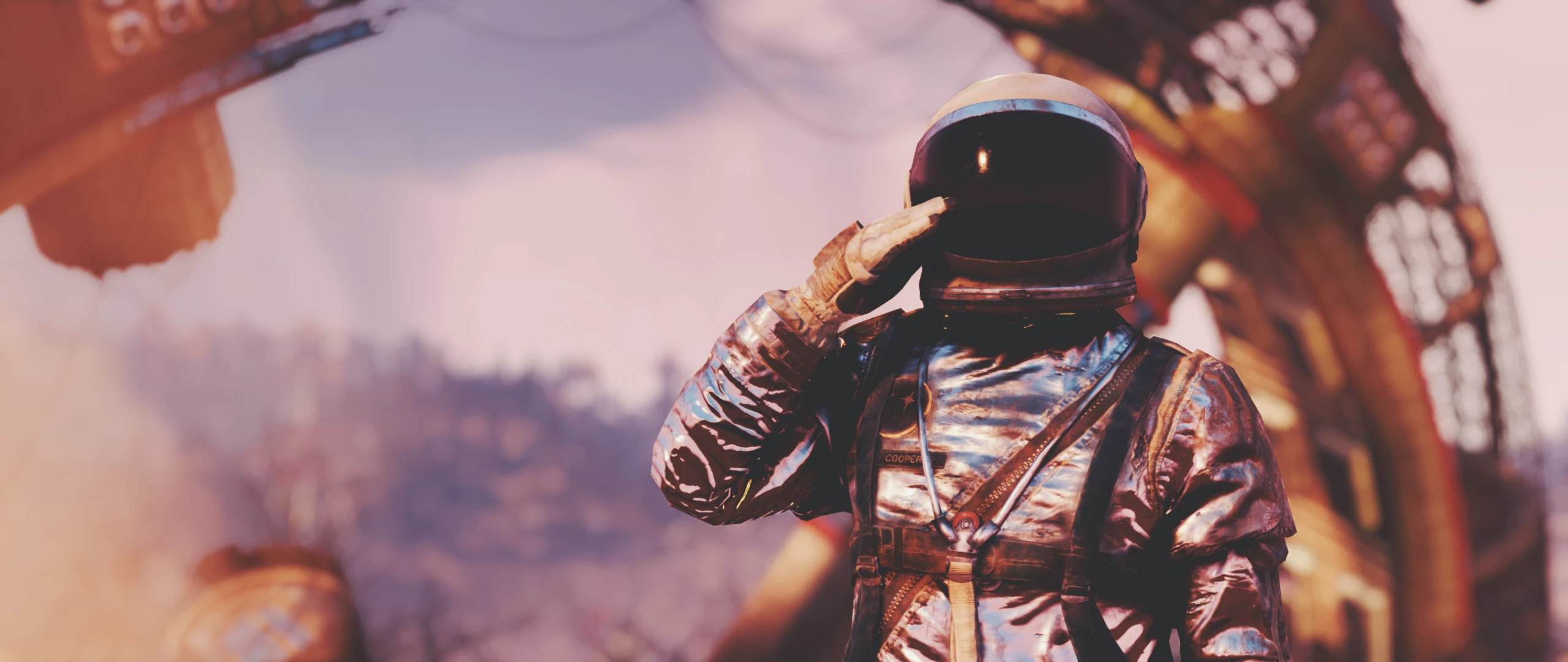
Here's a Fallout76Custom.ini that can help with FOV, DOF, Motion Blur and Mouse Acceleration
Download the file, and place it into Documents\My Games\Fallout 76
I know the mod name is rubbish, sorry :(
If you have your own screenshots, don't be shy to submit them!
Oh shit, I got to hot files <3
bMouseAcceleration=0
fIronSightsPitchSpeedRatio=1
fPitchSpeedRatio=1
fDefaultWorldFOV=100
fDefault1stPersonFOV=100
fDOFBlendRatio=0
fDOFMinFocalCoefDist=999999
fDOFMaxFocalCoefDist=99999999
fDOFDynamicFarRange=99999999
fDOFCenterWeightInt=0
fDOFFarDistance=99999999
fIBLensFlaresBloomint=0
uIBLensFlaresBloomradius=0
bDoRadialBlur=0
iRadialBlurLevel=0
bDoDepthOfField=0
bDynamicDepthOfField=0
bMBEnable=0
bScreenSpaceBokeh=0
bLensFlare=0
A Fallout 76 configuration file that disables motion blur, depth of field, and mouse acceleration while setting FOV to 100. It has 382 endorsements and 11,861 downloads, last updated in November 2018. Simple drop-in installation for players seeking a cleaner visual experience.
✨ Key Features
📊 Pros & Cons
✅ Pros
- Community-approved with 382 endorsements and over 11k downloads
- Simple drop-in installation—just place the file in the right folder
- Effectively removes common visual annoyances like motion blur and DOF
⚠️ Cons
- Last updated in 2018—may not be compatible with current game patches
- No uninstall instructions provided by the author
- Only offers a single preset; no customization options within the mod
For Fallout 76 players who prefer a crisp, clear image without motion blur or depth of field, and want a wider FOV. It's perfect for those who want a quick tweak without fiddling with INI settings themselves. Skip if you enjoy cinematic effects or need a mod that's actively maintained.
💡 Beginner Tips
- Place the Fallout76Custom.ini file directly into Documents\My Games\Fallout 76, not in the game's installation folder.
- If you already have a Fallout76Custom.ini, back it up and merge the settings manually to avoid losing your customizations.
- After installing, launch the game and check your settings—FOV should be 100 and motion blur should be off.
📊 Mod Details
- Game
- Fallout 76 Mods
- Author
- AnarchyHD - GrimTech
- Version
- 2
- Downloads
- 11,861
- Endorsements
- 382
- Category
- Miscellaneous
- Created
- 11/14/2018
- Updated
- 11/16/2018
🔧 How to Install Fallout 76 Mods
Use Vortex. Place .ba2 files in Data folder. Use cautiously online.
📖 Full step-by-step install guide for Fallout 76 →
Visit the official mod page for specific installation instructions for this mod.
🎮 Need cheat codes or console commands? Check ur gaming wiki for Fallout 76 commands, item IDs, and more.
Keep browsing — more Fallout 76 mods await