SP Personal Teleport
⚪ Last updated 2020⚠️ Install Order · 2 steps
Install in this order, then this mod last — most mods fail to load without their framework and dependencies in place.
Preview
🔍 Analysis
- 👍 4.9% endorsement rate — high engagement, a strong quality signal
- 🏆 #23 of 35 Cheats and God items mods in this game by downloads
📋 About This Mod
Completely NEW mod. Rewritten in it's entirety. May use BOTH Personal Teleportation Device (PTD) AND this mod together, giving you a chance to (re-)customize current favorite locations.
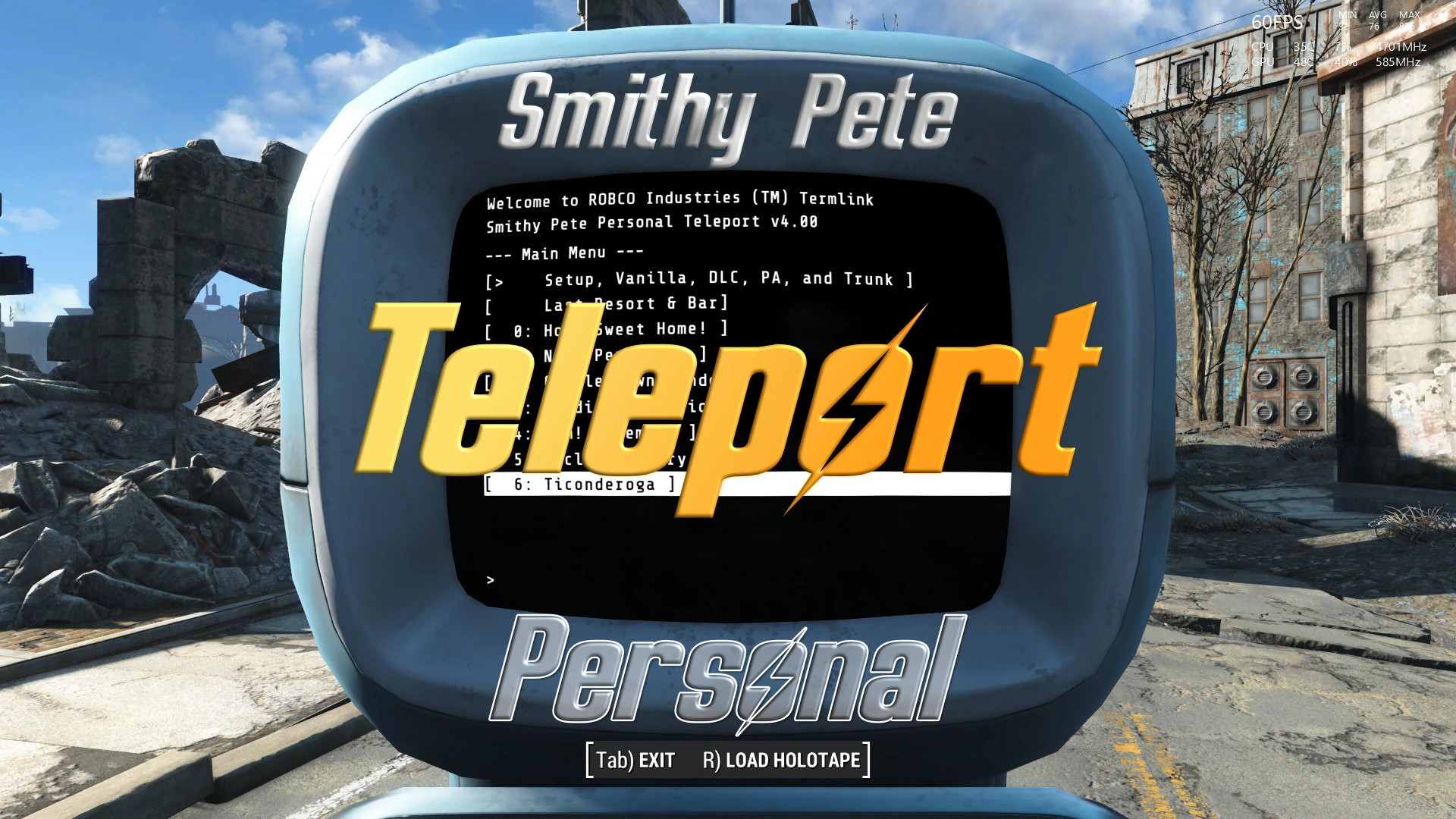
Brief: Custom-name up to 100 locations to (instantly) teleport to, in or out of PA/Doors/Combat.
Description: Personal Teleport that allows you to customize up to 100 teleport locations, including the name, and always remembers the last location (Last Resort & Bar) that you used the terminal to teleport from. Use the Personal Teleport to teleport to/from indoors, to/from outdoors, DLC areas, inside/outside Power Armor, in/out of combat. It just works anytime! And you only have to set up each customizable entry once!
Power Armor: Summon a power armor frame to your location. Build it up. Put whatever pieces that you want onto it. They'll stay on the frame, I promise. Includes the ability to return the power armor to a home location set by you. Use Rename Anything to rename the power armor (optional), and the Personal Teleport to make the name (basically) permanent. (The game tries VERY hard to change the name at every opportunity. I've mitigated MOST of these occurrences.)
Fuel Usage: Optional fuel usage allows you to use Fusion Cores as fuel. Options include 5-30% drain per use. A message will pop-up if you attempt to use PT without any fuel left (if fuel usage is enabled).
Storage Trunk: Summon a storage trunk to your location. Add whatever you want to it (that you can normally put into a trunk container). They'll all stay-put in the trunk, I promise. Includes the ability to return the trunk to a home location set by you. Use Rename Anything to rename the storage trunk (optional). (When you return the trunk to it's home location, unless the cell it's sent to just happens to be loaded, it won't have the correct z-axis rotation. This is a game limitation. I've mitigated this somewhat, but if you see the trunk at a different angle than you remember, just send it to it's home location again (since the cell is obviously loaded if you are staring at it), and it'll straighten right-up and behave!)
Extras: Includes a few select locations from Fusion City Rising, Outcasts & Remnants, and Project Valkyrie.
How to use: Set a key for the Summon Teleporter hotkey in MCM. Press said hotkey when you wish to use the Personal Teleport. (Note: This is the ONLY hotkey required to use this mod, in-case you are running out of hotkeys on your 104-key keyboard...)
Requirements: Fallout 4 Script Extender (F4SE): 0. 6. 21+; Mod Configuration Menu (MCM): 1. 39+; TextInputMenu (TIM): 1. 10. 163. 0+; and Rena
SP Personal Teleport is a cheat mod for Fallout 4 that lets you save up to 100 custom-named locations and instantly teleport to them, even while in power armor, through doors, or during combat. It's a quality-of-life tool for players who want fast travel without restrictions, backed by 778 endorsements.
✨ Key Features
📊 Pros & Cons
✅ Pros
- Community favorite with 778 endorsements and over 15k downloads—clearly a trusted tool.
- Teleporting in combat and through doors is a game-changer for stealth or escape builds.
- Custom names for 100 locations means you can organize fast travel exactly how you want.
⚠️ Cons
- Last updated in 2020, so it may not be compatible with the latest Fallout 4 patches or DLC.
- As a cheat mod, it removes the challenge of survival mode's fast travel restrictions—not for purists.
- Potential conflicts with other mods that alter fast travel or location systems.
For Fallout 4 players who hate walking across the Commonwealth and want instant access to their favorite spots, especially those who play with power armor or find themselves in tight spots. Skip if you prefer survival challenges or want a lore-friendly fast travel overhaul.
💡 Beginner Tips
- Make sure you have the mod enabled in your load order and that you're not using a mod manager that might conflict with the hotkey setup.
- Test teleporting in a safe area first to get used to the menu and hotkeys before using it in combat.
- If you're on PC, consider binding the teleport hotkey to something easy to reach, like a side mouse button.
📊 Mod Details
- Game
- Fallout 4 Mods
- Author
- SmithyPete
- Version
- 4.02
- Downloads
- 15,923
- Endorsements
- 778
- Category
- Cheats and God items
- Created
- 5/27/2016
- Updated
- 7/11/2020
🔧 How to Install Fallout 4 Mods
Download from Nexus.
📖 Full step-by-step install guide for Fallout 4 →
Visit the official mod page for specific installation instructions for this mod.
🎮 Need cheat codes or console commands? Check ur gaming wiki for Fallout 4 commands, item IDs, and more.
Keep browsing — more Fallout 4 mods await