Save Hot Key - ArchMod
⚪ Last updated 2017⚠️ Install Order · 4 steps
Install in this order, then this mod last — most mods fail to load without their framework and dependencies in place.
Preview
🔍 Analysis
- 👍 0.7% endorsement rate
- 🏆 #62 of 82 User Interface mods in this game by downloads
📋 About This Mod
Save Hot Key
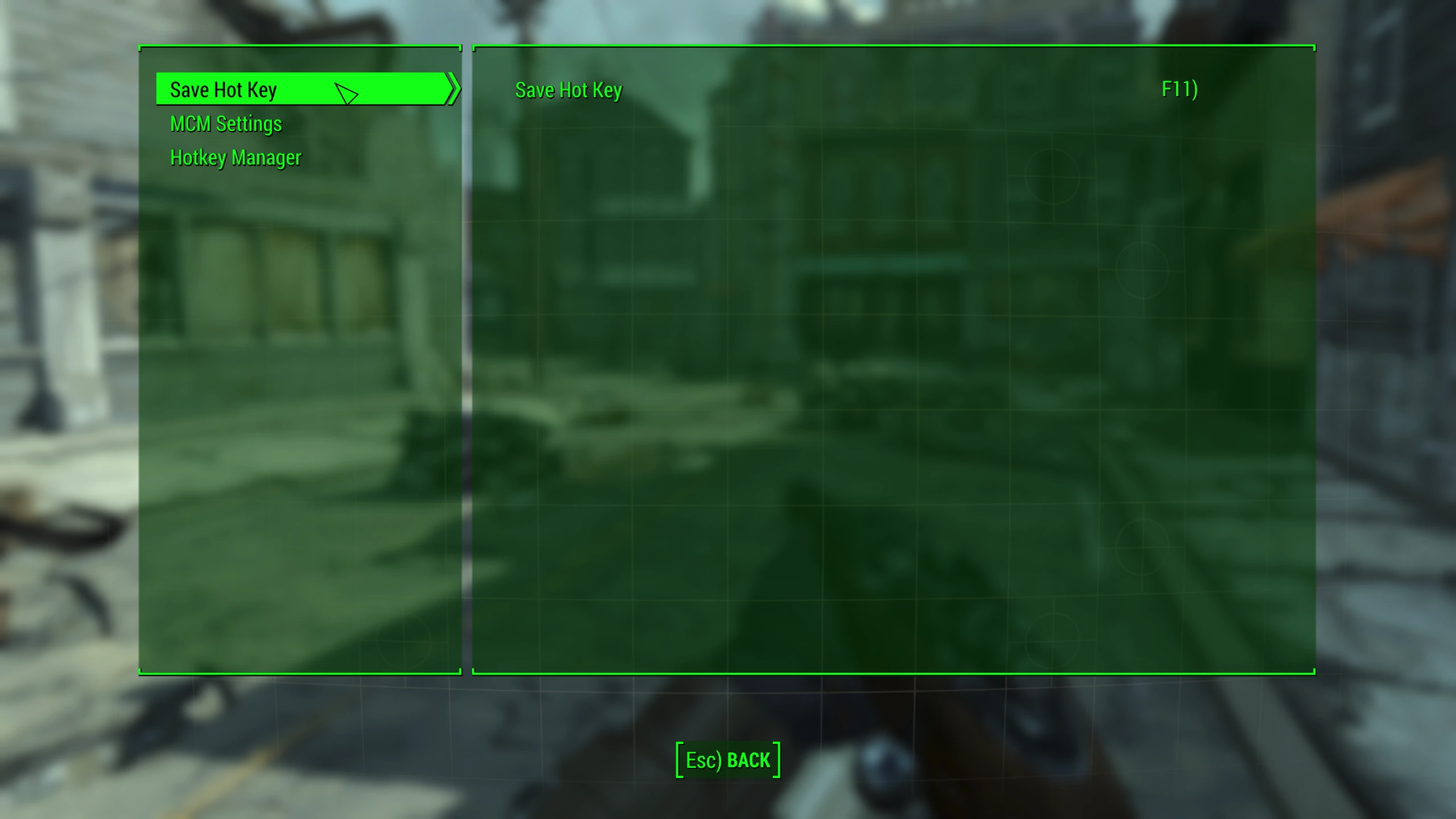
Creates a full save on key press. MCM & F4SE required
Customize the key within MCM
Works in survival difficulty
Mod Organizer 2 users: The trouble with Mod Organizer 2 is that it stops mods generating new files. This is what is stopping settings being saved once people get the mods recognized by MCM.
Step 1: Move the MCM folder from ModOrg 2\Fallout 4\Mods\<MCM based mod> to Fallout 4\ Data
Step 2: Copy the name of the mods ESP file e.g. MCM_Demo.esp or QuickTrade.esp Go to Fallout 4\ Data\MCM and generate a folder labeled "Settings" if needed. Inside the Settings folder right click and make a new txt file. Rename file to the name of the ESP file and change file extension to "ini" e.g. MCM_Demo.ini or QuickTrade.ini
That's it. The mod will now appear in the MCM menu and settings will be persistent.
Also of note, a file called "Keybinds.json" may appear inside some folders in your Overwrite folder in Mod Organizer 2. This is where the keybindings are stored. You can leave it there or move it to the appropriate location inside Fallout 4\ Data\MCM\Settings.
Suggestion to mod authors. Please add an appropriately named ini file inside the Settings folder for us MO2 users. credit to stonefisher for this workaround from here
Many thanks to the F4SE and MCM teams!
Save Hot Key - ArchMod adds a full save on keypress for Fallout 4, requiring MCM and F4SE. It works in survival difficulty, making it a handy tool for survival players who want quick saves without the game's restrictions. With 428 endorsements and 61,953 downloads, it's a popular utility mod.
✨ Key Features
📊 Pros & Cons
✅ Pros
- Community-approved with 428 endorsements and over 61k downloads
- Essential for survival mode players who want to save anywhere
- Simple keypress functionality—no menu diving
⚠️ Cons
- Requires both MCM and F4SE, so you need extra setup
- Last updated in 2017—may have compatibility issues with newer game patches
- No hotkey customization details provided—might be fixed to a default key
For Fallout 4 survival players who hate the save restrictions and want a quick way to save without sleeping. Also for anyone who wants a simple hotkey save without opening the console. Skip if you don't use survival mode or don't want to deal with F4SE and MCM dependencies.
💡 Beginner Tips
- Make sure you install F4SE correctly—it needs to go in your game folder, not just the Data folder.
- After installing MCM, check the mod's settings in the MCM menu to see if you can rebind the hotkey.
- If the mod doesn't work, verify your F4SE version matches your game version.
📊 Mod Details
- Game
- Fallout 4 Mods
- Author
- Archey
- Version
- 1d
- Downloads
- 61,953
- Endorsements
- 428
- Category
- User Interface
- Created
- 10/20/2017
- Updated
- 10/21/2017
🔧 How to Install Fallout 4 Mods
Download from Nexus.
📖 Full step-by-step install guide for Fallout 4 →
Visit the official mod page for specific installation instructions for this mod.
🎮 Need cheat codes or console commands? Check ur gaming wiki for Fallout 4 commands, item IDs, and more.
Keep browsing — more Fallout 4 mods await