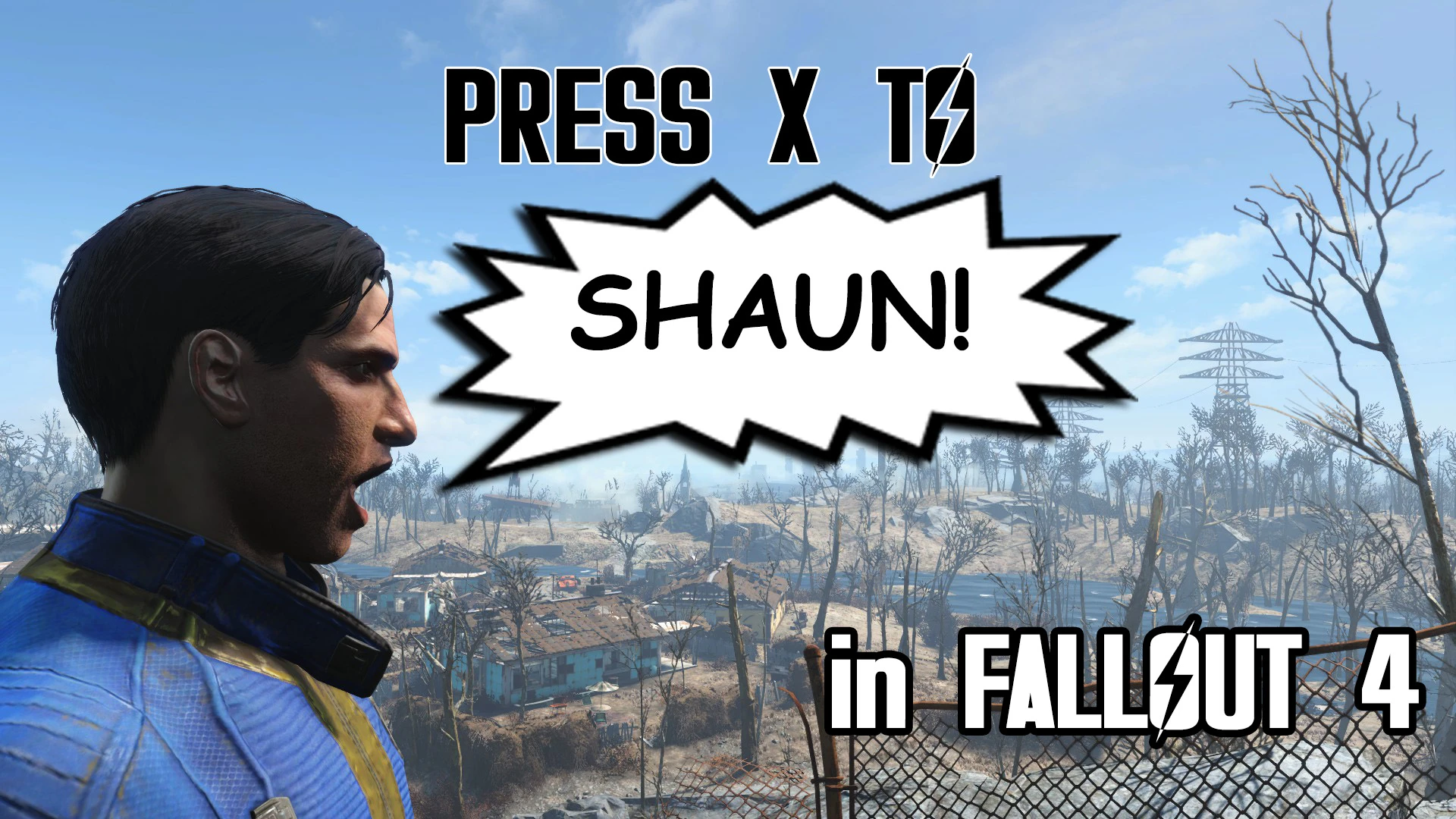
Press X to Shaun
⚪ Last updated 2017⚠️ Install Order · 2 steps
Install in this order, then this mod last — most mods fail to load without their framework and dependencies in place.
Preview
🔍 Analysis
- 👍 3.2% endorsement rate — high engagement, a strong quality signal
- 🏆 #8 of 29 Audio - Voice mods in this game by downloads
📋 About This Mod
I've already finished making this mod when I realized there's another file here on NexusMods with pretty much the same functionality. So instead of throwing out and not uploading my version, here's a shout-out for the Holla Atcha Boy - Yell Shaun mod by Emilio G! Please make sure you check out their version too, and use the one that suits you the best!
HAPPY APRIL FOOLS' DAY 2017!
An homage to the infamous Heavy Rain "Shaaaaaaun" glitch. Adds a configurable hotkey (X by default) that triggers 10 different, randomly picked "Shauns" for each gender edited from vanilla dialogue lines, and also adds additional lines when the Player is in conversation with NPCs.
WATCH MY TRAILER!
9RPwveSypsA
Use a mod manager like Nexus Mod Manager.
Extract the contents of the rar file to your Fallout 4 Data folder and enable PressXtoShaun.esp using a mod manager or manually.
The mod uses the keyboard key X by default. If you want to change that, open Data/PressXtoShaunHotkeys.ini with a text editor, and change X to whatever you prefer. Check out registrator2000's article about List of Possible Keybinds for more details.
Ensure these lines appear in either your ../Documents/My Games/Fallout4/Fallout4Prefs.ini or ../Documents/My Games/Fallout4/Fallout4Custom.ini:
bInvalidateOlderFiles=1
sResourceDataDirsFinal=
If you have trouble installing mods, check these tutorials by Gopher:
- Enabling Mods for FALLOUT 4
- FALLOUT 4: Installing Mods on PC (MANUALLY)
Press X to Shaun. Or press any other key you've set instead of X within PressXtoShaunHotkeys.ini.
By default X is for auto-walk. It is also used in the character creation menu for changing the gender of the protagonist. Changing the mod to use another key instead of X is absolutely possible, the method is detailed in the 'How to Install' section.
If you use other mods with hotkey features enabled by FO4 Hotkeys by registrator2000 follow these few easy steps below:
- delete Data/PressXtoShaun.ini
- copy the hotkey command from Data/PressXtoShaunHotkeys.ini to your Data/Hotkeys.ini file under :
X=cgf "pxts_dialoguequest.shaun"
registrator2000 - for FO4 Hotkeys and showing me how to unlock hotkeys for any mods
__________________________________________________________________________________________________________________________
A humorous audio mod for Fallout 4 that adds a configurable hotkey (X by default) to trigger 10 randomly selected 'Shaun' voice lines per gender, edited from vanilla dialogue. A tribute to the Heavy Rain glitch, it's a lightweight, fun addition for players who want a laugh during gameplay.
✨ Key Features
📊 Pros & Cons
✅ Pros
- Community favorite with 595 endorsements and over 18k downloads.
- Simple, lightweight audio mod that doesn't affect gameplay.
- Random selection keeps it fresh—you never know which Shaun you'll get.
⚠️ Cons
- Last updated in 2017—may not be compatible with the latest Fallout 4 patches or DLC.
- The humor is niche—if you're not familiar with the Heavy Rain meme, this might fall flat.
For Fallout 4 players who enjoy meme culture and want a silly, non-intrusive addition to their game. Perfect for streamers or anyone who wants to make their companions (or themselves) shout 'Shaun' at random. Skip if you're looking for serious audio overhauls or lore-friendly content.
💡 Beginner Tips
- Since it's a hotkey mod, check your key bindings in the mod's configuration to avoid conflicts with other mods.
- If you're using a mod manager like Nexus Mods, install it manually by dropping the files into your Data folder to ensure it loads correctly.
- Test the hotkey in a safe area first—you don't want to trigger a Shaun during a serious quest dialogue.
📊 Mod Details
- Game
- Fallout 4 Mods
- Author
- CDante
- Version
- 1.0
- Downloads
- 18,354
- Endorsements
- 595
- Category
- Audio - Voice
- Created
- 4/1/2017
- Updated
- 4/1/2017
🔧 How to Install Fallout 4 Mods
Download from Nexus.
📖 Full step-by-step install guide for Fallout 4 →
Visit the official mod page for specific installation instructions for this mod.
🎮 Need cheat codes or console commands? Check ur gaming wiki for Fallout 4 commands, item IDs, and more.
Keep browsing — more Fallout 4 mods await