Nuka World UI Mod Crash Fix
⚪ Last updated 2019⚠️ Install Order · 2 steps
Install in this order, then this mod last — most mods fail to load without their framework and dependencies in place.
Preview
🔍 Analysis
- 👍 2.6% endorsement rate — high engagement, a strong quality signal
- 🏆 #3 of 58 Bug Fixes mods in this game by downloads
📋 About This Mod
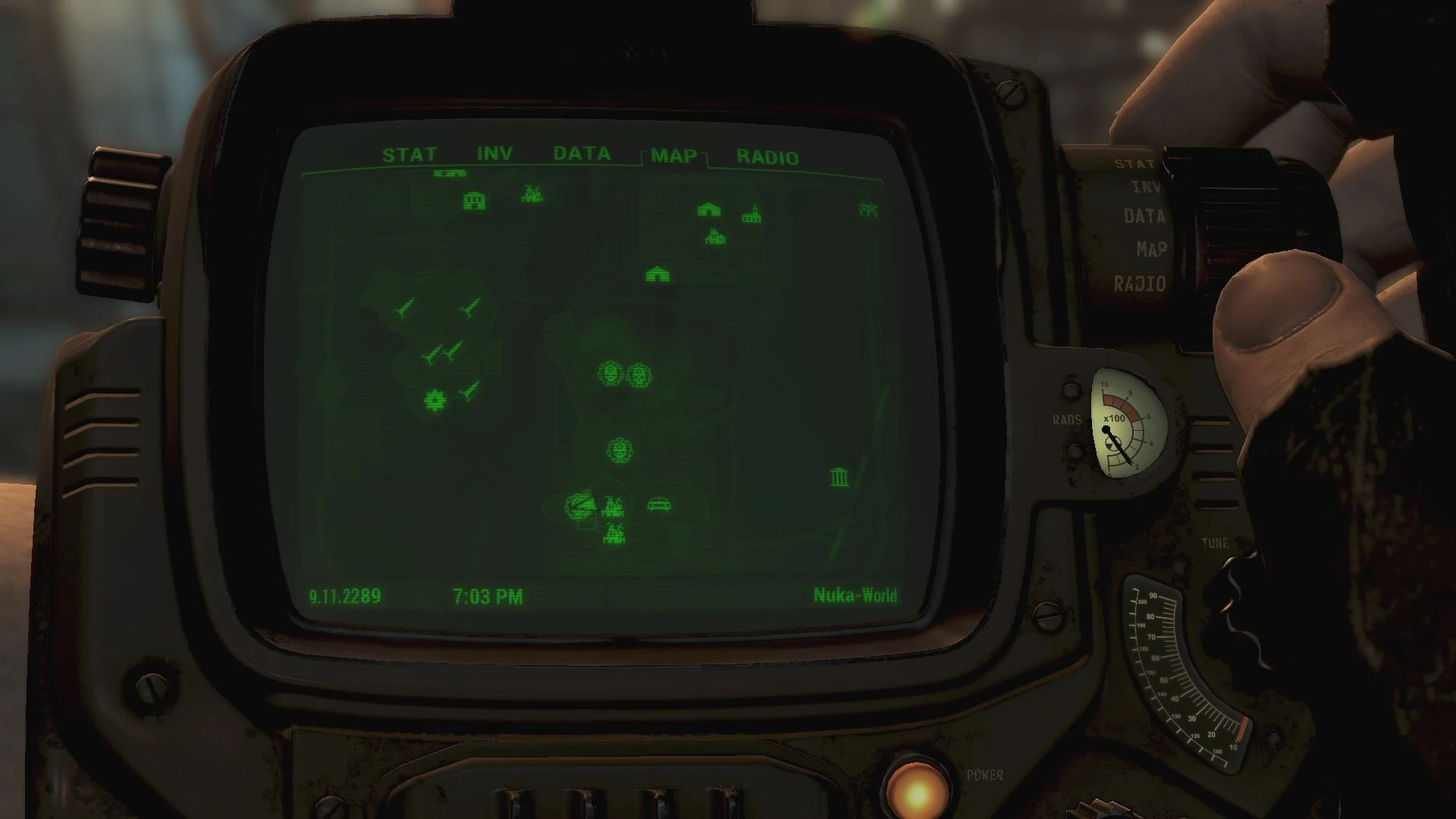
Some UI mods can crash the game when trying to load any of Nuka World's unique map markers for the compass (specifically UI mods that have not been updated to work with Nuka World, such as Pleasant UI). This mod solves this issue by replacing these map markers with appropriate markers that are already in the base game, thus avoiding any crashes.
This bug fix mod resolves crashes to desktop (CTD) caused by UI mods in Fallout 4's Nuka World DLC by replacing DLC map markers with base game markers. It's a targeted fix for players experiencing crashes with UI overhauls, with 611 endorsements and 23,760 downloads.
✨ Key Features
📊 Pros & Cons
✅ Pros
- Community-tested fix with 611 endorsements and 23,760 downloads
- Directly solves a common crash issue for UI mod users
- Simple drop-in solution—no complex setup
⚠️ Cons
- Only affects Nuka World map markers—doesn't fix other UI-related crashes
- May alter the visual appearance of Nuka World map markers (base game style)
- Last updated in 2019—may not be compatible with newer game patches or mods
For Fallout 4 players who use UI overhaul mods and crash when entering Nuka World. If you're tired of CTDs and want a quick fix, this is for you. Skip if you don't use UI mods or don't have Nuka World.
💡 Beginner Tips
- Install with your mod manager (e.g., Vortex or Mod Organizer 2) to keep load order clean.
- Place this mod after your UI mods in the load order to ensure the fix applies.
- If you still crash, check that you have the Nuka World DLC installed and enabled.
📊 Mod Details
- Game
- Fallout 4 Mods
- Author
- Btoop
- Version
- 1.0
- Downloads
- 23,760
- Endorsements
- 611
- Category
- Bug Fixes
- Created
- 9/12/2019
- Updated
- 9/12/2019
🔧 How to Install Fallout 4 Mods
Download from Nexus.
📖 Full step-by-step install guide for Fallout 4 →
Visit the official mod page for specific installation instructions for this mod.
🎮 Need cheat codes or console commands? Check ur gaming wiki for Fallout 4 commands, item IDs, and more.
Keep browsing — more Fallout 4 mods await