No Ugly Plants And More - Invisible Vines Shrubs Brambles Decals Grasses Etc
⚪ Last updated 2022⚠️ Install Order · 2 steps
Install in this order, then this mod last — most mods fail to load without their framework and dependencies in place.
Preview
🔍 Analysis
- 👍 3.8% endorsement rate — high engagement, a strong quality signal
- 🏆 #12 of 27 Environment mods in this game by downloads
📋 About This Mod
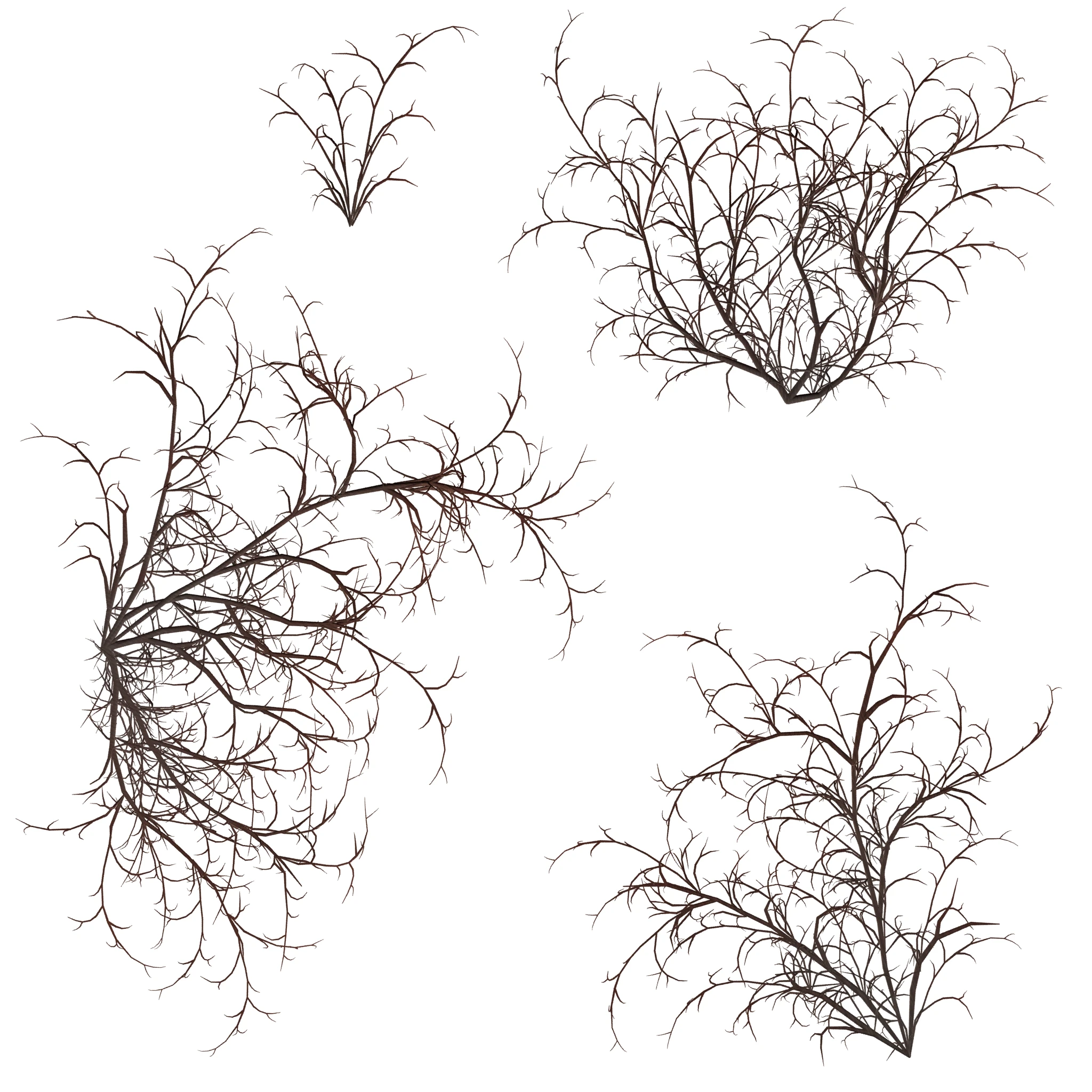
Wanna hide some ugly plants and things?!
NOW HIDES TWIGS! (Optional file, version 0. 02 hides only the twigs. It's included in version 2. 0.)
Remember to endorse if you're enjoying the mod! It makes me smile! Thank you! <3
_______________________________________
THIS MOD DOESN'T BREAK PRECOMBINES. YOUR GAME IS SAFE!
♡♡♡♡♡♡♡♡♡♡♡♡♡♡♡♡♡♡
This mod hides many of my annoyances when it comes to vines and other plants, etc.
Since the mod takes care of making the objects invisible (transparent) across the entire game, not just settlements, it may make the game seem too clean for some players. Some may think too many grasses or plants have been hidden.
(But, if you're like me and have put in hundreds of hours of playtime into Fallout 4, or use a landscape overhaul, maybe you're in need of some cleaning up.)
Installation and other notes in spoiler tag:
If you don't like the changes this mod makes, feel free to uninstall it at any time.
Install: Download and install using a mod manager, or manually download the zip file and unzip the mod's files right into your game's "Data" folder (following the file structures in the zip!).
Uninstall: Use a mod manager to uninstall, or manually delete the mod's files from your game's "Data" folder. The texture files are located under their respective directories.
If you find this hides something you don't want hidden, for example, the Forsythia plants, which would be found in your Fallout 4 folder:
..... Data\Textures\Landscape\Plants\Forsythia01_d
Just delete whichever files you don't want to use. In this case, you'd delete the Forsythia01_d file and that plant would again be visible in the game.
Requirements:
Fallout 4 only.
If any of these objects are in any DLC areas, it should take care of tho
No Ugly Plants And More makes selected landscape objects like twigs, vines, shrubs, moss, and seaweed invisible by swapping their textures with a 1 KB transparent texture. This cosmetic mod cleans up the environment for players who prefer a tidier landscape. With 3,486 endorsements and 91,816 downloads, it's a popular choice for visual polish.
✨ Key Features
📊 Pros & Cons
✅ Pros
- Huge community trust (3,486 endorsements) — clearly works for many players
- Massive download count (91,816) shows it's a go-to for cleaning up the environment
- Simple concept: makes ugly plants invisible without removing them, so no missing meshes
⚠️ Cons
- Last updated in 2022 — may not be compatible with the latest game version
- Only hides objects; doesn't remove them, so you might still see shadows or collision
For players who want a cleaner, less overgrown landscape without deleting assets. Perfect for screenshot enthusiasts or those who find wild vegetation distracting. Skip if you want to keep the natural look or need gameplay changes.
💡 Beginner Tips
- If you're on PC, use a mod manager like Vortex to install and manage this mod easily.
- Check the mod's posts section for any user-reported compatibility issues with your game version.
- Since it's texture-based, it should work with most mods that don't alter the same landscape textures.
📊 Mod Details
- Game
- Fallout 4 Mods
- Author
- NeuroticPixels
- Version
- 2.0
- Downloads
- 91,816
- Endorsements
- 3,486
- Category
- Environment
- Created
- 6/22/2018
- Updated
- 9/15/2022
🔧 How to Install Fallout 4 Mods
Download from Nexus.
📖 Full step-by-step install guide for Fallout 4 →
Visit the official mod page for specific installation instructions for this mod.
🎮 Need cheat codes or console commands? Check ur gaming wiki for Fallout 4 commands, item IDs, and more.
Keep browsing — more Fallout 4 mods await