Move Workshop Markers by SKK
⚪ Last updated 2023⚠️ Install Order · 2 steps
Install in this order, then this mod last — most mods fail to load without their framework and dependencies in place.
Preview
🔍 Analysis
- 👍 3.6% endorsement rate — high engagement, a strong quality signal
- 🏆 #20 of 27 Utilities mods in this game by downloads
📋 About This Mod
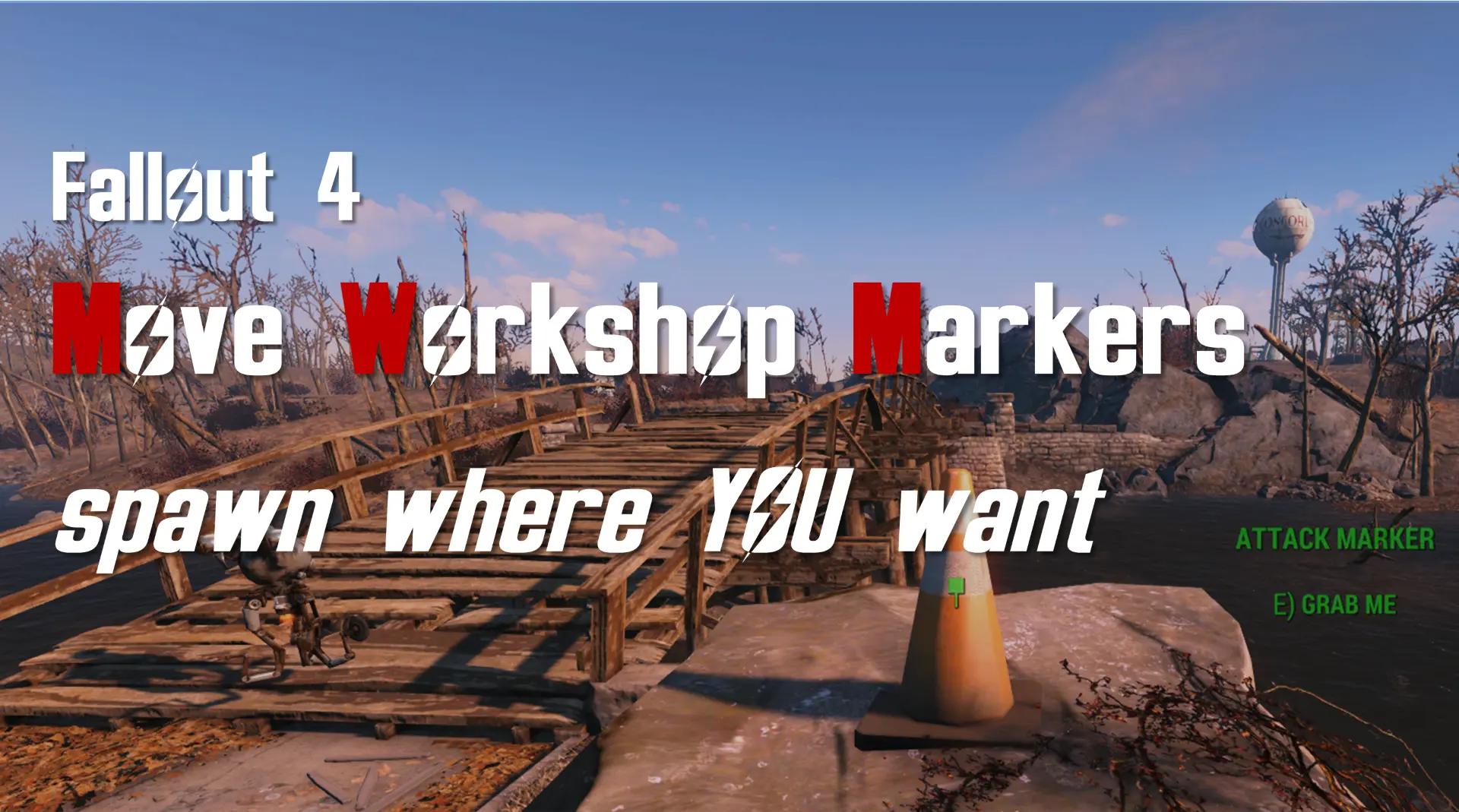
Find, move or create workshop center, spawn, attack and caravan markers in game. Move the red WorkshopWorkbench totally safely.
[ spawns where YOU want them ]
Install this mod at any time in any game, after leaving Vault 111 the player is given a [ . SKK Move Workshop Markers ] menu activation item in AID inventory (craft spare at the Chemlab). When activated it pops a menu:
1. Load Markers.
2. Unload Markers.
3. Create new attack marker.
4. Remove created attack marker.
5. Move a CaravanDestination marker.
6. Fix fast travel markers.
7. Make LocationCenterMarker movable.
8. Create a logfile when markers are unloaded (PC only).
The [ Load Markers ] option will find the closest workshop in the active uGrids which must have a WorkshopLinkCenter marker (some mod workshops don't), otherwise you get a warning and nothing else happens.
WorkshopLinkCenter marker
======================
also known as LocationCenterMarker is hard linked to the workshop location as a Location Reference Type, identified with a Mr Handy box titled CENTER.
It is used by radiant quests for conditional Workshop picks, as a target by many AI travel (Provisioners, Patrols, Attacks) and sandbox (Settlers) packages and other game mechanics.
The marker can be made moveable in the menu incase you totally must build on top of it which can cause actor AI movement packages that target it to freeze, like provisioners and attackers. Or if it has been walled in AI movement packages that target it will teleport the actor to marker - settlement attacks are favourite for this.
A warning and option to cancel is displayed if you try to drop the marker outside of the workshop location tagged cells. Once you have moved it, set the proxy object to locked so an actor can't move it through collision. Use this function TOTALLY AT YOUR OWN RISK if you absolutely must build over or wall in this marker.
WorkshopLinkSpawn marker
=======================
if there is no separate
Move Workshop Markers by SKK is a utility mod for Fallout 4 that lets you find, move, or create workshop center, spawn, attack, and caravan markers in-game. It also allows you to safely move the red WorkshopWorkbench. With over 1,000 endorsements and 30,000 downloads, it's a proven tool for settlement builders.
✨ Key Features
📊 Pros & Cons
✅ Pros
- Community-approved with 1,096 endorsements and over 30,000 downloads.
- Adds essential settlement management tools without leaving the game.
- Active mod author (SKKmods) with a track record of quality mods.
⚠️ Cons
- Last updated in 2023 — may not be compatible with the latest Fallout 4 patches.
- Requires a mod manager for proper installation, which might be a hurdle for new modders.
For Fallout 4 settlement builders who want precise control over workshop markers without console commands. If you're tired of misplaced spawn points or want to relocate the workbench safely, this is for you. Skip if you rarely touch settlement building.
💡 Beginner Tips
- Use a mod manager like Vortex or Mod Organizer 2 to install this mod and manage load order.
- Make a save before moving the WorkshopWorkbench, just in case you want to revert.
- Check the mod's forum posts for any known issues with the latest game version.
📊 Mod Details
- Game
- Fallout 4 Mods
- Author
- SKKmods
- Version
- 012
- Downloads
- 30,735
- Endorsements
- 1,096
- Category
- Utilities
- Created
- 5/4/2019
- Updated
- 8/22/2023
🧩 Commonly Used Together
Users add these mods to the same collections — a real compatibility signal, not an AI guess.
🔧 How to Install Fallout 4 Mods
Download from Nexus.
📖 Full step-by-step install guide for Fallout 4 →
Visit the official mod page for specific installation instructions for this mod.
🎮 Need cheat codes or console commands? Check ur gaming wiki for Fallout 4 commands, item IDs, and more.
Keep browsing — more Fallout 4 mods await