Most FPS Improve
⚪ Last updated 2020⚠️ Install Order · 2 steps
Install in this order, then this mod last — most mods fail to load without their framework and dependencies in place.
Preview
🔍 Analysis
- 👍 8.7% endorsement rate — high engagement, a strong quality signal
📋 About This Mod
Best improved config files for low-end computers to handle FO4 in the best shape and highest fps possible till now.You don't have to be here if you don't have fps problems :/
See this!!!!!!!
install these crucial mods :
1. Texture Optimization Project (Links Below)
2. 512 textures
3. Insignificant Object Remover (Full removal option, this can be done with some mod managers like vortex ez pz)
4. interior fog remover
5. Max Performance - All Interiors (I didn't notice any problem with 4+5 whereas this one have effects on other things too except than fog)
6. Commonwealth Trash Removal Overhaul (Full removal option)
+ 11 other mods which you see with the specs I mentioning =.=
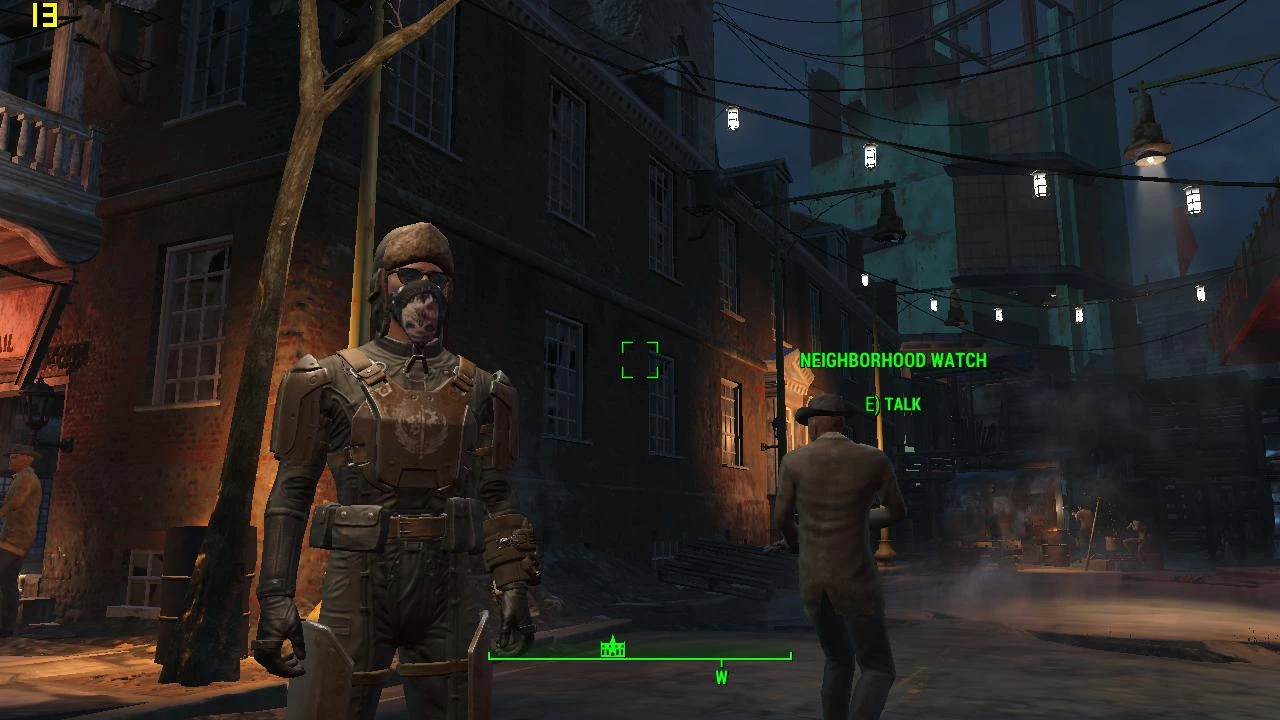
as you can see I prefer installing mod by a mod manager cause I'm new to playing Fallout 4 on PC, Now getting 25-45+ (with my low settings and considering the CPU) smooth fps without stutter and freeze with the new config update!
So I made these Config files especially for myself so my real super low-end PC(my spec is core i5 480m, 4gb ram, mobility Radeon 6350m 1gb VRAM which is a legacy GPU -.- Idk why it's named mobility Radeon had 5000 series) could get a little bit higher fps, mostly everything is disabled and just the gore is on, with these changes my game got hell a lot faster and actually I'm happy with super ultra-low graphics ):
These specs are so much lower than the minimum required spec to play FO4 so I'm very happy about the 1. 1 results, look here
instructions on the ini files(check all three, I think all of them should be the same) which you might wanna change :
1. iNumHWThreads=2-change this to how many actual cores you have.
2. iDifficulty=
3. these effect on loading time for textures the default is two times bigger and recommended 4 times, a lower number means less loading time
iTextureDegradeDistance0=400
iTextureDegradeDistance1=750
iTextureUpgradeDistance0=300
iTextureUpgradeDistance1=600
4. users who don't have more than 4 GB ram keep this enabled if your HDD is still in a good shape.
bUseHardDriveCache=1 (disabled it with 0)
5. change this to your GPU name
sD3DDevice="AMD Mobility Radeon HD 5000 Series"
6. resolution
iSize H=720
iSize W=1280
for further guide contact me!
1. Tokens210 "the most likely or atleast the biggest not helping your issue is the 4gb of ram, not sure about your version of windows but id guess windows 7 era by your specs, which means the windows itself probably reserves 2gb of your 4 leaving you only 2gb maybe
📊 Mod Details
- Game
- Fallout 4 Mods
- Author
- Alfa
- Version
- 1.1
- Downloads
- 2,913
- Endorsements
- 254
- Category
- Performance
- Created
- 4/23/2020
- Updated
- 4/25/2020
🔧 How to Install Fallout 4 Mods
Download from Nexus.
📖 Full step-by-step install guide for Fallout 4 →
Visit the official mod page for specific installation instructions for this mod.
🎮 Need cheat codes or console commands? Check ur gaming wiki for Fallout 4 commands, item IDs, and more.
Keep browsing — more Fallout 4 mods await