Load Screen Spoilers or Animations Remover - LSSR or LSAR
⚪ Last updated 2015⚠️ Install Order · 2 steps
Install in this order, then this mod last — most mods fail to load without their framework and dependencies in place.
Preview
🔍 Analysis
- 👍 6.1% endorsement rate — high engagement, a strong quality signal
- 🏆 #8 of 11 Miscellaneous mods in this game by downloads
📋 About This Mod
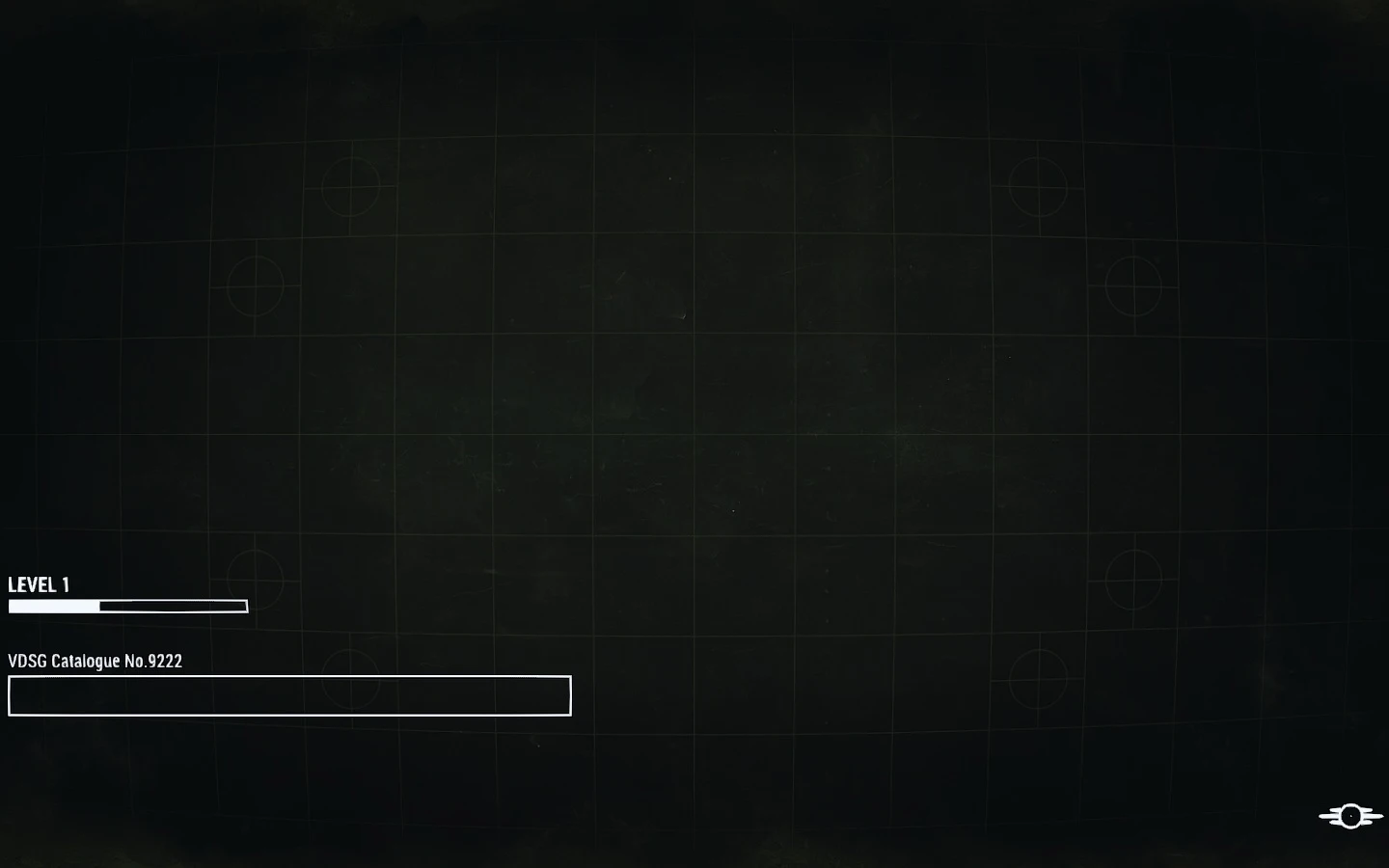
Load Screen Spoilers Remover - Remove all the hints and the "hints" animation!
==================== Description ====================
The loading screen has no animation anymore (except that little one, in the lower right, that shows you it's loading!). No text anymore (I mean hints) also... All the hint were removed
There's still the tech box with the numbers, that I don't kow how to get rid of!! Is it from a script??? Only happens on the FIRST load... So, is there somewhere else that controls this?
Cleaner screen!
Update: - If you load a second time, it was telling you a generic line... Removed!
==================== Install: ====================
1- Your Fallout4prefs.ini must have "bEnableFileSelection=1" (That's law 1 for esp modding!) 2- Your plugins.txt (in "User\\AppData\Local\Fallout4") must have a line with "LSSR.esp" or the name you wanna give the file! 3- Just extract the esp(s) in your Data Folder (and the folder too! loadingment must be in \Interface folder) 4- Have fun!
War... War never changes... Well, except if you mod it of course! Vortaka
==================== Version: ====================
0. 2 - Removed the generic line too! 0. 1 - Initial Release!
📊 Mod Details
- Game
- Fallout 4 Mods
- Author
- Vortaka
- Version
- 0.2
- Downloads
- 2,799
- Endorsements
- 172
- Category
- Miscellaneous
- Created
- 11/23/2015
- Updated
- 11/27/2015
🔧 How to Install Fallout 4 Mods
Download from Nexus.
📖 Full step-by-step install guide for Fallout 4 →
Visit the official mod page for specific installation instructions for this mod.
🎮 Need cheat codes or console commands? Check ur gaming wiki for Fallout 4 commands, item IDs, and more.
Keep browsing — more Fallout 4 mods await