Lighting Series - All In One
⚪ Last updated 2016⚠️ Install Order · 2 steps
Install in this order, then this mod last — most mods fail to load without their framework and dependencies in place.
Preview
🔍 Analysis
- 👍 1.0% endorsement rate — high engagement, a strong quality signal
- 🏆 #32 of 76 Visuals and Graphics mods in this game by downloads
📋 About This Mod
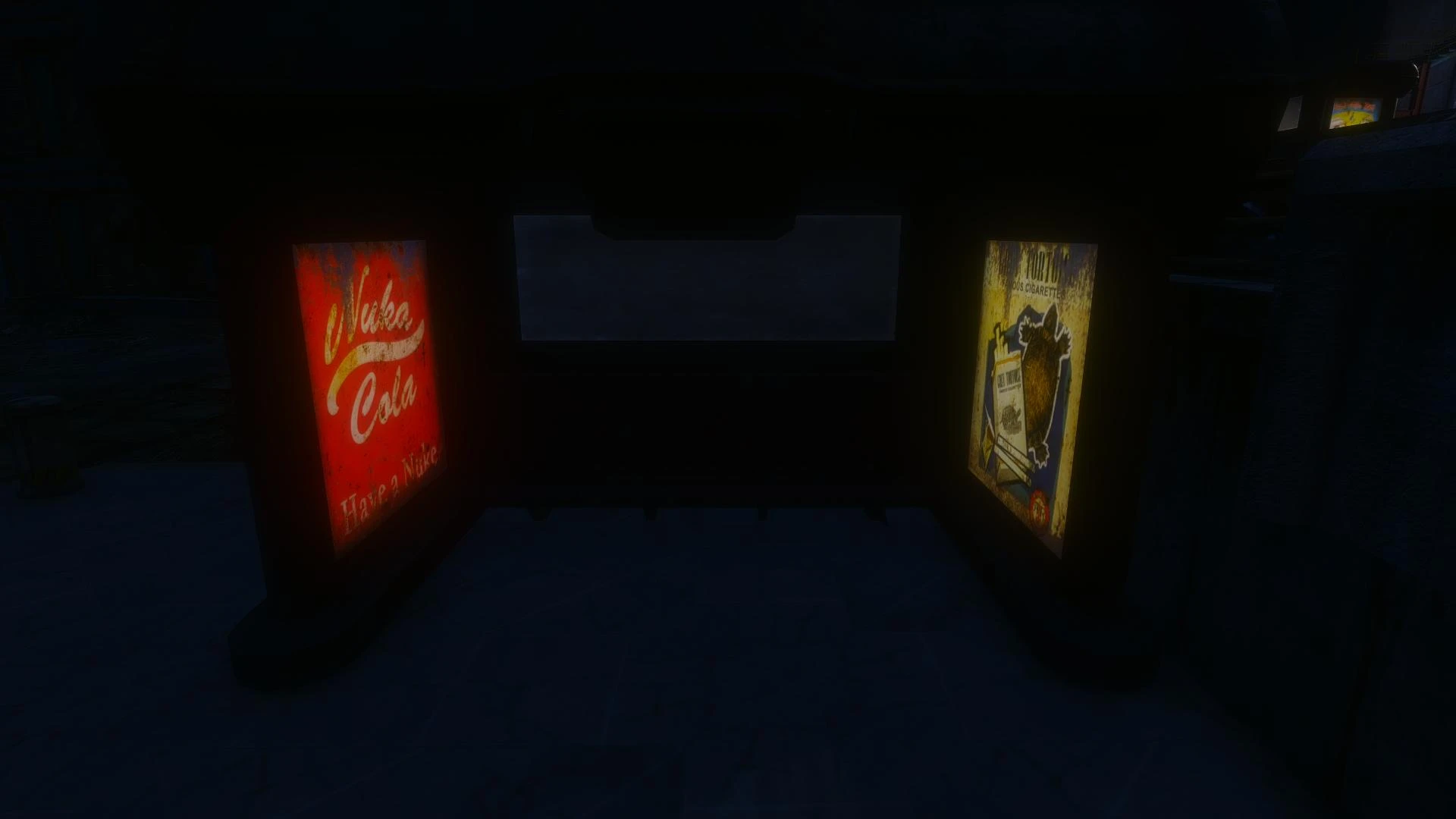
This is the All In One pack requested by you all which includes 'Red Rockets Glare REDONE', 'Starlight Drive-In And Diner', 'Bus StopLighting', and 'Illuminated Billboards' (Vanilla and All DLC Version). It is compatible with all other
Lighting Series - All In One bundles four popular lighting mods for Fallout 4: Red Rockets Glare REDONE, Starlight Drive-In And Diner, Bus Stop Lighting, and Illuminated Billboards (Vanilla and All DLC). It's a one-stop pack for players who want enhanced lighting effects across the Commonwealth, with nearly 3,000 endorsements and over 293,000 downloads, though it hasn't been updated since December 2016.
✨ Key Features
📊 Pros & Cons
✅ Pros
- Huge community trust: nearly 3,000 endorsements and over 293k downloads — this pack is proven.
- One install gets you four lighting upgrades, saving you load order headaches.
- Author explicitly states compatibility with all other mods, so it's a safe add to any load order.
⚠️ Cons
- Last updated in December 2016 — that's ancient in modding years, so expect potential conflicts with newer mods or game updates.
- The pack is a bundle, so you can't pick and choose which lighting mods you want; it's all or nothing.
For Fallout 4 players who want to enhance lighting on iconic locations like Red Rockets and Starlight Drive-In without juggling multiple mods. Perfect for modders who value convenience and community-tested packs. Skip if you prefer granular control over each lighting effect or if you're on a newer game version where old mods might break.
💡 Beginner Tips
- Since this mod is from 2016, check if your game version is compatible; if you're on the latest Fallout 4 patch, test in a new save first.
- Use a mod manager like Vortex or Mod Organizer 2 to install and manage the pack — it'll make uninstalling or reordering easier.
- If you encounter flickering or lighting glitches, try moving this mod higher in your load order, as lighting mods often need priority.
📊 Mod Details
- Game
- Fallout 4 Mods
- Author
- Ceaseless and PDE
- Version
- 2
- Downloads
- 293,273
- Endorsements
- 2,996
- Category
- Visuals and Graphics
- Created
- 12/10/2016
- Updated
- 12/15/2016
🔧 How to Install Fallout 4 Mods
Download from Nexus.
📖 Full step-by-step install guide for Fallout 4 →
Visit the official mod page for specific installation instructions for this mod.
🎮 Need cheat codes or console commands? Check ur gaming wiki for Fallout 4 commands, item IDs, and more.
Keep browsing — more Fallout 4 mods await