How to convert ESPs into ESLs using xEdit
⚪ Last updated 2020⚠️ Install Order · 2 steps
Install in this order, then this mod last — most mods fail to load without their framework and dependencies in place.
Preview
🔍 Analysis
- 👍 8.4% endorsement rate — high engagement, a strong quality signal
- 🏆 #12 of 13 Modders Resources and Tutorials mods in this game by downloads
📋 About This Mod
How to convert ESPs into ESLs using xEdit
Step by step "How to Guide" with pictures.
Thanks to ElminsterAU and the xEdit team this is an incredibly easy, safe and fool proof way to convert many of your mods to ESL flagged files, this means it is now possible to have up to 253 "full" (ESP flagged) modules and 4096 "light" (ESL flagged) modules loaded at the same time.
ESP flagged files are the default way a mod is created by the CK and xEdit, now some mods can be converted to ESL flagged files by the Mod Author or end user.
This guide works for Fallout 4 and Skyrim Special Edition.
This is a detailed step by step guide anyone can use to simply set the ESL flag on an existing mod plugin to free up a load order slot, using this method of converting an ESP flagged file (game default) into an ESL flagged file has no effect on your save games and allows the most compatibility as it leaves the file named as original so mods that use it as a master in any way will continue to function.
Fallout 4VR and SkyrimVR do not support ESL flagged files.
DISCLAIMER:
I do not claim any type of credit for the information I am sharing with you, my friend "BigandFlabby" showed me how to do this, and I'm paying him back by paying it forward. (Credit goes to ElminsterAU and the xEdit team.)
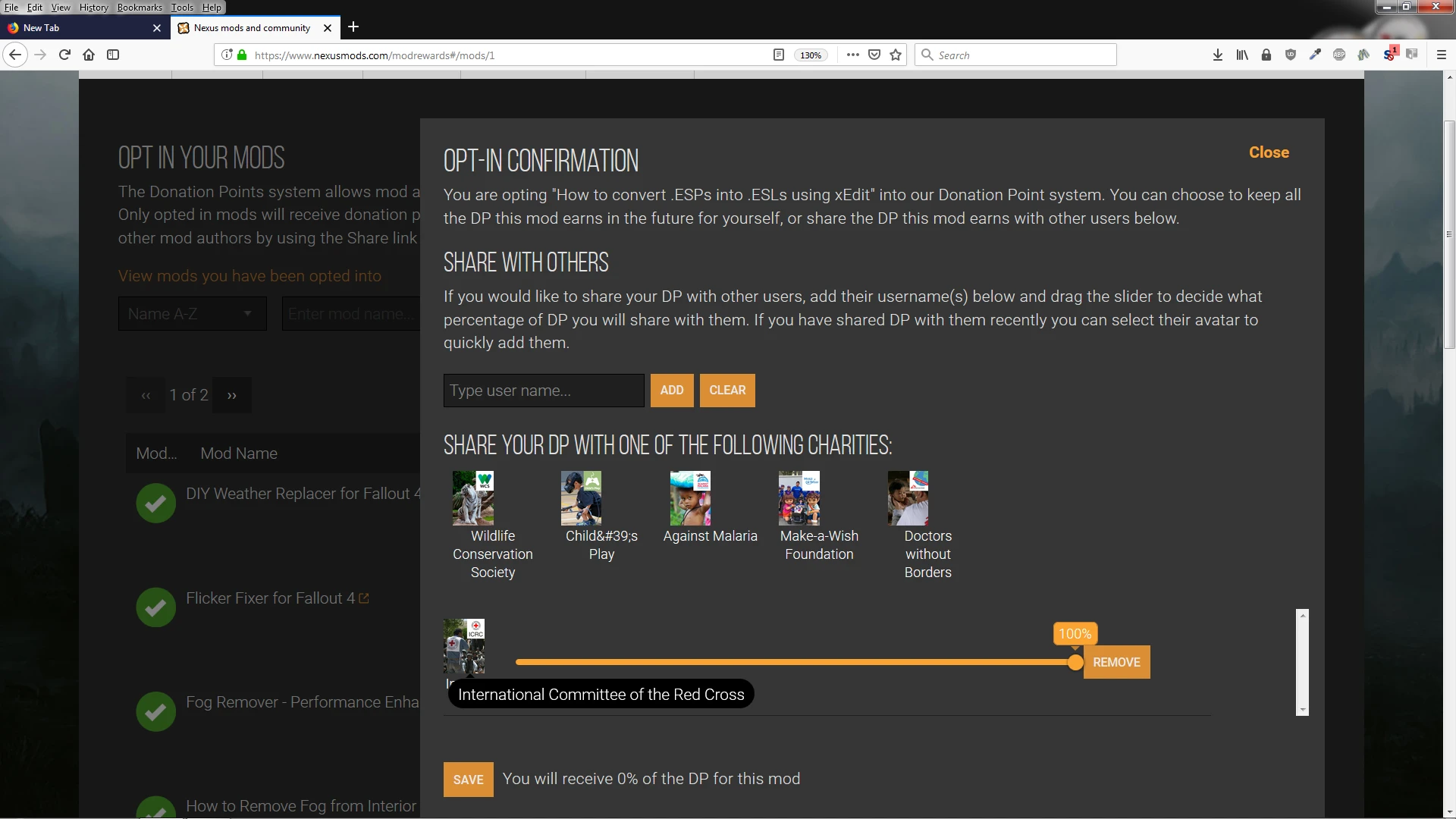
100% of the Donation Points received from this guide go directly to the International Committee of the Red Cross.
* I am not qualified to answer questions regarding the usage and features of xEdit beyond the information in this guide.
Version 2. 0 now in PDF
With this update, I (BigandFlabby) rewrote part of the document to help with the flow a bit. As such, all of the stuff originally intended as advanced detail for Mod Author's to make their mods into ESL files has been removed at this time. The main use of this document is now targeted towards more novice users who just need to open up some load order slots. The reasoning for this is that the procedure required for the advanced use cases need to be done with deep understanding of the inner workings of each mod. This would typically be the Mod Author, and generally not the average mod user.
German Translation by ProfKnibble : Einfach ESP in ESL umwandeln - mit xEdit
Do you prefer working in the CK? Then
This is a modder's resource that explains how to convert ESP plugins to ESL-flagged files using xEdit, freeing up plugin slots. It's a tutorial-style guide, not a gameplay mod, with 1,249 endorsements and 14,813 downloads, last updated in 2020.
✨ Key Features
📊 Pros & Cons
✅ Pros
- Community-approved with 1,249 endorsements and 14k downloads.
- Solves the plugin limit problem for modded Skyrim setups.
- Simple and safe method, as described by the author.
⚠️ Cons
- Outdated—last updated in 2020, so may not cover newer xEdit versions.
- Tutorial only, no actual mod files to install.
- Potential compatibility risk if used on mods with scripts or complex records.
For modders and experienced players who want to free up plugin slots by converting ESPs to ESLs. Skip if you're looking for gameplay content—this is a guide, not a mod.
💡 Beginner Tips
- Make sure you have xEdit (SSEEdit or FO4Edit) installed and are familiar with its interface.
- Always back up your mod files before converting, as ESL conversion can affect mod updates.
- Test your converted mods in-game to ensure they load correctly, especially if they have scripts.
📊 Mod Details
- Game
- Fallout 4 Mods
- Author
- BigAndFlabby - Glass
- Version
- 4.0
- Downloads
- 14,813
- Endorsements
- 1,249
- Category
- Modders Resources and Tutorials
- Created
- 11/15/2018
- Updated
- 7/22/2020
🔧 How to Install Fallout 4 Mods
Download from Nexus.
📖 Full step-by-step install guide for Fallout 4 →
Visit the official mod page for specific installation instructions for this mod.
🎮 Need cheat codes or console commands? Check ur gaming wiki for Fallout 4 commands, item IDs, and more.
Keep browsing — more Fallout 4 mods await