FOV Slider and Player Height - Spanish
⚪ Last updated 2023⚠️ Install Order · 2 steps
Install in this order, then this mod last — most mods fail to load without their framework and dependencies in place.
Preview
🔍 Analysis
- 👍 1.0% endorsement rate
- 🏆 #77 of 99 User Interface mods in this game by downloads
📋 About This Mod
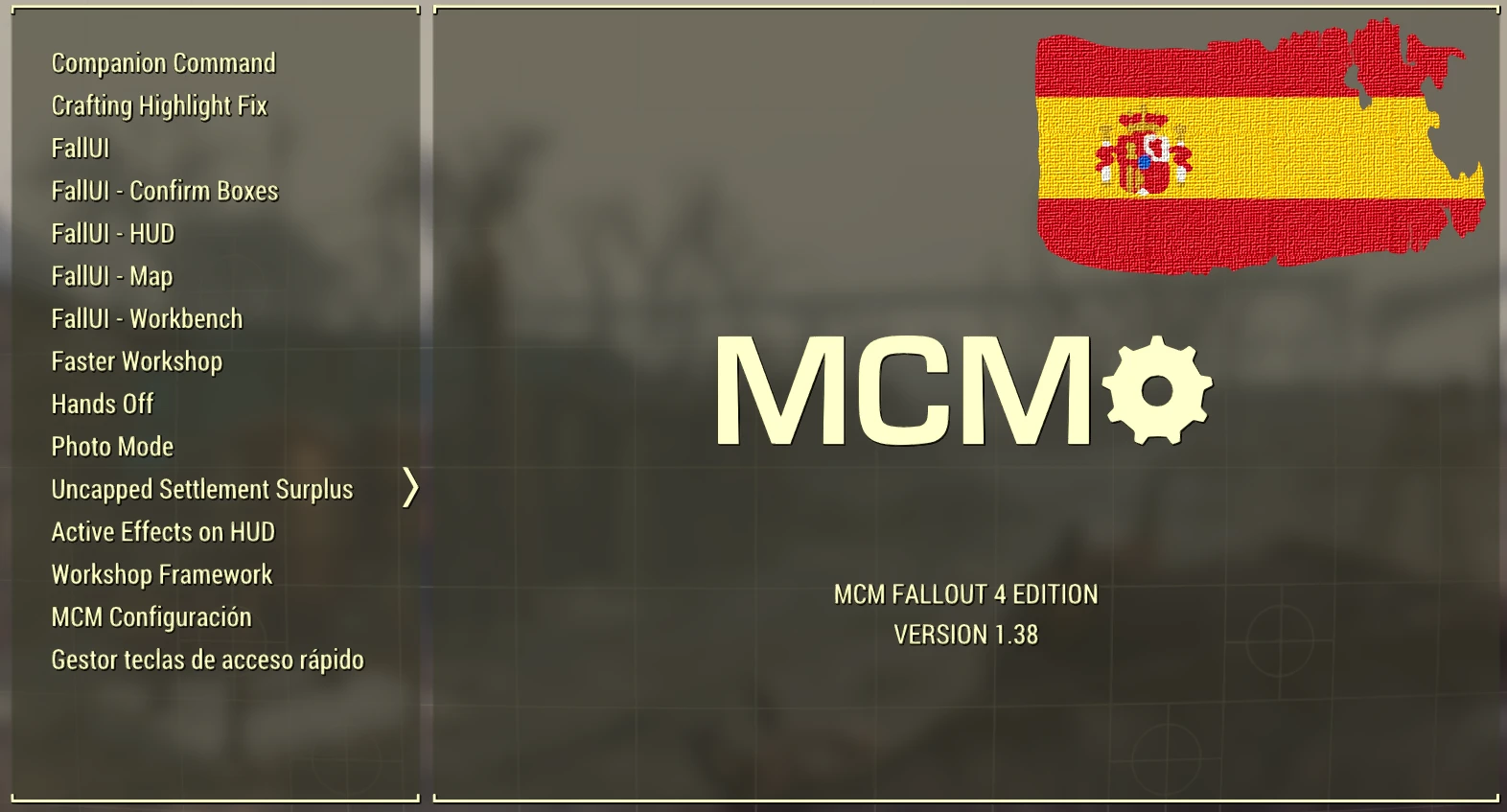
Ajusta el FOVs/Escala del personaje con controles deslizantes sin estropear el uso las pantallas de terminales o el Pipboy.
Spanish translation of the FOV Slider and Player Height mod for Fallout 4, adding sliders to adjust field of view and character scale without breaking terminal or Pip-Boy screens. With 67 endorsements and 6,747 downloads, it's a niche utility for Spanish-speaking players seeking UI customization.
✨ Key Features
📊 Pros & Cons
✅ Pros
- Solid download count (6,747) shows real demand
- 67 endorsements from a niche audience
- Fixes a common annoyance—adjusting FOV without breaking UI screens
⚠️ Cons
- Only a translation—no new features beyond the original mod
- Last updated in 2023, so may not be compatible with latest game patches
- Potential conflicts with other UI mods that alter FOV or Pip-Boy
For Spanish-speaking Fallout 4 players who want to tweak FOV and player height without messing up terminals or the Pip-Boy. If you don't need Spanish text, grab the original mod instead. Skip if you're looking for gameplay changes—this is purely a UI utility.
💡 Beginner Tips
- Make sure you have the original FOV Slider and Player Height mod installed first, as this is just a language patch.
- Use a mod manager like Vortex to avoid overwriting files manually.
- Test in a terminal or Pip-Boy screen after adjusting sliders to confirm they still work.
📊 Mod Details
- Game
- Fallout 4 Mods
- Author
- kittyowilder
- Version
- 2.1
- Downloads
- 6,747
- Endorsements
- 67
- Category
- User Interface
- Created
- 12/26/2021
- Updated
- 2/13/2023
🔧 How to Install Fallout 4 Mods
Download from Nexus.
📖 Full step-by-step install guide for Fallout 4 →
Visit the official mod page for specific installation instructions for this mod.
🎮 Need cheat codes or console commands? Check ur gaming wiki for Fallout 4 commands, item IDs, and more.
Keep browsing — more Fallout 4 mods await