female Looksmenu Preset
⚪ Last updated 2017⚠️ Install Order · 2 steps
1🛠️ F4SE — Fallout 4 Script Extender Download ↗
2🔧 UFO4P — Unofficial Fallout 4 Patch Download ↗
Install in this order, then this mod last — most mods fail to load without their framework and dependencies in place.
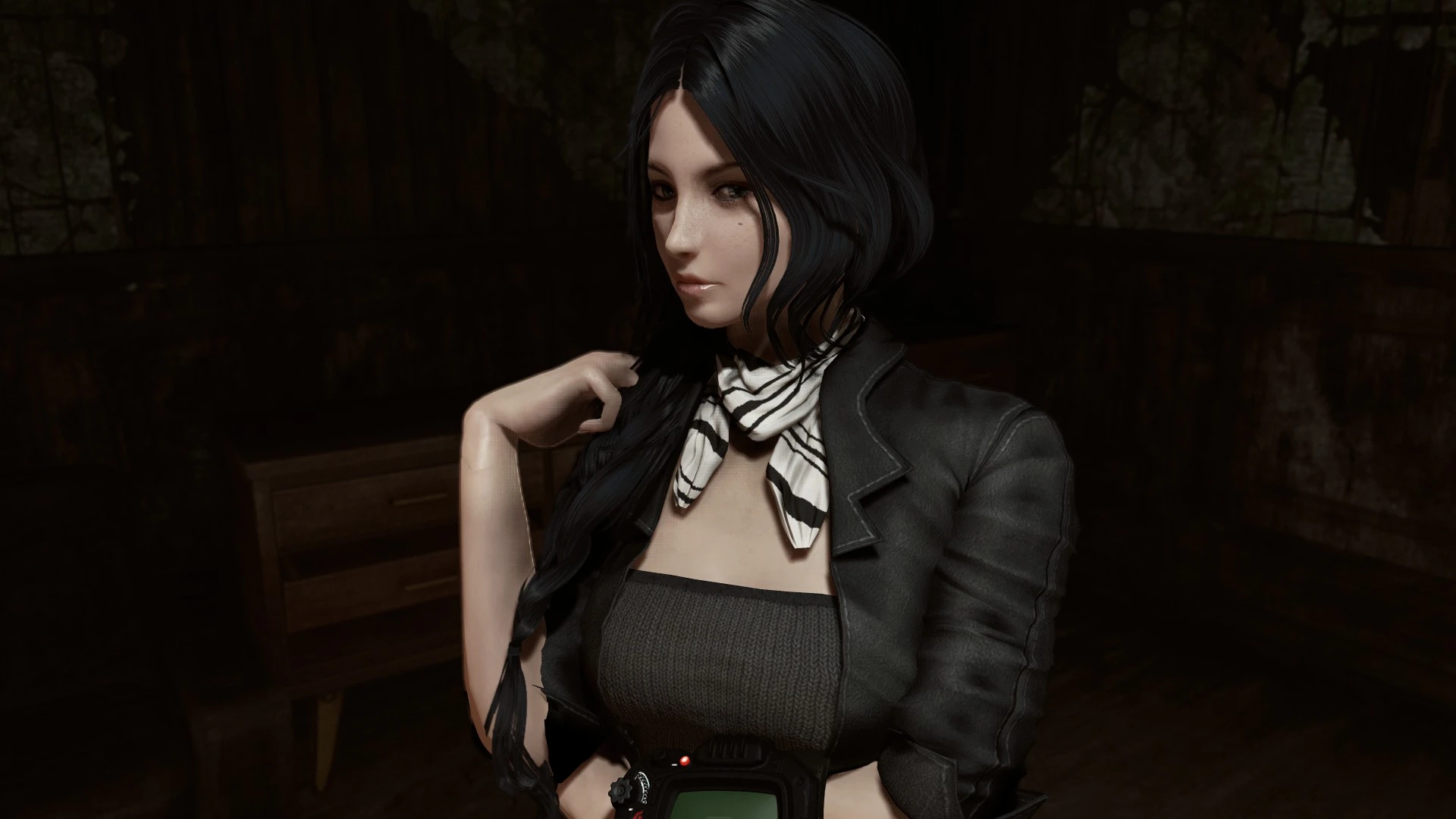
Preview
🔍 Analysis
- 👍 3.0% endorsement rate — high engagement, a strong quality signal
- 🏆 #14 of 24 Character Presets mods in this game by downloads
📋 About This Mod
female Looksmenu Preset
🤖 AI-enhanced — based on mod data
A character preset for Fallout 4's Looksmenu, created by saltmaxwellpshk. It offers a single female face preset, popular with over 7,000 endorsements and 243,000 downloads. Last updated in 2017, it remains a go-to for players seeking a quick, attractive female character without manual slider tweaking.
✨ Key Features
Single female face preset for Looksmenu
Requires Looksmenu to use
High community adoption with 7,283 endorsements
📊 Pros & Cons
✅ Pros
- Huge download count (243k) shows it's a trusted preset
- Endorsement ratio is solid — 7k people vouched for it
- Drop-in install: just place in the right folder and you're set
⚠️ Cons
- Last updated in 2017 — may not be compatible with newer game patches or mods
- Only one preset, so you're stuck with that look unless you tweak it yourself
- No screenshots or detailed description — you're flying blind until you try it
🎯 Is This For You?
For Fallout 4 players who want a quick, attractive female character without fiddling with sliders. Great for roleplayers who want a base to start from. Skip if you're looking for a variety of presets or need something updated for the latest game version.
For Fallout 4 players who want a quick, attractive female character without fiddling with sliders. Great for roleplayers who want a base to start from. Skip if you're looking for a variety of presets or need something updated for the latest game version.
📦 Install:Easy· Under 1 minute
💡 Beginner Tips
- Make sure you have Looksmenu installed first, then drop the preset file into your Fallout 4 Data folder (or use a mod manager).
- After installing, load your save and open the Looksmenu (press ~ to open console and type 'slm 14' or use the in-game mirror) to apply the preset.
- If the preset doesn't show up, double-check that the file is in the correct folder: Documents/My Games/Fallout4/F4SE/Plugins/F4EE/Presets.
📊 Mod Details
- Game
- Fallout 4 Mods
- Author
- saltmaxwellpshk
- Version
- ver.1
- Downloads
- 243,836
- Endorsements
- 7,283
- Category
- Character Presets
- Created
- 5/16/2017
- Updated
- 5/21/2017
🔧 How to Install Fallout 4 Mods
Download from Nexus.
📖 Full step-by-step install guide for Fallout 4 →
Visit the official mod page for specific installation instructions for this mod.
🎮 Need cheat codes or console commands? Check ur gaming wiki for Fallout 4 commands, item IDs, and more.
Keep browsing — more Fallout 4 mods await