Fallout 4 True UltraHD Project
⚪ Last updated 2015⚠️ Install Order · 2 steps
Install in this order, then this mod last — most mods fail to load without their framework and dependencies in place.
Preview
🔍 Analysis
- 👍 3.2% endorsement rate — high engagement, a strong quality signal
- 🏆 #225 of 329 Models and Textures mods in this game by downloads
📋 About This Mod
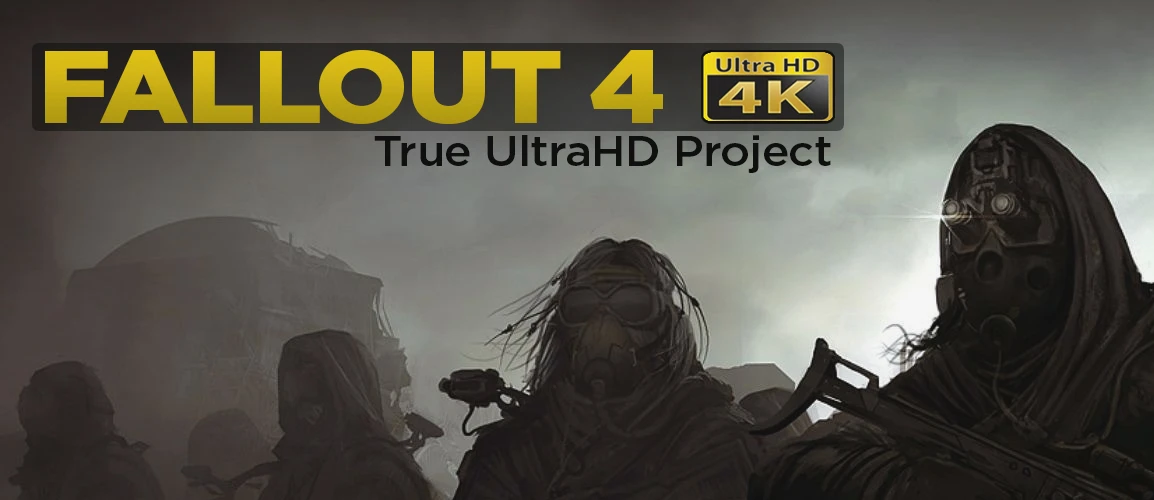
Fallout 4 True UltraHD Project
You Need True UltraHDTestet System: Phenom II x6 1090T BE ASUS STRIX GTX970oc Corsair 16 Gb Enthusiast Gaming Ram Intenso 500 Mbts SSD Windows 10 x64
AgrekhfNEnM zXbc3P6BeQQ dY-ZJqDSjtM 7Jh6CilgwsU
You Like It? Leave A Comment
You need a graphics card with at least 2-4 gb of Ram for UltraHD
2K Versions - SoonFor Users: You need 7zip to extract the Files 7zip Download Here
For Modders: A very Good DDS Compressing Tool The Compressonator Download Here
1. Open file fallout4.ini on path documents/mygames/fallout4/.
2. Find string: sResourceDataDirsFinal=STRINGS\
3. Changes on: sResourceDataDirsFinal=STRINGS\, TEXTURES\, MUSIC\, SOUND\, INTERFACE\, MESHES\, PROGRAMS\, MATERIALS\, LODSETTINGS\, VIS\, MISC\, SCRIPTS\, SHADERSFX\
4. Extract folder in Fallout4
Part1: Pip-Boy Texture Size 4096x4096 DDS [ sorry for the pigeons shit xD] Download
Part2: Lens Flares Texture Size 4096x4096 DDS Download
Part3: Clouds Texture Size 4096x4096 DDS Download
Part4: Raptor Hunting Rifle Texture Size 4096x4096 DDS Download
Part5: Raptor Combat Knife Size 2048x2048 DDS Download
Part6: K-Swiss Clothing Texture Size 4096x4096 DDS Download
Part7: Cinematic Anamorphic Lens-Flares Download
Part8:Eyebot Sound and Textures
Part9:Total Landscape Replacer
Part10:Music
Part11:Soon
Part12:Soon
Part13:Soon
Part14:Soon
Part15:Soon
Part16:Soon
////////////////////////////////////////////////////////////////////[/ce
Fallout 4 True UltraHD Project is a texture overhaul mod that replaces various in-game assets with high-resolution 4K and 2K textures, including Pip-Boy, lens flares, clouds, weapons, clothing, and landscapes. It requires a powerful GPU (2-4GB VRAM) and manual installation with INI edits. With 988 endorsements and 30,617 downloads, it's a popular choice for players seeking sharper visuals, though it's been inactive since 2015.
✨ Key Features
📊 Pros & Cons
✅ Pros
- Community-approved with 988 endorsements and over 30k downloads.
- Massive visual upgrade across multiple asset categories—Pip-Boy, weapons, landscapes, and more.
- Includes a Total Landscape Replacer, which is a major overhaul in itself.
⚠️ Cons
- Abandoned since December 2015—no updates for years, so compatibility with current game versions is a gamble.
- Requires a beefy GPU (2-4GB VRAM) and manual INI tweaks, which can be a hassle for casual modders.
- High-res textures will tank performance on mid-range rigs—expect stutters and VRAM overload.
For Fallout 4 players with high-end PCs who want a comprehensive texture overhaul and don't mind manual setup. If you're on a mid-range rig or prefer mod manager simplicity, skip this—it's outdated and performance-heavy.
💡 Beginner Tips
- Back up your fallout4.ini before editing—one wrong character can break texture loading.
- Use 7zip to extract the parts—WinRAR may corrupt the large DDS files.
- Test each part individually to isolate performance hits before installing everything.
📊 Mod Details
- Game
- Fallout 4 Mods
- Author
- By Me
- Version
- 1.0
- Downloads
- 30,617
- Endorsements
- 988
- Category
- Models and Textures
- Created
- 11/20/2015
- Updated
- 12/5/2015
🔧 How to Install Fallout 4 Mods
Download from Nexus.
📖 Full step-by-step install guide for Fallout 4 →
Visit the official mod page for specific installation instructions for this mod.
🎮 Need cheat codes or console commands? Check ur gaming wiki for Fallout 4 commands, item IDs, and more.
Keep browsing — more Fallout 4 mods await