Fallout 4 Performance Optimization
⚪ Last updated 2015⚠️ Install Order · 2 steps
Install in this order, then this mod last — most mods fail to load without their framework and dependencies in place.
Preview
🔍 Analysis
- 👍 2.9% endorsement rate — high engagement, a strong quality signal
- 🏆 #6 of 42 Visuals and Graphics mods in this game by downloads
📋 About This Mod
These are a few Fallout 4 Performance Optimization .ini files that I have edited to increase FPS in Fallout 4. This will increase the field of view to 90, drop the shadowmap resolution and disable godrays. You're welcome! <3
Edit: Make sure you leave a comment specifying on your specs and whether or not if this has helped you! As always, have fun and hopefully this helps everyone that wishes to play this game with a higher frame rate.
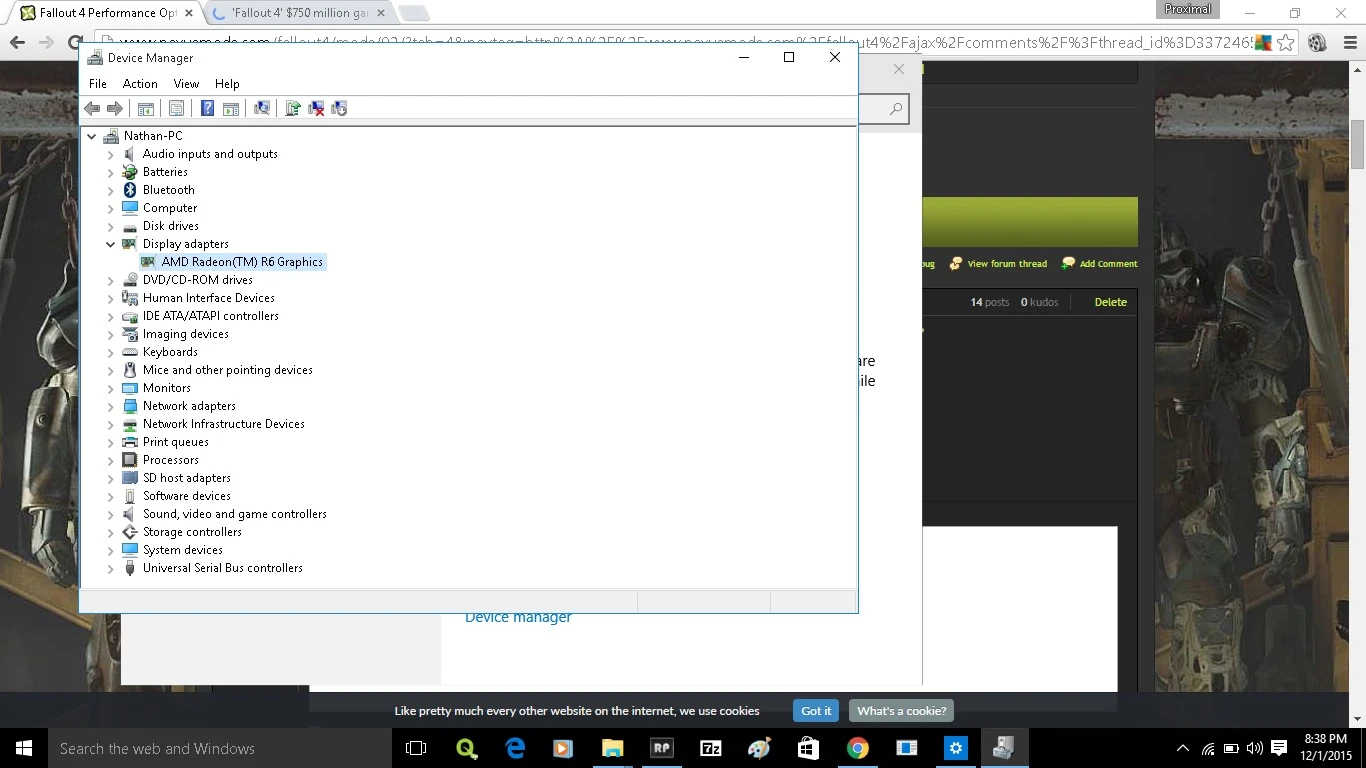
Edit 2: My hardware specs:
Motherboard: X550ZA RAM: 8GB's of DDR3 Processor: AMD Quad-core A10-7400P @2. 5 Ghz up to @3. 4 Ghz Graphics: Integrated AMD Radeon R6 OS: Windows 10 64bit Sound: SonicMaster HDD: 372GB and 542GB
Edit 3: FOV increased from 90 to 110
Currently looking into the blinding bloom/hdr problem.
UPDATE 1. 2 TONIGHT: Will come out with a patch for people that can support medium-high settings, but cannot find a steady fps.
Update 1. 3 (11/26/2015) Increased view distances with a steadier FPS as well as a slightly higher FPS. Looking forward to the feedback on this update! <3
Edit 1. 3: View distances have been increased slightly. The shadow map resolution has been dropped to 32. Sorry for everyone that wanted to maintain as much quality as possible. This update is purely for people that don't have enough shading processing units.
Update 1. 4 (11/30/2015) Will drop the shadow map resolution to it's lowest (if it isn't there already). View distances will be massively dropped as well. Hopefully this will allow nearly anybody to play this game.
Edit: Final update (1. 4) will be uploaded by 12/3/15. The soonest will be 12/1/15. Loading distances have been massively decreased in this update, view distances have been maxed out, grids have been dropped to a lower value, and the shadow map resolution has been dropped to the value of 2.
Well everyone, the final update is nearly finished. You can take a look at what the wasteland will look like in the screen shots. It'll look gross, but it'll improve your fps indefinitely. The view distances are practically maxed out, the rendering distances have been massively dropped, same with the shadow map resolution. If you want a perfect frame rate, I would use this final update. If you want a decent frame rate but maintain as much quality as possible, I'd stick with the AMD specs update or stick with 1. 2.
Update 1. 4: For those of you that are wondering what's different with 1. 4. 1. 4 has higher qualities and post processing effects enabled and the view distances of objects, items and actors have
Fallout 4 Performance Optimization is a lightweight FPS booster that lowers shadow quality and disables godrays to improve performance. It's for players with weaker systems who want smoother gameplay without major visual overhauls. With over 3,500 endorsements, it's a proven quick fix.
✨ Key Features
📊 Pros & Cons
✅ Pros
- Community-trusted with 3,574 endorsements and over 121k downloads
- Delivers exactly what it promises: better FPS by cutting two heavy settings
- Lightweight and easy to install—no extra tools needed
⚠️ Cons
- Visual quality takes a hit—shadows will look worse and godrays are gone
- Last updated in 2015, so it may not be optimized for later game patches
- No detailed instructions or troubleshooting included
For Fallout 4 players on lower-end PCs who need a quick FPS boost and don't mind sacrificing some visual flair. Skip if you want to keep godrays or prefer a more balanced visual/performance trade-off.
💡 Beginner Tips
- Back up your original ini files before applying the mod so you can revert if needed.
- If you're using a mod manager, you can still install manually—just drop the files into your Fallout 4 directory.
- Combine with other performance mods like texture optimizers for even better results, but test for stability.
📊 Mod Details
- Game
- Fallout 4 Mods
- Author
- ProximalTangent
- Version
- 1.4
- Downloads
- 121,345
- Endorsements
- 3,574
- Category
- Visuals and Graphics
- Created
- 11/10/2015
- Updated
- 12/2/2015
🔧 How to Install Fallout 4 Mods
Download from Nexus.
📖 Full step-by-step install guide for Fallout 4 →
Visit the official mod page for specific installation instructions for this mod.
🎮 Need cheat codes or console commands? Check ur gaming wiki for Fallout 4 commands, item IDs, and more.
Keep browsing — more Fallout 4 mods await