Escape from Tarkov Hud - FallUI Hud Preset
⚪ Last updated 2022⚠️ Install Order · 3 steps
Install in this order, then this mod last — most mods fail to load without their framework and dependencies in place.
Preview
🔍 Analysis
- 👍 1.3% endorsement rate — high engagement, a strong quality signal
- 🏆 #24 of 86 User Interface mods in this game by downloads
📋 About This Mod
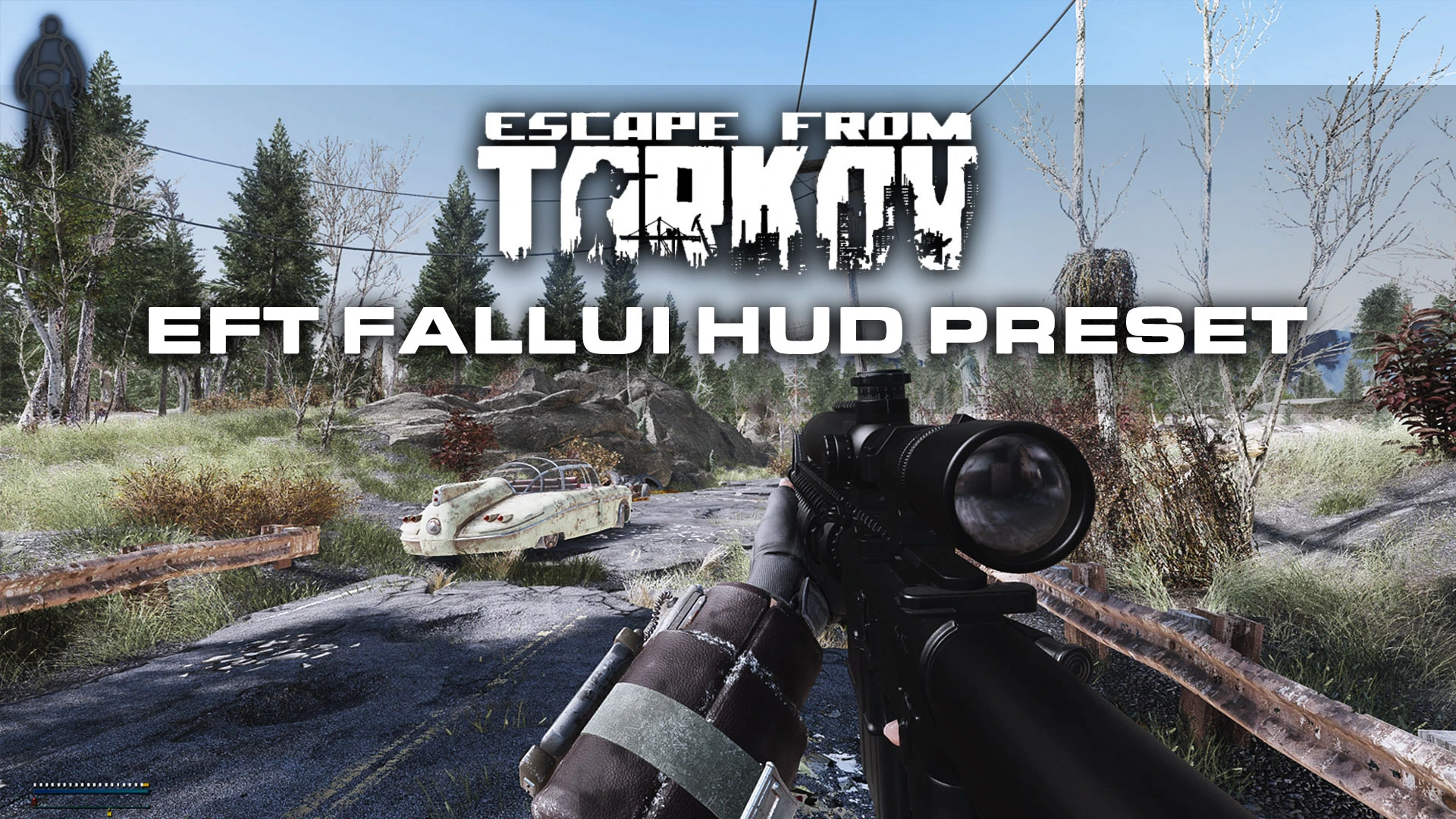
Escape from Tarkov HUD. Minimalistic HUD that hides ammo and grenade counters and hides quick loot menu.
4 preset variations available. See screenshots.
Requirements:
FallUI - HUD
Condition Boy - Now with Condition Girl
Ammo&Weapon UI Expanded(Including NV Animation and UI)
FallUI - Inventory
m3eAoMtYB8Q
My YouTube Channel - My Discord ServerMy other mods
Modern Warfare SAS Companions - Ghost and Price
Modern Warfare Explosion Sounds
Classic MW2 Intervention Sounds for CheyTac M200 Intervention
More Immersive Movement - Player Movement Speed Tweaks
West Tek Research Center Precombines and Additions
Recommended Mods
Ghost ENB for NAC - Vivid Weathers - True Storms - NAC X
NAC X - NATURAL AND ATMOSPHERIC COMMONWEALTH 10 - Legacy Edition
Glock 19X - Pistol
Combined Arms - Expansion Pack
Gunner Operator
Pip-Boy 2000 Mk VI
Wolfmeat - Dogmeat Replacer
Another Pine Forest Mod
Natural Grasses and Groundcovers
Roads Redone 4K-2K
A minimalistic HUD preset for FallUI that hides ammo and grenade counters and the quick loot menu, inspired by Escape from Tarkov. For players who want a cleaner, more immersive interface. Popular with 571 endorsements and 42,301 downloads, last updated in October 2022.
✨ Key Features
📊 Pros & Cons
✅ Pros
- Community-approved with 571 endorsements and over 42k downloads
- Achieves that Tarkov-style minimalism without extra bloat
- Simple preset—just drop it in and go
⚠️ Cons
- Last updated in October 2022—might not play nice with newer FallUI versions
- Only hides specific elements—if you want more customization, this isn't it
For Fallout 4 players who use FallUI and want a cleaner, more immersive HUD that mimics Escape from Tarkov's minimalism. Skip if you're not using FallUI or if you want to keep quick loot visible.
💡 Beginner Tips
- Make sure you have FallUI HUD installed first, then place this preset in the correct folder (usually F4SE\Plugins\F4EE\Presets).
- If you're using a mod manager, use the 'Preview' feature to see the HUD changes before committing.
- Check the mod's comments section for any user-created fixes if the preset doesn't work with your FallUI version.
📊 Mod Details
- Game
- Fallout 4 Mods
- Author
- LK
- Version
- 1.0
- Downloads
- 42,301
- Endorsements
- 571
- Category
- User Interface
- Created
- 5/30/2022
- Updated
- 10/18/2022
🔧 How to Install Fallout 4 Mods
Download from Nexus.
📖 Full step-by-step install guide for Fallout 4 →
Visit the official mod page for specific installation instructions for this mod.
🎮 Need cheat codes or console commands? Check ur gaming wiki for Fallout 4 commands, item IDs, and more.
Keep browsing — more Fallout 4 mods await