DYNAVISION - Dynamic Depth of Field
⚪ Last updated 2017⚠️ Install Order · 2 steps
Install in this order, then this mod last — most mods fail to load without their framework and dependencies in place.
Preview
🔍 Analysis
- 👍 4.0% endorsement rate — high engagement, a strong quality signal
- 🏆 #54 of 76 Visuals and Graphics mods in this game by downloads
📋 About This Mod
jgsQDINDxBM
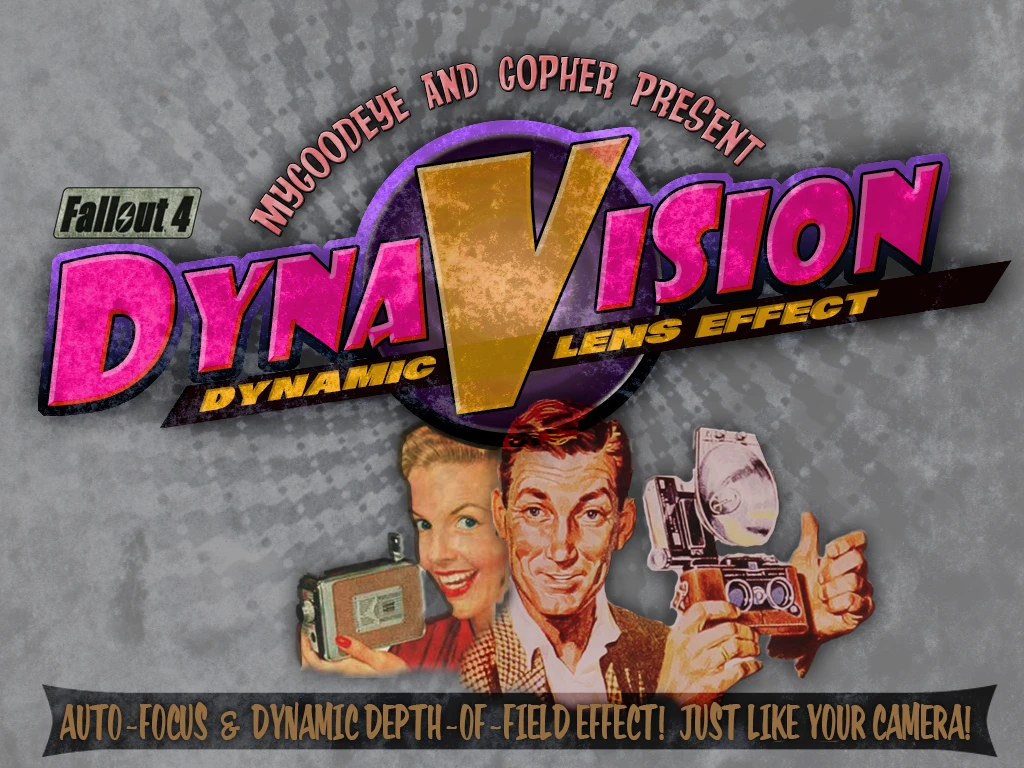
DYNAVISION provides a dynamic depth-of-field and auto-focus effect similar to a camera.
In other words, when you're close to something and looking right at it, the subject stays in focus while the background blurs.
DYNAVISION OPTIONS
You may adjust DYNAVISION as you like, in-game using the MOD Settings holotape found in your pipboy inventory under MISC.
Currently available features are:
> DYNAVISION ACTIVATION
DYNAVISION can be ACTIVATED or DEACTIVATED in-game!
The DYNAVISION effect can be changed depending upon whether you are RUNNING, in COMBAT and in INTERIORS all from the ADVANCED menu.
> DYNAVISION EFFECT STRENGTH
Increases or decreases the overall DYNAVISION blur.
> DYNAVISION SHIFT SPEED
Adjust the speed at which DYNAVISION shifts focus.
> INSTALLATION
Simply download with the mod manager of your choice and activate as you would with any other mod. If you wish to manually install just download the file and extract the contents to the data folder.
I highly recommend using the standard quality DoF instead of Bokeh because it looks better for Dynamic DoF. If you are using only the static DoF option you can leave it as Bokeh.
> KNOWN ISSUES 1) Bokeh quality DoF looks horrible when transitioning. I highly recommend using the standard quality DoF instead.
> CREDITS
Thanks to NafNaf95 for the images and box cover art :)
DYNAVISION adds a dynamic depth-of-field and auto-focus effect to Fallout 4, mimicking a camera lens. It includes an in-game holotape for adjusting blur strength, focus shift speed, and behavior in different situations. With 7,486 endorsements and 188,128 downloads, it's a popular visual enhancement mod, though it hasn't been updated since 2017.
✨ Key Features
📊 Pros & Cons
✅ Pros
- Massive community trust with 7,486 endorsements and 188k downloads
- In-game holotape means you can tweak the effect without restarting
- Separate profiles for running, combat, and interiors give you fine control
⚠️ Cons
- Bokeh quality DoF looks horrible during transitions, so you're stuck with standard quality for dynamic effects
- Last updated in 2017, so it may not be compatible with the latest game patches or other modern mods
- Potential conflicts with other visual mods that alter depth-of-field or post-processing
For Fallout 4 players who want a cinematic, camera-like focus effect that reacts to what you're looking at. If you're into immersion and photography-style visuals, this is a must-try. Skip if you prefer a completely sharp image or don't want to fiddle with settings.
💡 Beginner Tips
- Use the standard quality DoF instead of Bokeh for dynamic effects—Bokeh looks bad when transitioning
- Open the MOD Settings holotape from your Pip-Boy under MISC to adjust the effect on the fly
- If you're using other visual mods, test DYNAVISION alone first to avoid conflicts
📊 Mod Details
- Game
- Fallout 4 Mods
- Author
- Gopher and MyGoodEye
- Version
- 2.0
- Downloads
- 188,128
- Endorsements
- 7,486
- Category
- Visuals and Graphics
- Created
- 4/27/2016
- Updated
- 11/3/2017
🔧 How to Install Fallout 4 Mods
Download from Nexus.
📖 Full step-by-step install guide for Fallout 4 →
Visit the official mod page for specific installation instructions for this mod.
🎮 Need cheat codes or console commands? Check ur gaming wiki for Fallout 4 commands, item IDs, and more.
Keep browsing — more Fallout 4 mods await