Dr. Quench Nuclear Soda and Radio Station
⚪ Last updated 2018⚠️ Install Order · 2 steps
Install in this order, then this mod last — most mods fail to load without their framework and dependencies in place.
Preview
🔍 Analysis
- 👍 6.9% endorsement rate — high engagement, a strong quality signal
- 🏆 #12 of 39 Items (Food, Drinks, Chems, etc) mods in this game by downloads
📋 About This Mod
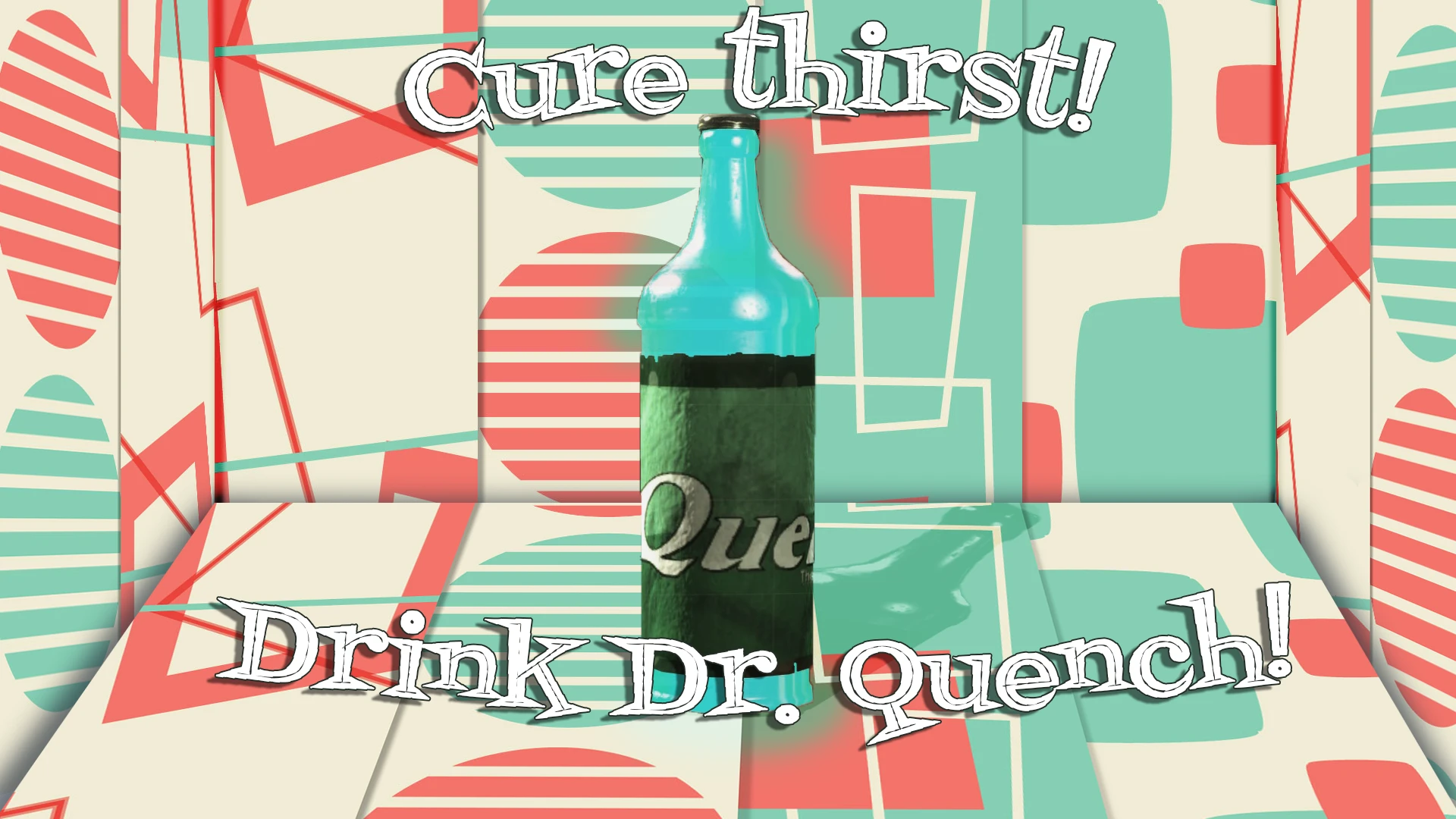
Dr. Quench Nuclear Soda and Radio Station adds just that, a set of post nuclear sodas with varying effects essential for surviving and getting ahead in the Commonwealth. Additionally, enjoy a brand new radio station centered around some of
As of 5/26/2022, this version is officially outdated. Click this notice to be taken to the newer 2022 version which features more music, more flavors, settlement display shelves and more!
mlh7RK_QZ7s
Add a bold new taste to your Commonwealth. Enjoy 9 exclusive drinks designed and created by Dr. Quench herself. In addition, listen to 60+ new songs and ads from various Pre-War artists including the voice of Dr. Quench.
As described above, this mod is adds two major components: a new Fallout lore-friendly radio station and a series new wasteland sodas under the Dr. Quench brand. The radio station features 60+ soundtracks, commercials and additional voice work by Dr. Quench. The sodas currently features 9 different flavors with crafting recipes. They've been added to leveled lists so you'll be able to come across them during your travels as well.
How to Acquire
Currently, there aren't any special custom vendors or quests to obtain the drinks. Once you load the game, simply wait a few days for inventories to reset and you should start seeing the drinks circulated throughout vendors who sell "aid" and "misc" items. The sodas are added directly to Trudy at Drumlin Diner. However, she does not actively sell all higher-end flavors.
Speaking of "high-end," all recipes will be available to you once the game is started. You can buy basic flavors of Dr. Quench with exclusive ones being required to be crafted at a chemistry station. Plans for more flavors and drinks will likely be added later on but, will require you to find the recipes, much like in the Nuka-Word DLC.
As for Quench Radio, it will be available upon loading the game. It's a completely new radio station and does not override any existing ones. If you happen to hear multiple songs playing at once, it is likely you have two custom radio stations using the same channel. At that point, you'll need to either contact myself or the mod author for the conflicting radio and see about adjusting the station. There are plenty of tutorials on how to do this for anyone familiar with the Creation Kit even to a small degree. Check the POSTS section of this mod page and see the steps for editing the radio to avoid conflicting stations.
A Taste of the Local Flavor
Each beverage has unique effects to help you in your travels. All of them will provide caffeine as well as add additional caps upon consumption.
[]Dr. Quench! - Replenish your vitals with +20 HP for 20s (Restore +400 HP total)
[]Dr. Quench Lite! - For the smooth talkers and
📊 Mod Details
- Game
- Fallout 4 Mods
- Author
- CGRawchampion
- Version
- 1.0
- Downloads
- 1,309
- Endorsements
- 90
- Category
- Items (Food, Drinks, Chems, etc)
- Created
- 9/2/2018
- Updated
- 9/2/2018
🔧 How to Install Fallout 4 Mods
Download from Nexus.
📖 Full step-by-step install guide for Fallout 4 →
Visit the official mod page for specific installation instructions for this mod.
🎮 Need cheat codes or console commands? Check ur gaming wiki for Fallout 4 commands, item IDs, and more.
Keep browsing — more Fallout 4 mods await