Conquest - Build New Settlements and Camping
⚪ Last updated 2016⚠️ Install Order · 2 steps
Install in this order, then this mod last — most mods fail to load without their framework and dependencies in place.
Preview
🔍 Analysis
- 👍 3.2% endorsement rate — high engagement, a strong quality signal
- 🏆 #25 of 82 Player Settlement mods in this game by downloads
📋 About This Mod
Build New Settlements and Camping
U5K9NTHWha42KhF23W99zAuSWplN7OkCI
Build a new settlement almost anywhere!
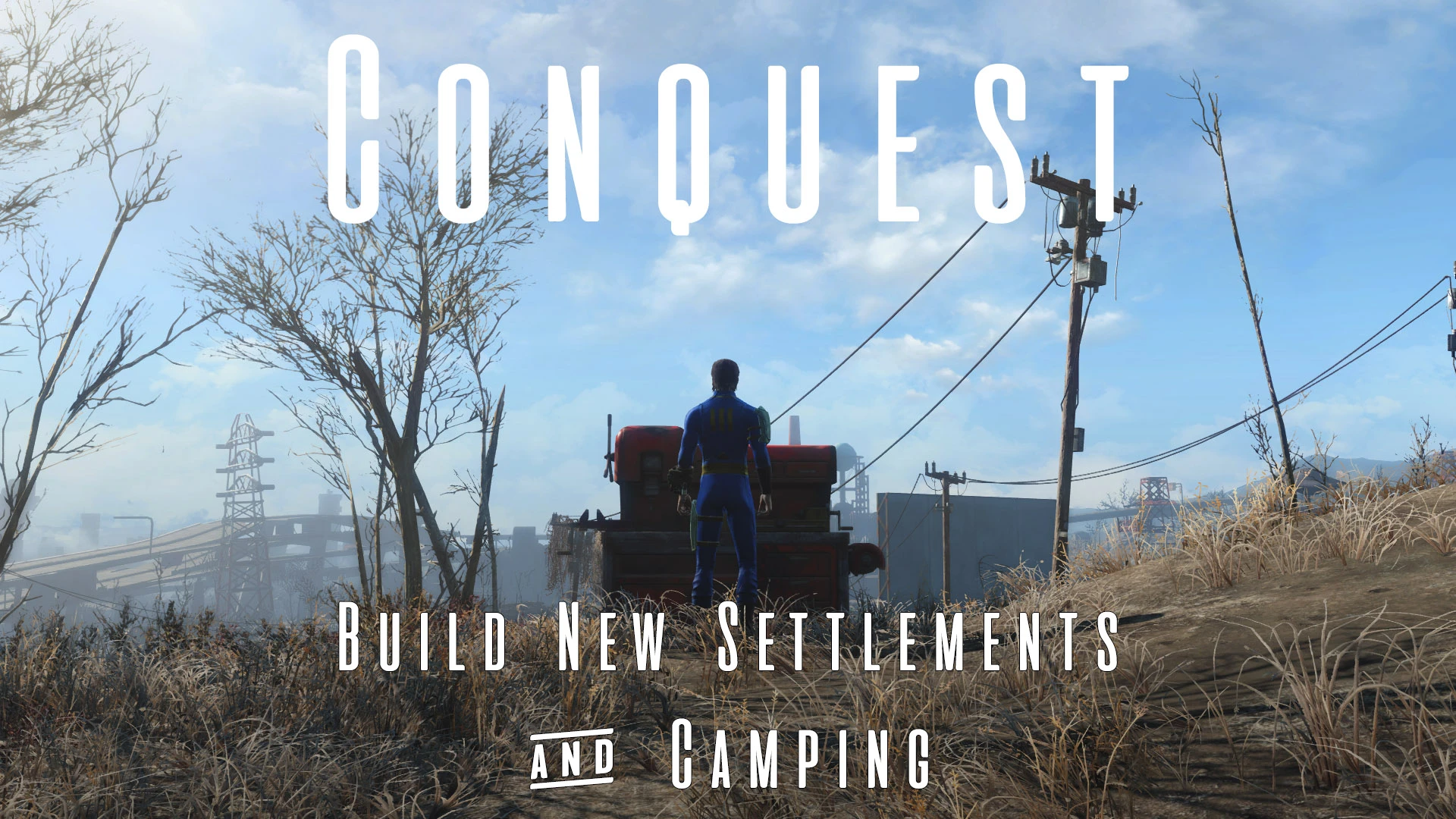
Conquest is a camping and settlement building mod from the author of Frostfall for Skyrim. Featuring a variety of camping equipment and the ability to build entirely new settlements, it makes for a great companion for normal and Survival Mode players alike.
Build a small campsite, cook, sleep, and recharge while on the road. Then pack up and head out, or make your mark by expanding your campsite into a thriving, fully-functional settlement.
By investing in a new Workbench, your campsite will become a full-fledged settlement, with all of the benefits and troubles that come with it. For now, you can build up to 10 new settlements.
A full in-game Read Me is included on the "ReadMe: Conquest" holotape.
HOW TO PLAY
To camp, open your Pip-Boy's inventory screen, navigate to Aid, and select "Action: Build Campsite". Exit the Pip-Boy and place the Camping Supplies on the ground. After you place the Camping Supplies, you can place other camping equipment using a special Workshop menu.
At a campsite, you can build a campfire, place a cooking pot, scrap weapons and armor, build a tent, place a portable generator and lights, sleep in a sleeping bag, and more.
TIP: You can only camp when far enough from cities and other settlements.
2. Building Settlements
After you've successfully created a campsite, in the Camping Workshop menu, navigate to Expansion > Workshop. Place the workshop wherever you like. Once you do, your campsite will be returned to your inventory and your settlement will be created.
You can name your settlement one of 10 different names, and you can create up to 10 different settlements.
3. Dissolving Settlements
If you don't like the settlement you've created, you can dissolve it to free up one of the 10 available settlements. To do this, select the Workshop, and select Dissolve Settlement. Read the warning, and confirm your choice. The settlement will be dissolved.
SETTLEMENTS Since Conquest allows you to build a settlement almost anywhere, exercise good judgement when deciding where to place your new settlement. Remember the following guidelines when placing your settlement. [*] Make sure you build an adequate number of beds before trying to send existing
Conquest lets you build campsites or full settlements anywhere in the Commonwealth, expanding Fallout 4's settlement system beyond predefined locations. With 16,934 endorsements and over half a million downloads, it's a popular mod for players who want more freedom in where they build. Last updated in 2016, it remains a staple for settlement enthusiasts.
✨ Key Features
📊 Pros & Cons
✅ Pros
- Huge community trust: 16,934 endorsements and over half a million downloads.
- Opens up the entire Commonwealth for building, not just the preset spots.
- Campsite option is perfect for survival players who need a quick save or rest stop.
⚠️ Cons
- Last updated in 2016 — may have compatibility issues with newer DLC or mods.
- Building anywhere can break precombines or cause performance drops in dense areas.
For Fallout 4 players who love settlement building but hate being restricted to the vanilla locations. Also great for survival mode fans who want portable campsites. Skip if you're not into base building or prefer a more guided experience.
💡 Beginner Tips
- If you're on PC, use a mod manager like Vortex or NMM to install and manage this mod easily.
- When building in a new area, save before placing a large settlement to avoid crashes if the cell is unstable.
- Check the mod's forum page for user reports on which locations are safest for building.
📊 Mod Details
- Game
- Fallout 4 Mods
- Author
- Chesko
- Version
- 1.3
- Downloads
- 526,155
- Endorsements
- 16,934
- Category
- Player Settlement
- Created
- 4/28/2016
- Updated
- 6/19/2016
🔧 How to Install Fallout 4 Mods
Download from Nexus.
📖 Full step-by-step install guide for Fallout 4 →
Visit the official mod page for specific installation instructions for this mod.
🎮 Need cheat codes or console commands? Check ur gaming wiki for Fallout 4 commands, item IDs, and more.
Keep browsing — more Fallout 4 mods await