Automatic Conversion for Non-automatic Weapons
⚪ Last updated 2016⚠️ Install Order · 2 steps
Install in this order, then this mod last — most mods fail to load without their framework and dependencies in place.
Preview
🔍 Analysis
- 👍 6.6% endorsement rate — high engagement, a strong quality signal
- 🏆 #224 of 316 Weapons mods in this game by downloads
📋 About This Mod
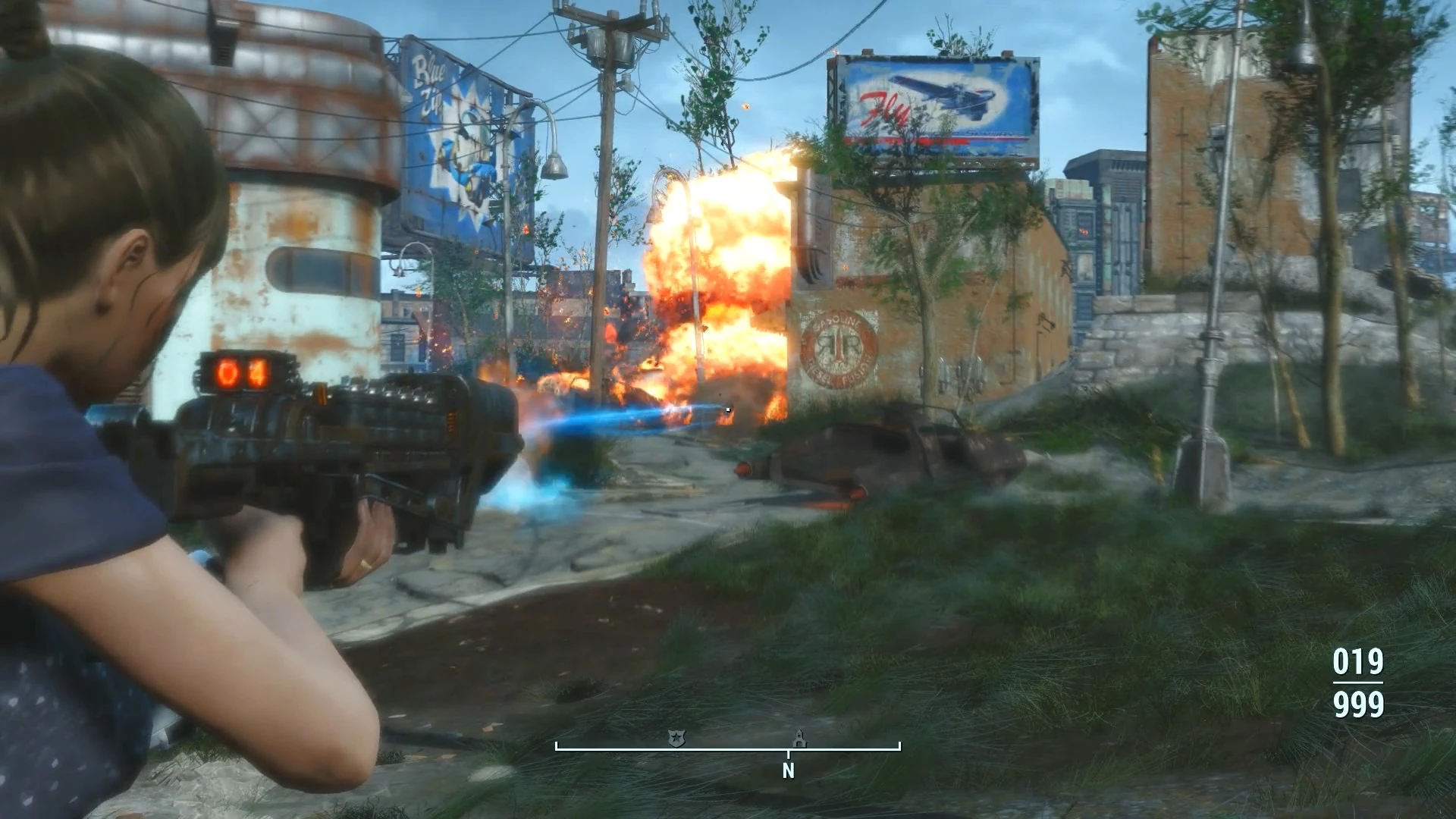
Want automatic Gauss, Blaster, Gamma, Fat man, Broadsider? Here you go...
DESCRIPTION
This mod will add automatic conversion mod to 5 Non-automatic weapons.
- Alien Blaster (and my Sonic Blaster variant)
- Broadsider
- Fat Man (and Big Boy, any legendary variant)
- Gamma Gun (and Lorenzo/Zeta, any legendary variant)
- Gauss Rifle (and any legendary variant)
---Notes---
Automatic Conversion mod for each weapon can be found in their 'Barrel' (Dish) category modification. The automatic conversion will change the weapon into automatic weapons with increased rate of fire (Bullshit of coz), reduced damage and some of the weapons are edited with their recoil value and ammo capacity as to provide a better automatic weapons experience (such as the Fat man, if i dont reduce its recoil, it will be impossible to shoot continuously with acceptable precision)- ---KNOWN ISSUE---
- The Weapons Stats is not accurate (some may even have negative range value)
- Automatic Broadsider cannot fire and have a weird weapon position when it's 1st person view & aiming
- Automatic Gauss Rifle cannot fire and have a weird weapon position when it's 1st person view & hip-fire
INSTALLATION
Install it with Nexus Mod Manager (NMM) OR place the esp file in Data\ and enable the esp After installing/enabling the file, you should be able to use them in the weapons workbench menu, Enjoy your new toys! MY MODS Settlement Objects Expansion Pack Craftable Institute Elevator[co
📊 Mod Details
- Game
- Fallout 4 Mods
- Author
- ccmads
- Version
- v1.0
- Downloads
- 2,295
- Endorsements
- 152
- Category
- Weapons
- Created
- 2/1/2016
- Updated
- 2/1/2016
🔧 How to Install Fallout 4 Mods
Download from Nexus.
📖 Full step-by-step install guide for Fallout 4 →
Visit the official mod page for specific installation instructions for this mod.
🎮 Need cheat codes or console commands? Check ur gaming wiki for Fallout 4 commands, item IDs, and more.
Keep browsing — more Fallout 4 mods await