Any Terminal at Any Height
⚪ Last updated 2017⚠️ Install Order · 2 steps
Install in this order, then this mod last — most mods fail to load without their framework and dependencies in place.
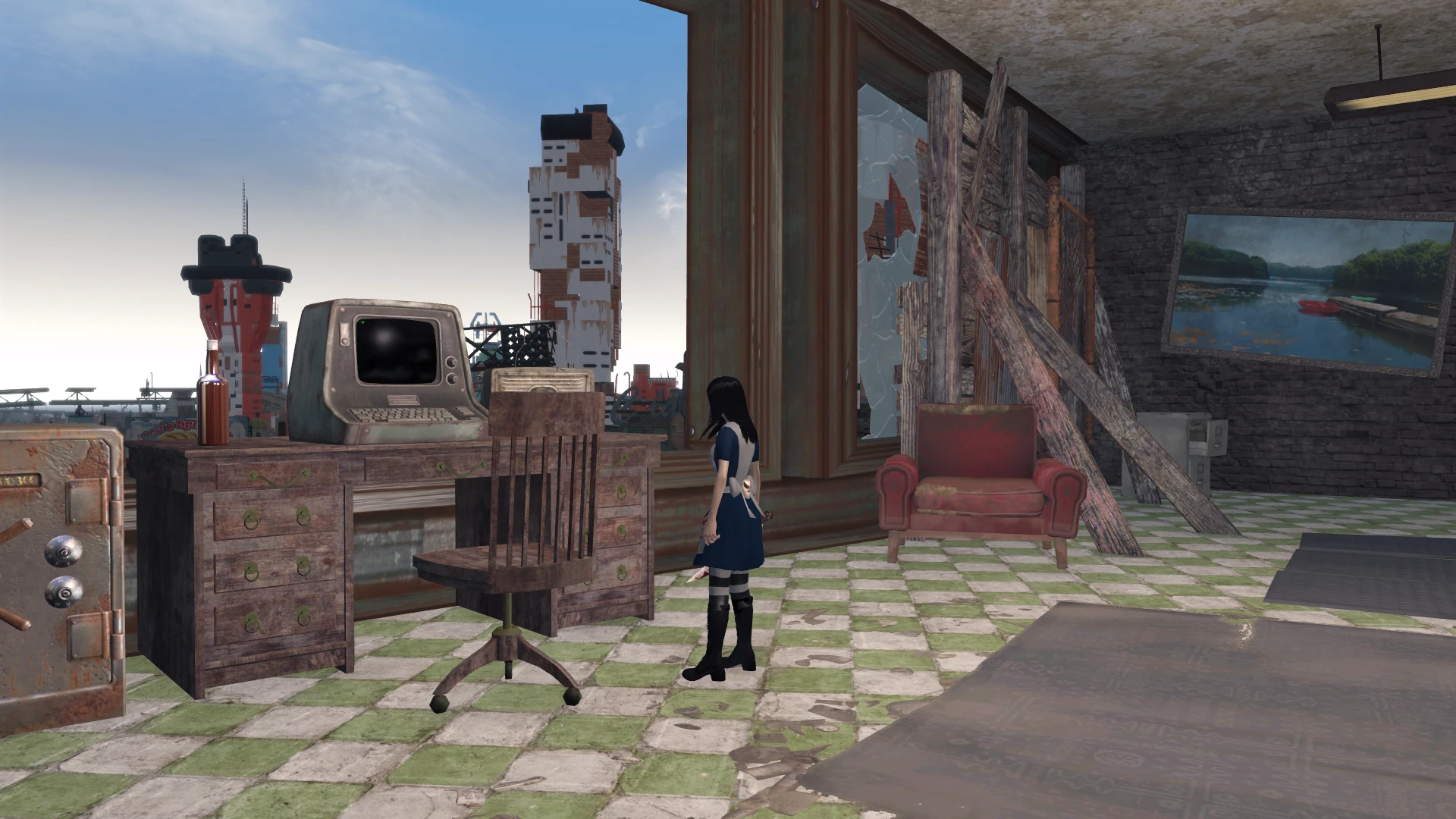
Preview
🔍 Analysis
- 👍 2.7% endorsement rate — high engagement, a strong quality signal
- 🏆 #41 of 59 Immersion mods in this game by downloads
📋 About This Mod
Any Terminal at Any Height
Description:
Ever wanted to play as someone taller than a super mutant or smaller than a child but found you cant see anything when you use a terminal? Well now you can with this mod. All terminals in the base game or in mods can be used properly no matter what height you are as long as you can get close enough to "Use" the terminal.
Features:
Walk up and use terminals no matter your height.
Craft cake and potion at the chem station to make you grow or shrink.
Craft resizing wand at chem station. Any NPC struck with it can be resized.
Items found in the "Imaginary tool" section of the chem lab.
Includes with permission "Universal Actor Scale Remover" by Abbalovesyou freeing up one of your mod slots.
Also available as an ESL file for people with no more mod slots left.
Compatibility:
Conflicts with Dave's Poses. Compatibility patch is in the optional files section.
This mod will conflict with any mod that adds or modifies the existing activator on terminals.
Known conflicting mods:
Remote Hacking
Force Lock And Quick Hack
A compatibility patch for these conflicts will be made when I can find the time.
Compatibility Patches:
ATaAH - Dave's Poses v2. 1 compatibility patch. Load after both Any_Terminal_at_Any_Height.esp/esl and DavesPoses.esp.
Known issues:
Collision mesh does not scale with body. This is tied to the model mesh of the character and cannot be changed without replacing character models. I am not making several hundred meshes for each player model and custom ones out there.
THANKS
A big thanks for scripts to:
shavkacagarikia: Link
A big thanks for letting me add "Universal Actor Scale Remover" to:
Abbalovesyou: Link
Please check their mods out.
Articles/Reviews
Article: The 75 Best Fallout 4 Mods To Improve Your Gaming Experience By Jon Lacelle on Digital Fox
Hypothetical F. A. Q.
Q. Can I combine this mod with my mod and release it to the public?
A. I would rather you didn’t. It took me time and effort to make but there’s technically no way for me to stop you. Course I might change my mind if you told me why it’s such a good idea.
Q. I found a bug! Fix it now!
A. Make a report in the bugs section and I will get to it ASAP. Please don’t spam the forum.
Q. Do you have any future plans for this mod?
A. Way to scale power armour. Fix gun sights not aligning up. Fix character speed issue when leaving terminals. Get rid of property "ATaAH_Novice_Override" bug.
Q. Is this available on other platforms?
Any Terminal at Any Height removes the height restriction for using terminals in Fallout 4, letting you interact with them regardless of your character's position. This quality-of-life tweak is ideal for players who find the default interaction limits frustrating, especially in cluttered environments. With 1,864 endorsements and 68,216 downloads, it's a proven fix that remains relevant despite its 2017 update.
✨ Key Features
📊 Pros & Cons
✅ Pros
- Community favorite with 1,864 endorsements and 68k downloads
- Removes a frustrating limitation without changing gameplay balance
- Lightweight and doesn't require extra dependencies
⚠️ Cons
- Last updated in 2017, so may not be tested with the latest Fallout 4 patches
- Only addresses terminal height, not other interaction quirks
For Fallout 4 players who hate when terminals are placed awkwardly high or low and you can't click them. If you're a settlement builder or explorer who's tired of crouching or jumping to use a terminal, this is a must-have. Skip if you're fine with vanilla interaction limits or want more comprehensive UI overhauls.
💡 Beginner Tips
- If you're using a mod manager like Vortex or NMM, just download and enable it; load order rarely matters for simple tweaks like this.
- For manual install, drop the .esp file into your Fallout 4 Data folder and make sure it's checked in your load order.
- Since it's an old mod, if you're on the latest game version and notice issues, try placing it near the top of your load order to avoid conflicts.
📊 Mod Details
- Game
- Fallout 4 Mods
- Author
- stonefisher
- Version
- 2.00
- Downloads
- 68,216
- Endorsements
- 1,864
- Category
- Immersion
- Created
- 7/3/2017
- Updated
- 11/10/2017
🧩 Commonly Used Together
Users add these mods to the same collections — a real compatibility signal, not an AI guess.
🔧 How to Install Fallout 4 Mods
Download from Nexus.
📖 Full step-by-step install guide for Fallout 4 →
Visit the official mod page for specific installation instructions for this mod.
🎮 Need cheat codes or console commands? Check ur gaming wiki for Fallout 4 commands, item IDs, and more.
Keep browsing — more Fallout 4 mods await