1280x1024 Resoultion Fixes UPDATED 2016
⚪ Last updated 2016⚠️ Install Order · 2 steps
Install in this order, then this mod last — most mods fail to load without their framework and dependencies in place.
Preview
🔍 Analysis
- 👍 2.6% endorsement rate — high engagement, a strong quality signal
- 🏆 #15 of 82 User Interface mods in this game by downloads
📋 About This Mod
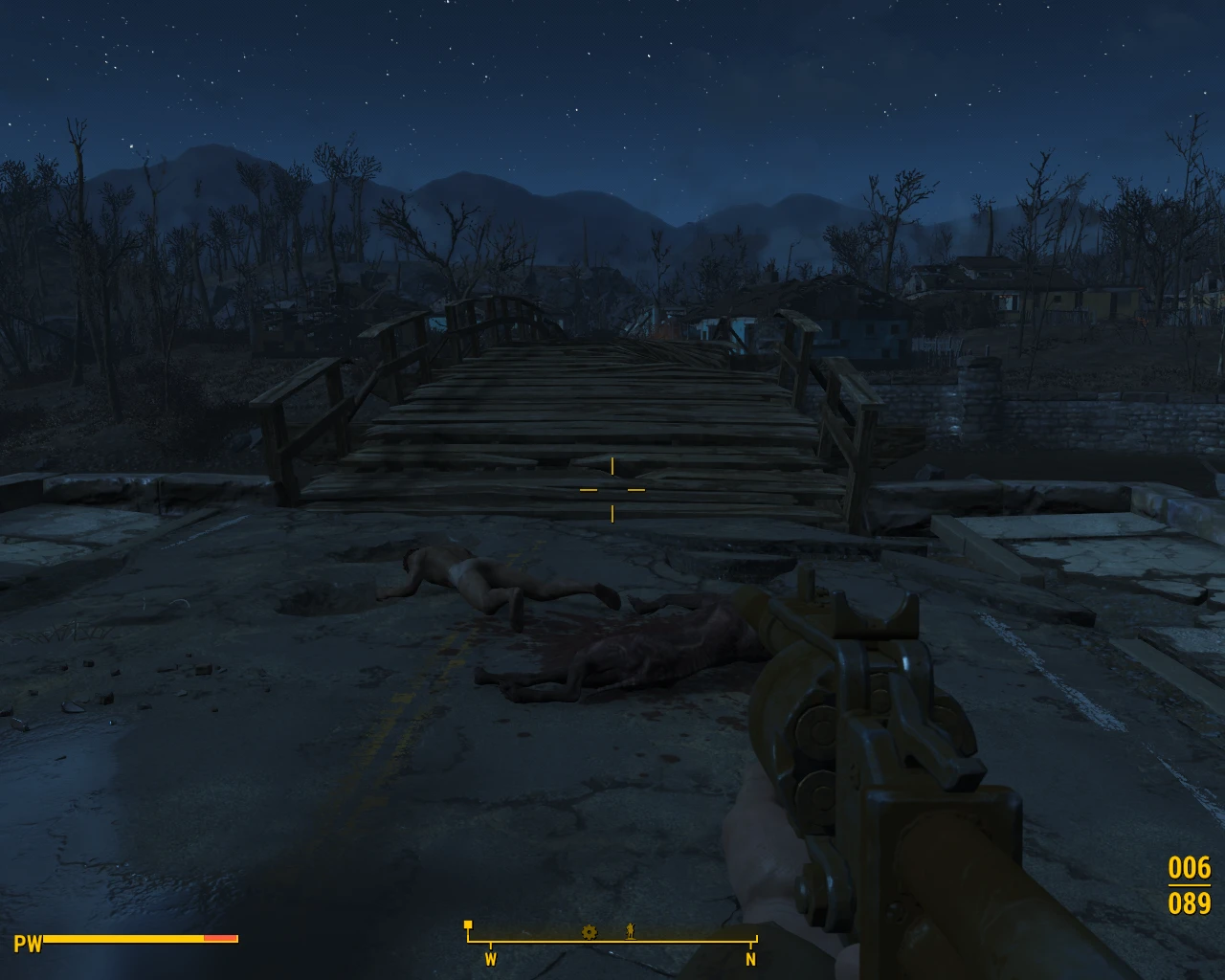
UPDATED FOR THE NEWEST GAME VERSION. ALSO GOT SCOPES TO WORK. Fallout 4 5:4 (1280x1024) aspect ratio fix
INSTALLATION 1. Copy Data folder contents into your Fallout 4 Data directory 2. Edit My Documents\My games\Fallout 4\Fallout4.ini - Find "sResourceDataDirsFinal=STRINGS\," - Change it to: "sResourceDataDirsFinal=STRINGS\, INTERFACE\" under section add: -"fLockPositionY=100. 0000" -"fUIPowerArmorGeometry_TranslateZ=-18. 5000" -"fUIPowerArmorGeometry_TranslateY=460. 0000" 3. Start your game and enjoy mostly fixed HUD (Main menu is off still, but the rest should be fine)
Not fixed for now: UI background Some minor stuff
Have a nice day!
A compact UI fix for Skyrim that corrects screen stretching on 5:4 monitors like 1280x1024. With nearly 3,000 endorsements and 114k downloads, it's a proven solution for players with older displays. Last updated in 2016, so it targets the original Skyrim, not Special Edition.
✨ Key Features
📊 Pros & Cons
✅ Pros
- Community-approved fix with nearly 3,000 endorsements—clearly works for many players
- Over 114k downloads shows it's a go-to solution for 5:4 monitor users
- Lightweight and focused: does exactly one thing without extra bloat
⚠️ Cons
- Last updated in 2016—likely incompatible with Skyrim Special Edition or Anniversary Edition
- Only addresses 5:4 aspect ratio; if you have a different resolution, this won't help
For Skyrim players stuck with 1280x1024 monitors who want to eliminate stretched UI elements. Also for modders who need a quick fix for older hardware. Skip if you're on a widescreen or using Skyrim SE—this is for the original game only.
💡 Beginner Tips
- Make sure you're playing the original Skyrim (Legendary Edition), not Special Edition—this mod predates SE and won't work there.
- If you're using a mod manager like Nexus Mod Manager or Vortex, you can install this manually by dropping the files into your Data folder, but a mod manager makes uninstalling easier.
- Test the fix in-game by checking the main menu and inventory screens—stretching should be gone at 1280x1024.
📊 Mod Details
- Game
- Fallout 4 Mods
- Author
- Koloses
- Version
- 1.0
- Downloads
- 114,634
- Endorsements
- 2,982
- Category
- User Interface
- Created
- 11/11/2015
- Updated
- 8/12/2016
🔧 How to Install Fallout 4 Mods
Download from Nexus.
📖 Full step-by-step install guide for Fallout 4 →
Visit the official mod page for specific installation instructions for this mod.
🎮 Need cheat codes or console commands? Check ur gaming wiki for Fallout 4 commands, item IDs, and more.
Keep browsing — more Fallout 4 mods await