Improved Sound for The Laser Pistol
⚪ Last updated 2018⚠️ Install Order · 2 steps
Install in this order, then this mod last — most mods fail to load without their framework and dependencies in place.
Preview
🔍 Analysis
- 👍 6.2% endorsement rate — high engagement, a strong quality signal
- 🏆 #12 of 82 Sounds and Music mods in this game by downloads
📋 About This Mod
Simply replaces the firing sound for the Laser Pistol for different one. The old one seemed kind of weak, and had a kind of "squishy" sound in VATS. This one is balanced and world friendly, while still providing a satisfying shot. Includes
- Improved Sound for The Laser Pistol -
=========================================
0. Recommendations
1. Description
2. Compatibility / Known issues
3. Installation / Uninstallation
4. Revisions
6. Disclaimer
=========================================
0. Recommendations
=========================================
If you like this mod check out my other audio mods:
- Improved Sound for The Laser Rifle -
https://www.nexusmods.com/fallout3/mods/23247
- Enhanced Thunder for Enhanced Weather - Rain and Snow & Dynamic Weather-
https://www.nexusmods.com/fallout3/mods/23225
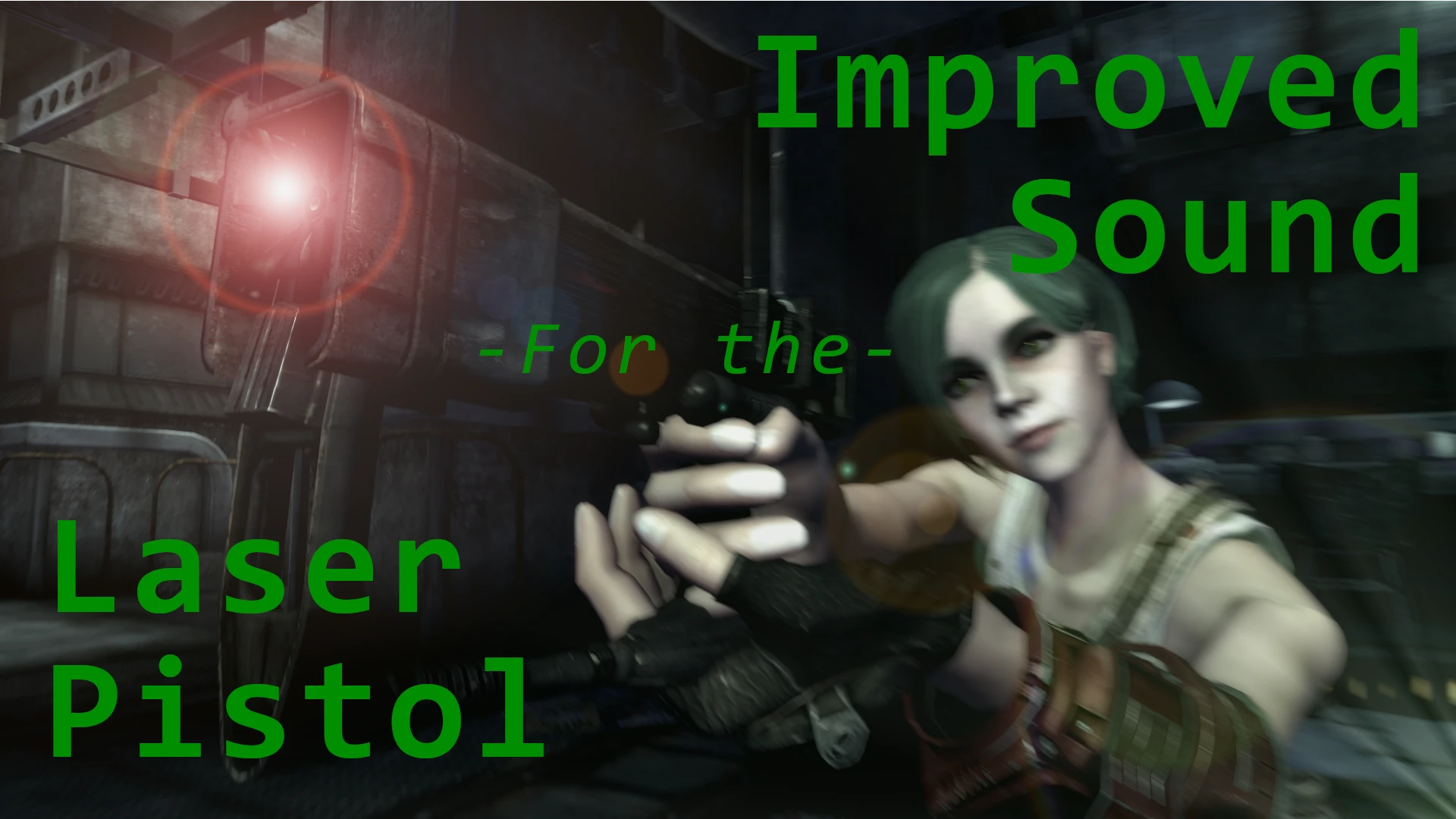
Also, I have to recommend the mod for the texture for the Laser Pistol displayed in the photo made by ChristopherWallace:
- Hi-Res Laser Pistol Retexture -
https://www.nexusmods.com/fallout3/mods/21156
1. Description
=========================================
Improved Sound for The Laser Pistol is a audio sample to replace the stock Laser Pistol firing sound. It does not effect the reload or jam sounds. It should replace the sound for any uniques that follow the same file path.
Includes both 2d and 3d versions NOTE: YOU NEED BOTH. The difference is that 2d is stereo, and is what you as the player hear. The 3d audio is mono and allows the game to "position" it stereo-dynamically to where the sound is coming from, as in the instance of an NPC firing, i.e. some dude to your left is firing, so the audio clip needs to be mono in order for the engine to position the sound to the left channel.
The sound is comprised of three audio samples edited and mixed together to create a sound that is plausible and world-friendly.
2. Compatibility / Known issues
=========================================
No known issues at this time.
3. Installation / Uninstallation
=========================================
Installation:
Drag and drop "Data" into your Fallout 3 "Data" folder to merge.
Uninstallation:
Delete the file.
4. Revisions
=========================================
=========================================
The Freesound guys:
roboroo - https://freesound.org/people/roboroo/sounds/436791/
junggle - https://freesound.org/people/junggle/sounds/28917/
nioczkus - https://freesound.org/people/nioczkus/sounds/388208/
Audacity audio workshop
Fallout 3 Devs and Bethesda (Hallowed be thy Howard, may we all buy the 99th version of Skyrim)
skingrad24 (I copied his description format.)
6. Disclaimer
=========================================
Nothing to say here other than if it isn't working for you leave a comment. Most "bugs" that I've fo
📊 Mod Details
- Game
- Fallout 3 Mods
- Author
- fullveganalchemist
- Version
- 1.1
- Downloads
- 741
- Endorsements
- 46
- Category
- Sounds and Music
- Created
- 9/16/2018
- Updated
- 9/16/2018
🔧 How to Install Fallout 3 Mods
Download from Nexus.
📖 Full step-by-step install guide for Fallout 3 →
Visit the official mod page for specific installation instructions for this mod.
🎮 Need cheat codes or console commands? Check ur gaming wiki for Fallout 3 commands, item IDs, and more.
Keep browsing — more Fallout 3 mods await